1
CONSUMER DIRECTION MODULE: MASTER USER MANUAL
Viewing a Report
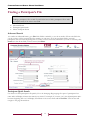
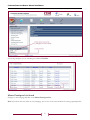
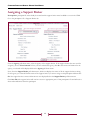
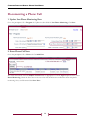
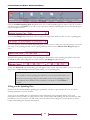
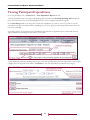
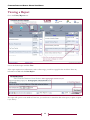
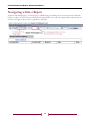
Go to the Forms/Reports area.
Locate the desired report and click View.
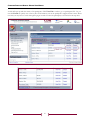
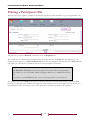
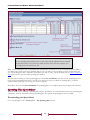
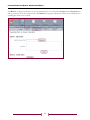
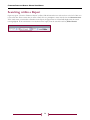
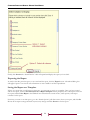
If the report requires more information, such as a date range, you will see a page like the one below. Enter any
information needed and click Run Report.
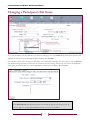
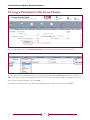
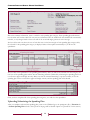
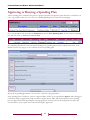
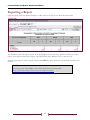
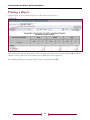
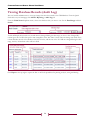
The report will open in a new window. From here, you can browse or search the data in the report, or print or export
it (see below).
46