1
CONSUMER DIRECTION MODULE: MASTER USER MANUAL
Monitoring and Oversight Tools
Viewing and Printing an Assessment
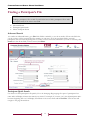
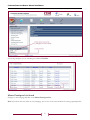
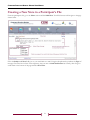
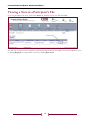
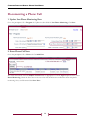
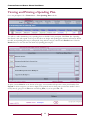
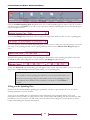
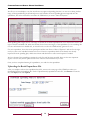
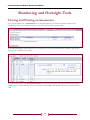
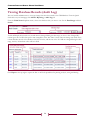
Go to the participant’s file > Assessments tab. A table will display any previous assessments created for this
participant. Locate the assessment you want to view, then click on that assessment’s date.
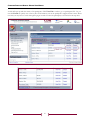
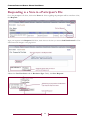
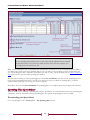
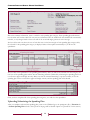
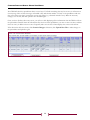
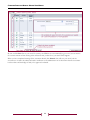
The window will display the assessment. To view the details of any of the recorded ADLs or IADLs, click the plus
sign in the first column of those tables.
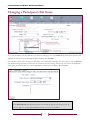
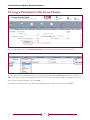
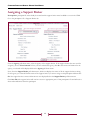
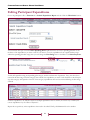
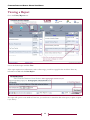
To print the assessment, click View Printable Copy at the bottom of the page. The page will refresh with a printfriendly version of the assessment. Scroll to the bottom and click Print. The print dialog box for your browser will
open.
45