1
Graphical User Interface (GUI)
Bruker Daltonik GmbH
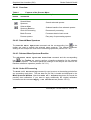
2.4.6 Annotation Menu
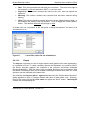
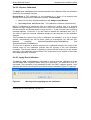
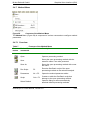
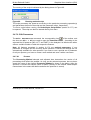
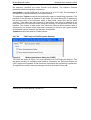
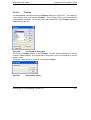
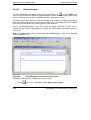
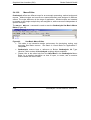
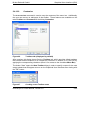
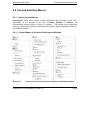
Figure 52
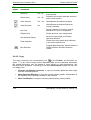
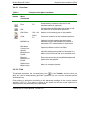
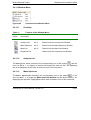
Content of the Annotation Menu
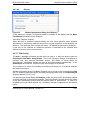
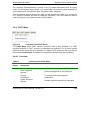
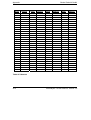
The Annotation Menu (Figure 52) is composed of various commands that allow you to
attach specific annotations to mass spectra, to modify these annotations and to remove
them again if you do not want them to be saved with the respective mass spectrum.
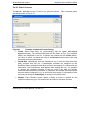
2.4.6.1 Overview
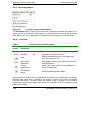
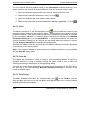
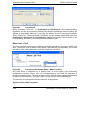
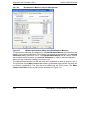
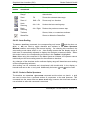
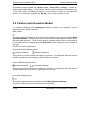
Table 6
Feature
button
Features of the Annotation Menu
Method Menu
commands
Shortcut
Description
Annotate
Alt
Activates the Annotation mode.
Clear
Deletes all annotations from the display and
from the Sequence List.
Show mass
differences
Hide/display mass errors relative to theoretical
mass differences
Preview
Assignments
Spider web mode: screen for all possible next
peaks automatically
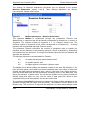
Edit Building
Blocks
Opens the Building Block Editor
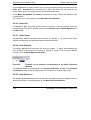
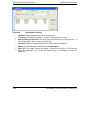
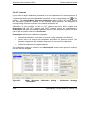
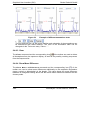
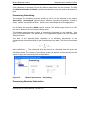
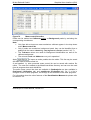
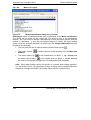
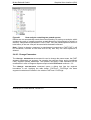
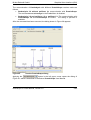
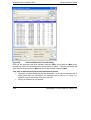
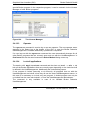
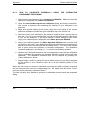
An annotation is attached to one (single-point annotation) or two (difference annotation)
selected data points and is defined by its position in terms of the data coordinates
(intensity and mass). Therefore, when the display range is changed, an annotation
moves along with its associated mass spectrum. Annotations can be attached to any
peak of the peaklist.
2-44
flexAnalysis 3.0 User Manual, Version 3.0