1
Graphical User Interface (GUI)
Bruker Daltonik GmbH
2.4.1.2 Open
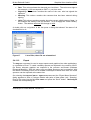
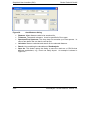
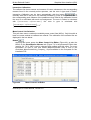
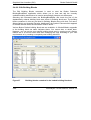
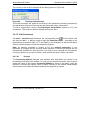
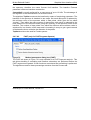
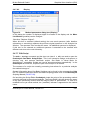
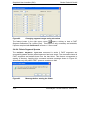
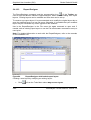
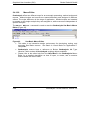
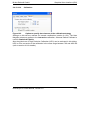
The Open command opens the Spectrum Browser dialog that allows selecting and
loading spectra depending on several filter criteria (it is not necessary to select the fid
file to load a spectrum).
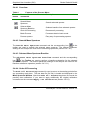
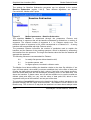
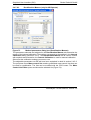
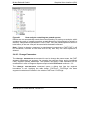
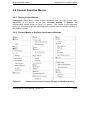
Figure 12
Spectrum Browser
• Browse: Select the folder from the hard drive with the data of interest.
• Root: Shows the selected path and folder.
• Filter Spectra: Select checkboxes to filter the data type you want to open. A
tree structure on the left side of Figure 12 appears, if the data structures
correspond to the flexControl saving convention. If the saving convention is not
applied select the checkbox “Unknown” to let the data appear.
• From – To: Time filter to search for spectra.
• Spectrum Properties: Shows the properties of a selected spectrum.
2-6
flexAnalysis 3.0 User Manual, Version 3.0