1
Graphical User Interface (GUI)
Bruker Daltonik GmbH
2.4.6.6 Edit Building Blocks
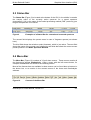
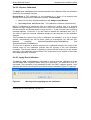
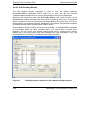
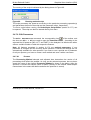
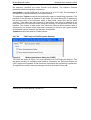
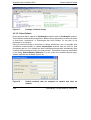
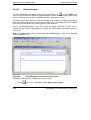
The Edit Building Blocks command is used to start the Bruker Daltonics
BuildingBlockEditor application which allows you to view and edit the currently
available building block sets to be used to automatically interpret m/z differences.
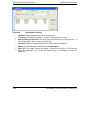
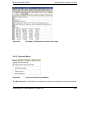
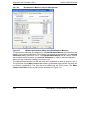
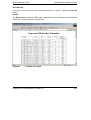
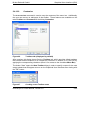
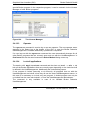
Selecting this command starts the BuildingBlockEditor and loads the first of the
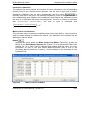
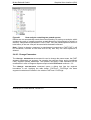
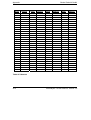
alphabetically ordered building block sets shown in Building block sets. The building
blocks contained in this set are listed in Building Blocks along with their Full name,
Abbrev(iation) and chemical Formula. Additionally, the Symbol is shown which appears
in the data window when the Annotation mode is active.
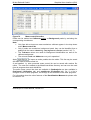
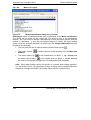
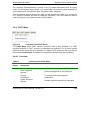
Various Bruker Default building block sets are available. A <BrukerDefault> appendix
to the building block set name indicates these. You cannot alter or delete them.
However, you can set up user specific building block sets by copying such a Bruker
Default set to a new file name and then modifying the copy according to your own
requirements or by creating a completely new building block set
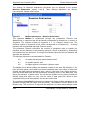
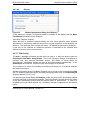
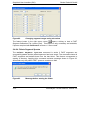
Figure 57
2-48
Building blocks contained in the loaded building block set
flexAnalysis 3.0 User Manual, Version 3.0