1
Chapter 14
IPX Problems
Overview
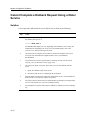
Introduction
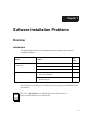
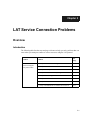
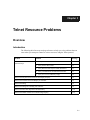
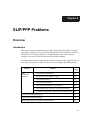
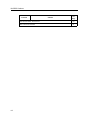
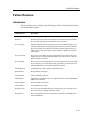
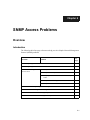
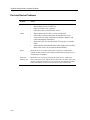
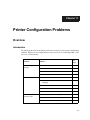
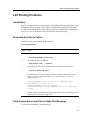
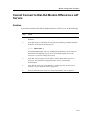
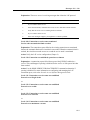
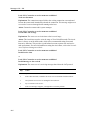
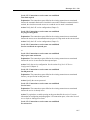
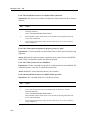
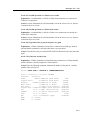
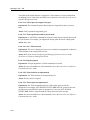
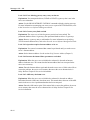
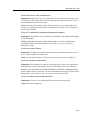
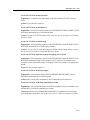
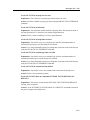
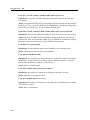
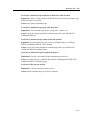
The following table lists steps and page references to help you solve problems that can
occur when using the IPX protocol on the access server.
Problem
Solution
See
Page
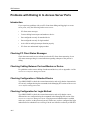
Problems with
Dialing In to Access
Server Ports
1. Checking PC Client Status Messages
14-2
2. Checking Cabling Between Port and Modem or Device
14-2
3. Checking Configuration of Attached Device
14-2
4. Checking Configuration for Login Method
14-2
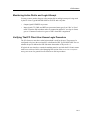
5. Monitoring Active Dial-In and Login Attempt
14-3
6. Verifying That PC Client User Knows Login Procedure
14-3
Problems With PPP/IPX Negotiations on the Access Server Port
14-4
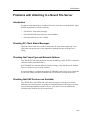
Problems with
Attaching to a Novell
File Server
1. Checking PC Client Status Messages
14-2
2. Checking the Frame Type and Network Address
14-5
3. Checking that SAP Services are Available
14-5
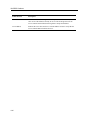
Problems with Relatively Slow File Transfer
14-6
14-1