1
SLIP/PPP Problems
PPP Connection Problems
Introduction
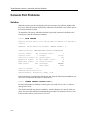
PPP connection problems can be traced to incomplete PPP negotiations between peers or
to network traffic not being passed. The following sections discuss some symptoms and
possible solutions.
Attempts to Use Multiple Sessions on a Port
You can establish only one datalink session (either SLIP or PPP) on a port at a given time.
If you have a session established, another session is not permitted. In addition, SLIP and
PPP use the same IP address for a port. This address can be cleared only when it is not in
use by another datalink session.
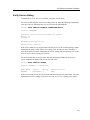
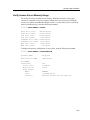
Verify Access Server Memory Usage
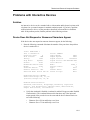
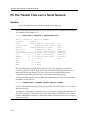
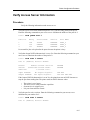
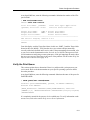
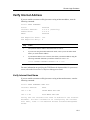
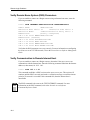
If you experience connection problems using the PPP protocol, verify access server
memory usage.
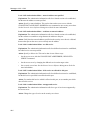
PPP LCP Connections Fail
Check the following:
•
Verify that a normal interactive login can be done using the same modems and a
terminal emulator running on the client.
•
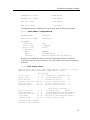
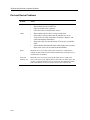
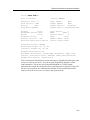
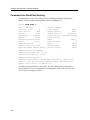
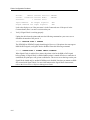
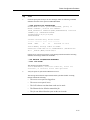
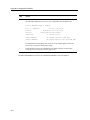
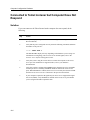
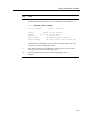
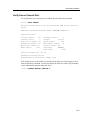
LCP must be in the OPEN state. To determine the state, enter the SHOW PORT LCP
STATUS command and check the State field.
•
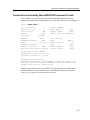
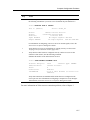
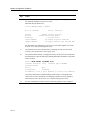
The port characteristic LCP must be enabled on the port. To determine if LCP is
enabled, enter the SHOW PORT LCP CHARACTERISTICS command and check the
LCP field.
•
With LCP Passive Open enabled for a port, the access server never initiates LCP
negotiations. The host device must initiate negotiations. Consider setting LCP Passive
Open to DISABLED.
4-11