1
Modem Configuration Problems
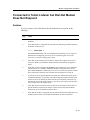
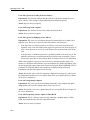
Dial-In Modem Does Not Answer the Telephone
Solution
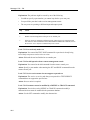
If the dial-in modem does not answer the phone, follow the dial-in user and access server
manager procedures.
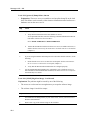
Dial-In User Procedure
Dial-in user should do the following:
Step
Action
1
Verify that the dial-in telephone number is correct.
2
Connect a telephone to the telephone line port on the modem (if provided) and put
the modem into Talk mode (usually by pushing a button). Listen for a dial tone. If
you do not hear a dial tone, your modem is not connected correctly. Refer to your
modem documentation.
3
If you hear a dial tone, dial the telephone number directly. A successful modem
connection will result in a loud, continuous, high-pitched tone after a few rings. If
you hear a busy signal, the modem is in use. If someone answers, you have the
wrong number. If there is no answer, contact the person responsible for the dial-in
modem port.
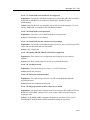
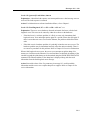
Access Server Manager Procedure
Access server manager should do the following:
Step
Action
1
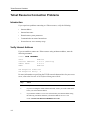
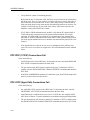
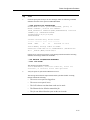
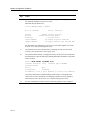
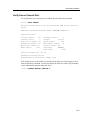
If the dial-in modem does not answer, verify that the port is configured correctly.
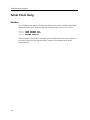
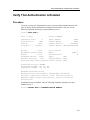
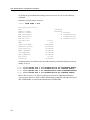
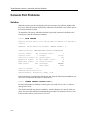
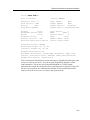
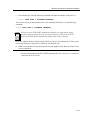
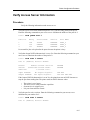
Enter the following command. Substitute the number of the dial-in modem port for 1:
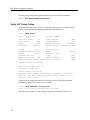
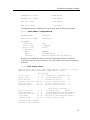
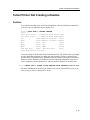
Local> SHOW PORT 1
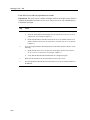
The SHOW PORT display will vary depending on the hardware you are using. For
information on configuring your access server for modem signals, refer to the
Network Access Software Management Guide.
2
Verify that you are using the correct cables to connect the modem to the access
server port. For information on supported cables, refer to your hardware
documentation.
13-3