1
System Admin Programming
3-193
Chapter 3: System Features
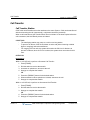
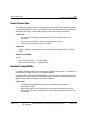
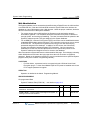
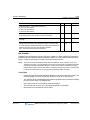
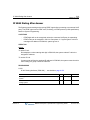
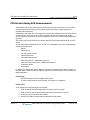
Web Administration
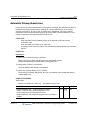
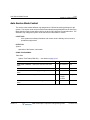
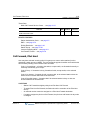
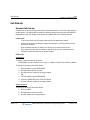
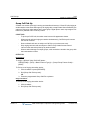
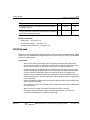
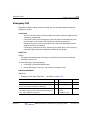
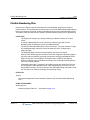
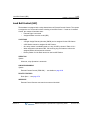
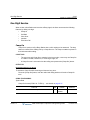
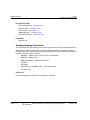
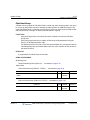
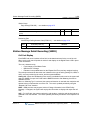
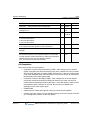
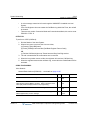
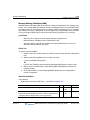
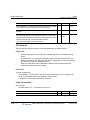
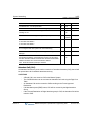
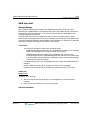
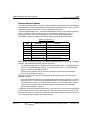
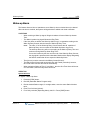
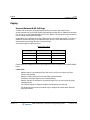
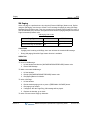
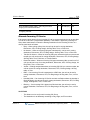
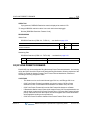
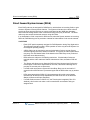
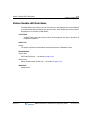
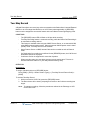
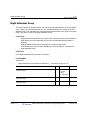
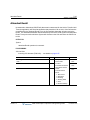
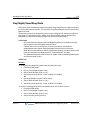
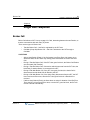
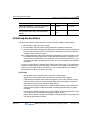
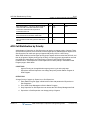
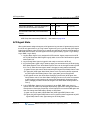
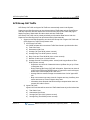
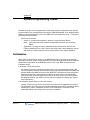
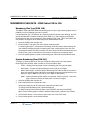
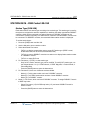
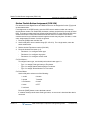
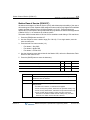
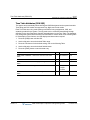
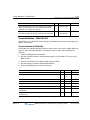
The System database can be accessed and modified using a Digital Phone, the LAN interface
or an ISDN PRI line. Both the LAN and ISDN access the System Web server delivers the
database as a set of Web pages to the a Web browser. Under the proper conditions, both also
allow for remote access to the System database.
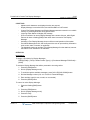
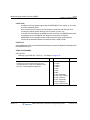
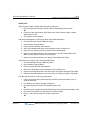
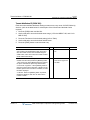
•
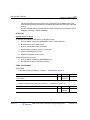
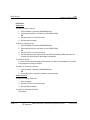
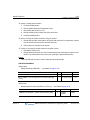
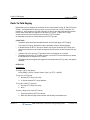
For remote access with a LAN interface, the System must be assigned a remotely
accessible IP address. The IP address should be fixed either as a public IP address or
through a NAPT server with port forwarding. The User’s browser should be pointed to the
System IP address and the TCP port assigned in the System database.
•
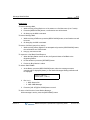
For an ISDN PRI, a Point-to-Point Protocol (PPP) connection can be established between
a standard ISDN modem and the PRI board. The connection can be set-up over a normal
or DID PRI line. The System will negotiate access using 2 User IDs and matching
passwords assigned in the database. In addition, for DID access, the Called Party
number must match the assigned System PPP destination. Once a connection is
established over the PRI, the User Web browser can be opened and pointed to the
System IP address and assigned a Port for access to the database.
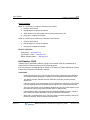
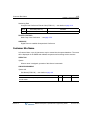
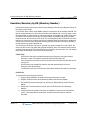
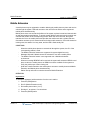
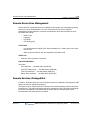
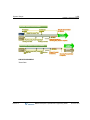
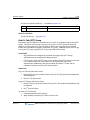
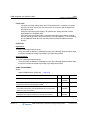
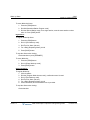
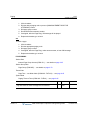
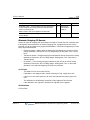
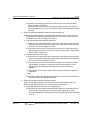
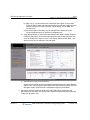
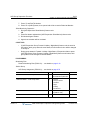
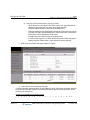
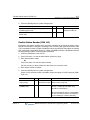
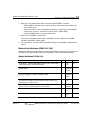
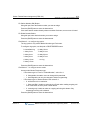
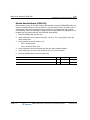
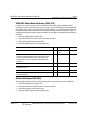
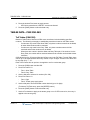
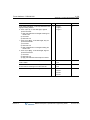
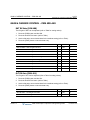
When accessed, the System will return the Administration Web page. From this page, selecting
Admin & Maintenance will return the login page where the user must enter a registered
password. Based on the password entered, the user is permitted access to specified System
program codes (refer to Admin. Programming Manual).
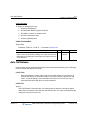
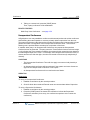
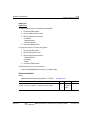
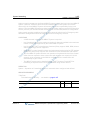
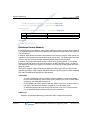
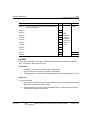
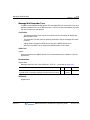
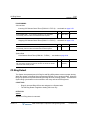
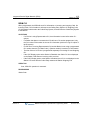
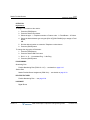
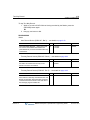
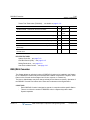
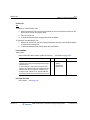
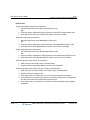
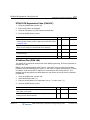
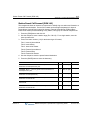
CONDITIONS
-
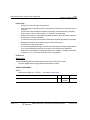
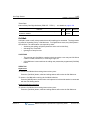
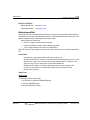
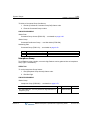
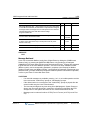
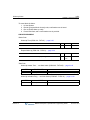
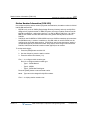
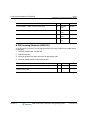
For Web Admin., a password can be encrypted using the LG-Nortel Java Virtual
Encryption plug-in. A Java Virtual Machine (MS or Sun) must be installed on the User
PC to support password encryption.
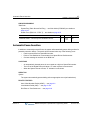
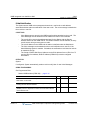
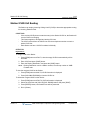
OPERATION
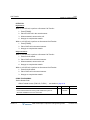
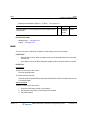
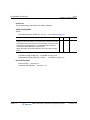
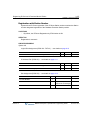
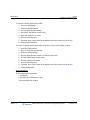
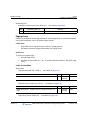
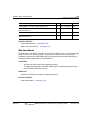
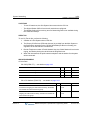
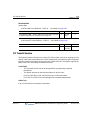
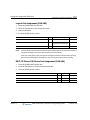
Operation is detailed in the Admin. Programming Manual.
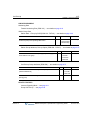
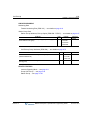
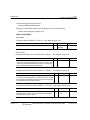
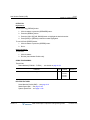
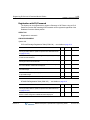
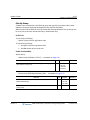
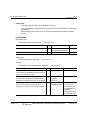
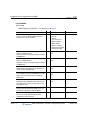
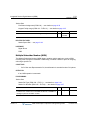
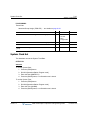
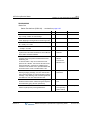
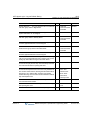
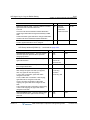
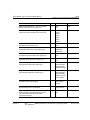
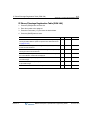
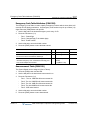
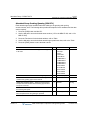
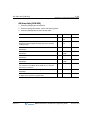
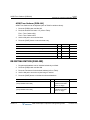
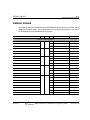
ADMIN PROGRAMMING
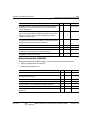
Pre-programmed Data
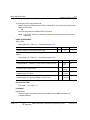
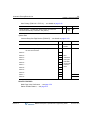
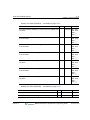
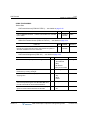
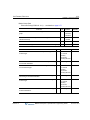
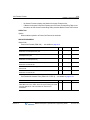
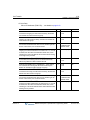
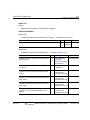
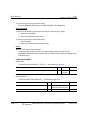
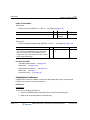
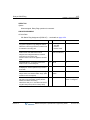
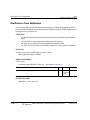
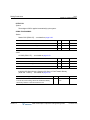
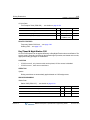
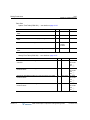
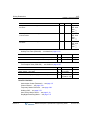
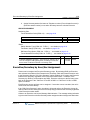
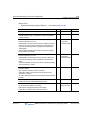
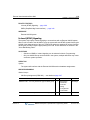
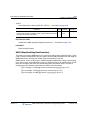
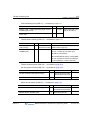
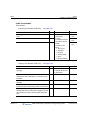
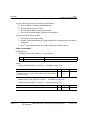
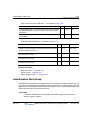
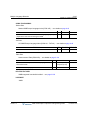
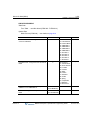
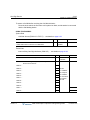
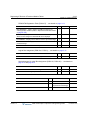
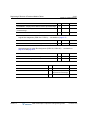
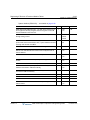
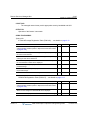
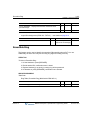
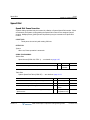
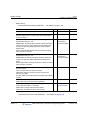
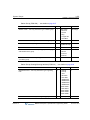
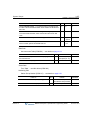
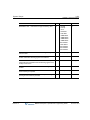
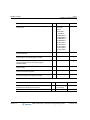
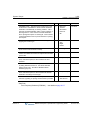
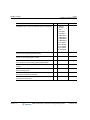
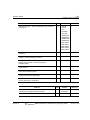
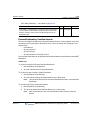
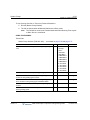
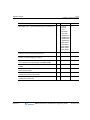
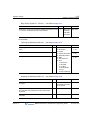
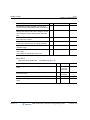
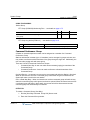
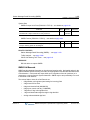
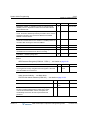
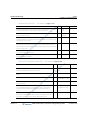
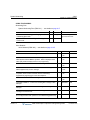
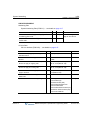
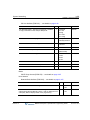
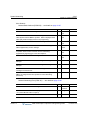
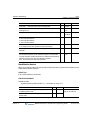
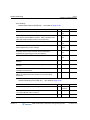
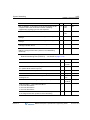
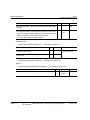
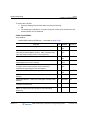
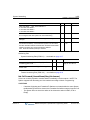
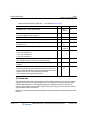
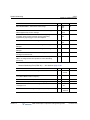
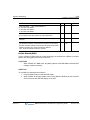
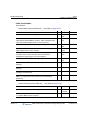
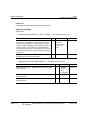
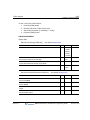
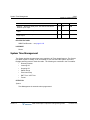
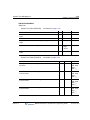
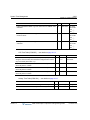
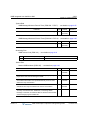
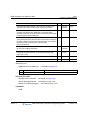
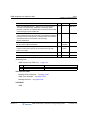
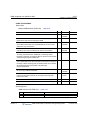
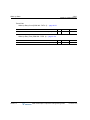
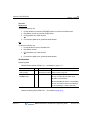
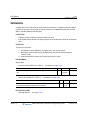
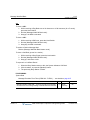
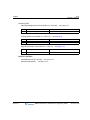
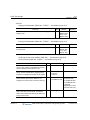
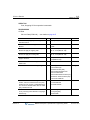
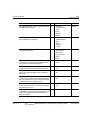
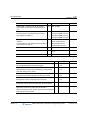
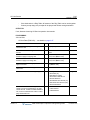
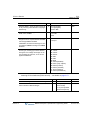
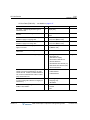
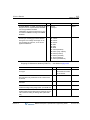
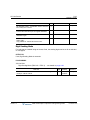
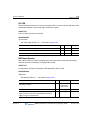
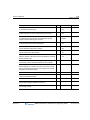
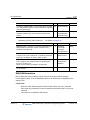
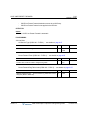
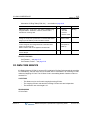
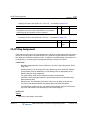
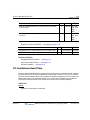
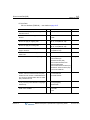
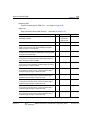
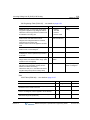
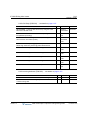
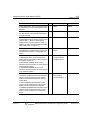
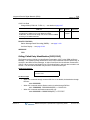
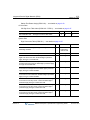
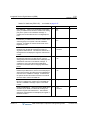
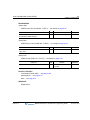
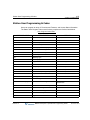
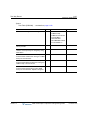
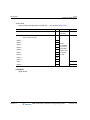
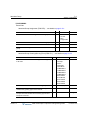
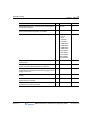
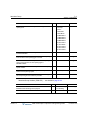
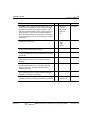
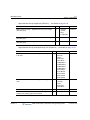
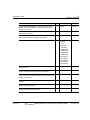
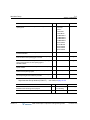
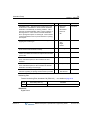
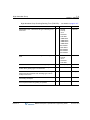
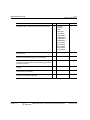
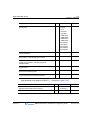
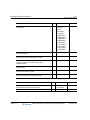
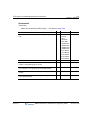
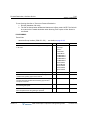
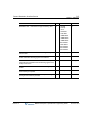
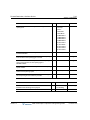
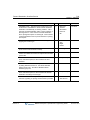
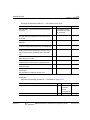
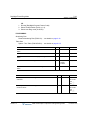
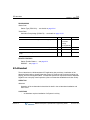
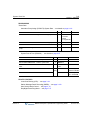
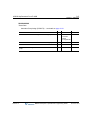
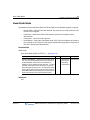
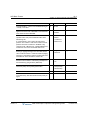
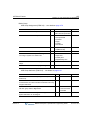
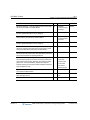
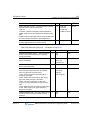
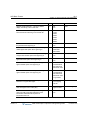
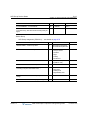
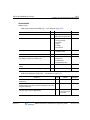
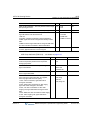
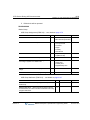
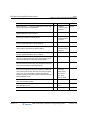
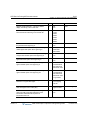
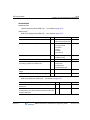
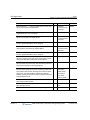
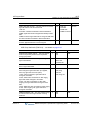
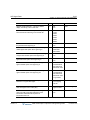
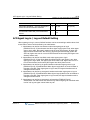
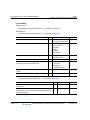
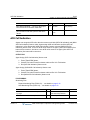
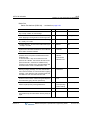
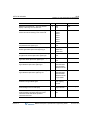
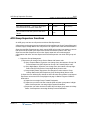
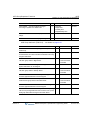
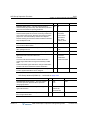
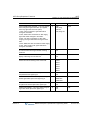
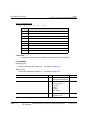
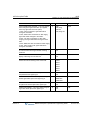
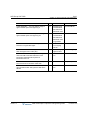
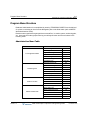
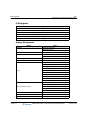
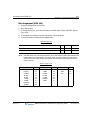
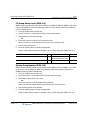
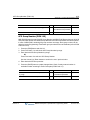
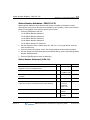
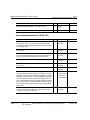
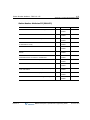
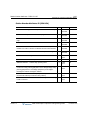
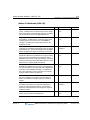
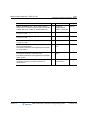
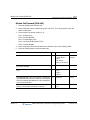
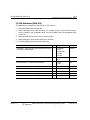
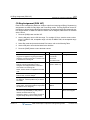
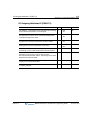
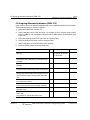
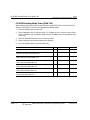
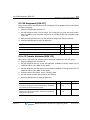
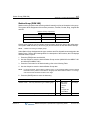
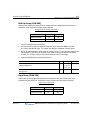
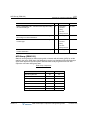
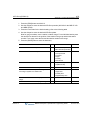
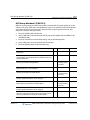
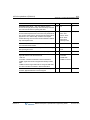
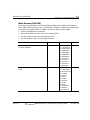
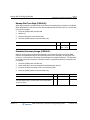
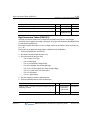
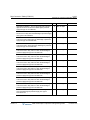
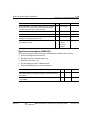
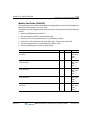
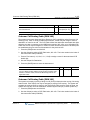
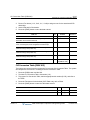
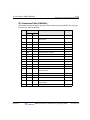
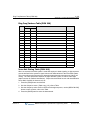
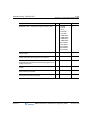
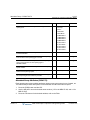
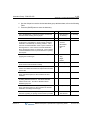
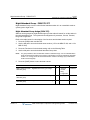
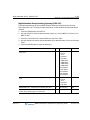
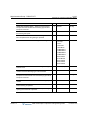
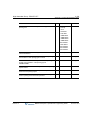
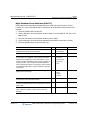
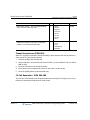
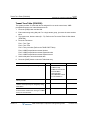
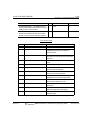
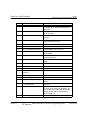
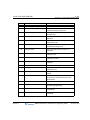
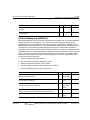
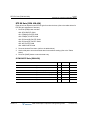
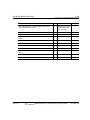
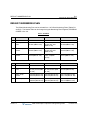
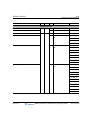
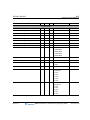
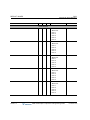
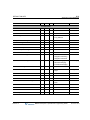
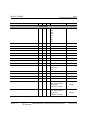
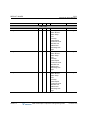
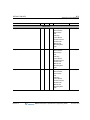
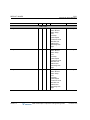
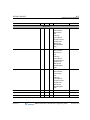
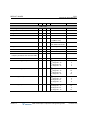
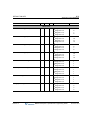
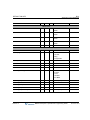
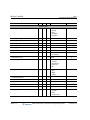
System IP Address Plan (PGM 108) … see details on page A-14
PGM 108
Release 1.0
BTN
RANGE
IP ADDR -- Public IP Address required for remote user and
Web-admin. IPv4 format.
1
-
10.10.10..1
SUBNET MASK -- Used to register a Phonatge to the System, by
entering its User ID and Password.
2
-
255.255.0.0
MBX IP Description / Operations & Programming Guide
REMARK
November 2010