1
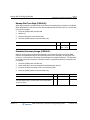
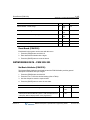
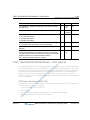
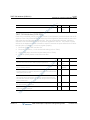
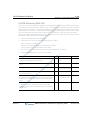
Speed Dial
3-143
Chapter 3: System Features
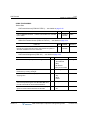
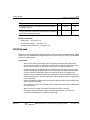
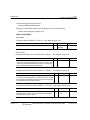
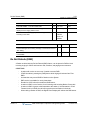
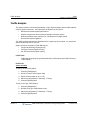
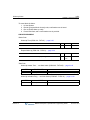
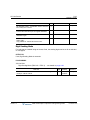
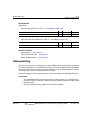
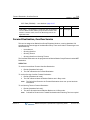
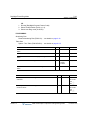
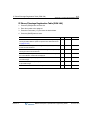
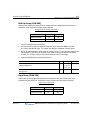
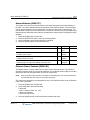
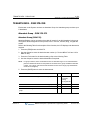
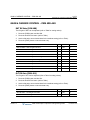
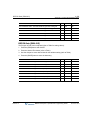
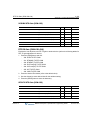
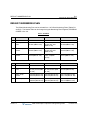
RELATED FEATURES
Station Speed Dial … see page 3-143
System Speed Dial … see page 3-146
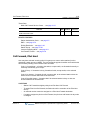
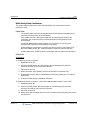
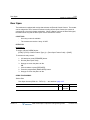
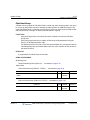
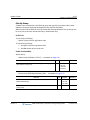
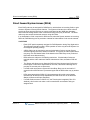
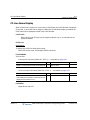
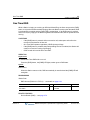
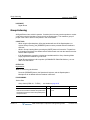
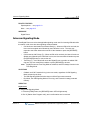
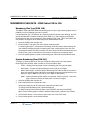
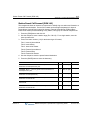
Station Speed Dial
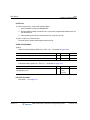
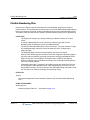
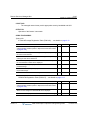
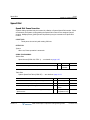
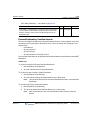
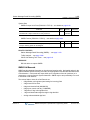
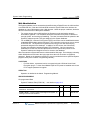
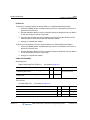
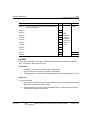
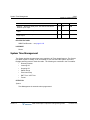
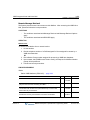
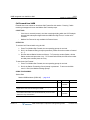
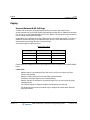
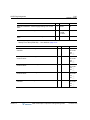
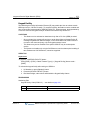
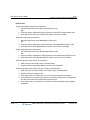
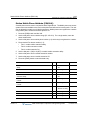
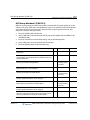
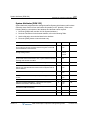
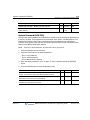
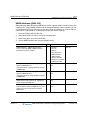
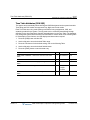
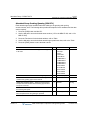
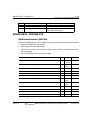
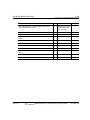
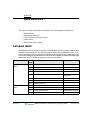
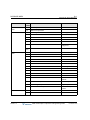
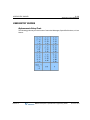
Each User can store commonly dialed numbers for easy access using Station Speed Dial bins.
Each Station has access to 50 Speed Dial numbers. Each Speed Dial number can be up to 24
digits in length and may include special instruction codes.
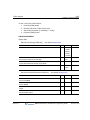
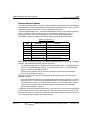
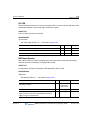
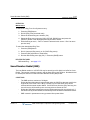
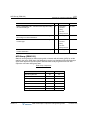
Special instruction codes are:
•
Flash as 1st digit: Activates dial tone detect.
•
Pause [CALLBACK]: Inserts a pause dialing command.
•
* not 1st digit: Switches from Pulse to DTMF dialing.
Digital Phone users may assign a Flex button for One-Touch access to a specific Speed Dial
bin.
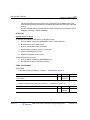
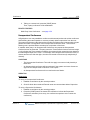
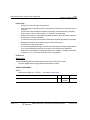
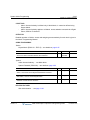
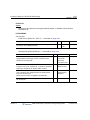
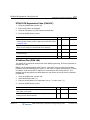
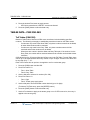
CONDITIONS
-
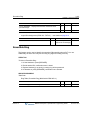
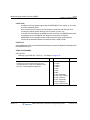
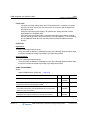
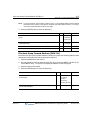
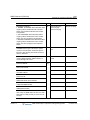
Accessing an empty Speed Dial bin will return an error tone.
-
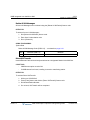
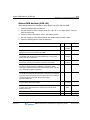
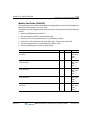
Speed Dial numbers can reference a specific CO/IP Group entered by the user. If the
assigned line is busy, a line from the same group will be selected. If all lines in the
group are busy, the user may queue for the next available line.
-
All Speed Dial numbers are stored in protected memory in case of power loss.
-
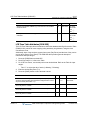
A name can be entered for a Speed Dial number to permit access from the
Dial-by-Name directory.
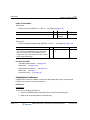
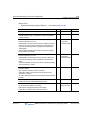
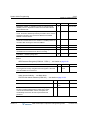
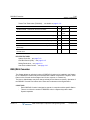
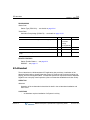
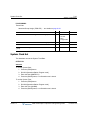
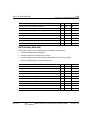
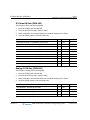
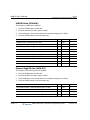
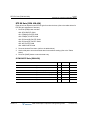
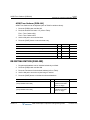
OPERATION
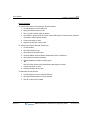
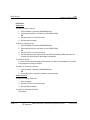
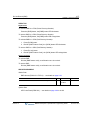
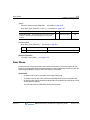
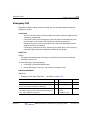
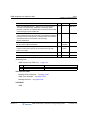
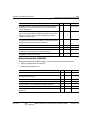
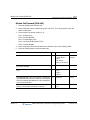
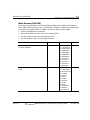
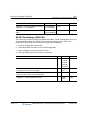
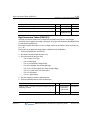
Digital Phone
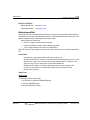
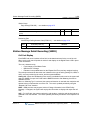
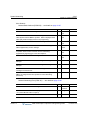
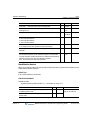
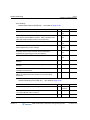
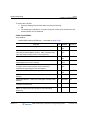
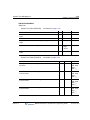
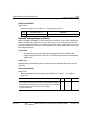
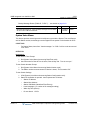
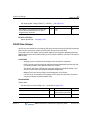
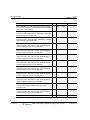
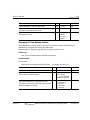
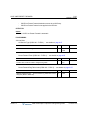
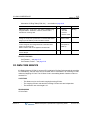
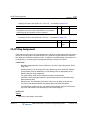
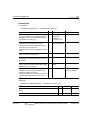
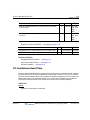
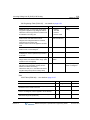
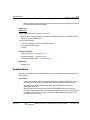
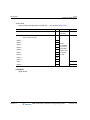
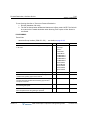
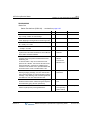
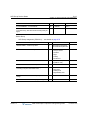
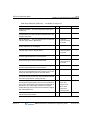
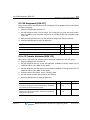
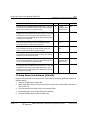
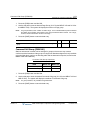
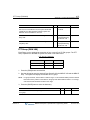
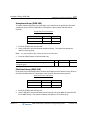
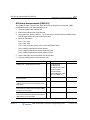
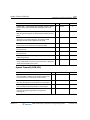
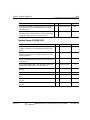
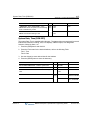
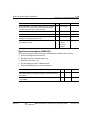
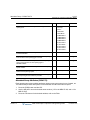
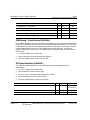
To dial using a Station Speed Dial:
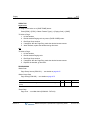
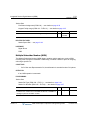
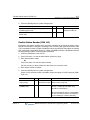
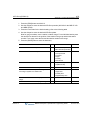
1. Lift handset or press the [SPEAKER] button.
2. Press the [SPEED] button.
3. Dial the desired bin number.
Release 1.0
MBX IP Description / Operations & Programming Guide
November 2010