1
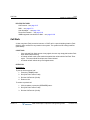
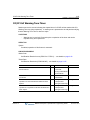
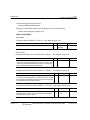
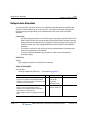
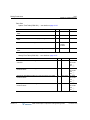
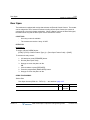
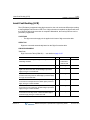
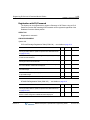
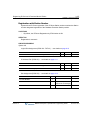
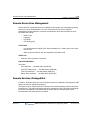
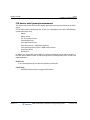
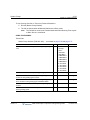
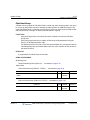
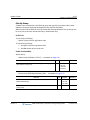
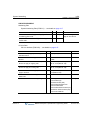
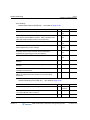
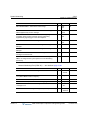
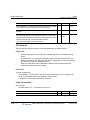
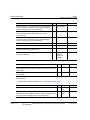
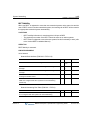
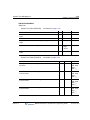
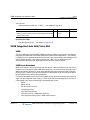
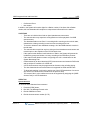
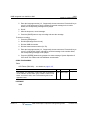
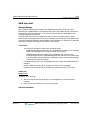
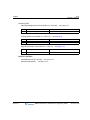
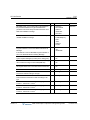
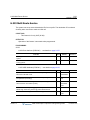
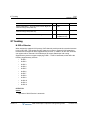
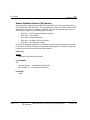
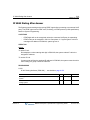
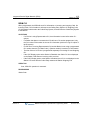
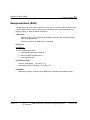
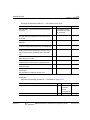
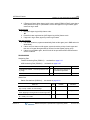
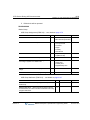
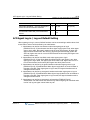
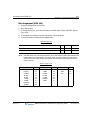
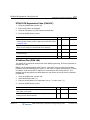
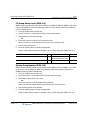
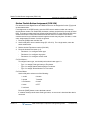
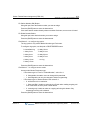
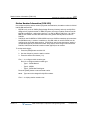
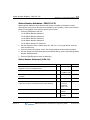
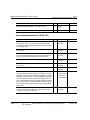
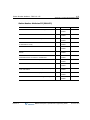
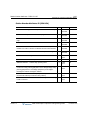
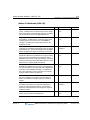
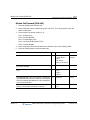
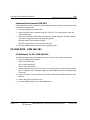
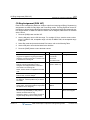
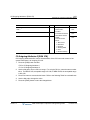
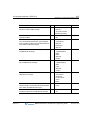
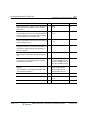
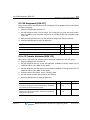
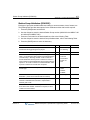
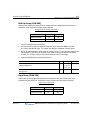
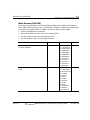
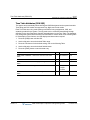
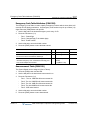
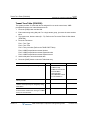
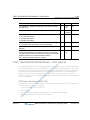
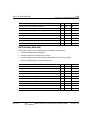
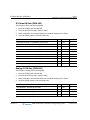
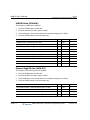
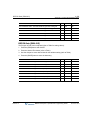
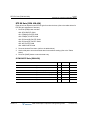
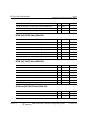
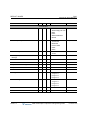
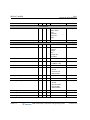
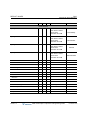
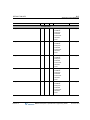
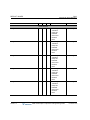
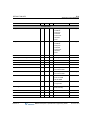
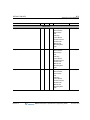
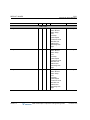
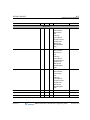
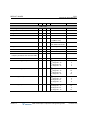
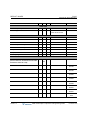
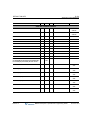
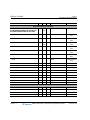
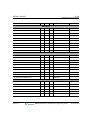
GK Setup Info (PGM 363)
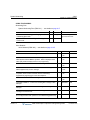
A-153
Appendix A: System Programming Tables
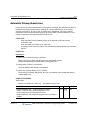
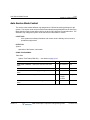
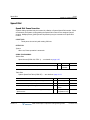
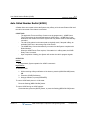
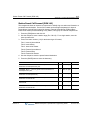
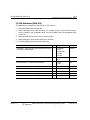
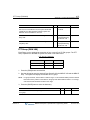
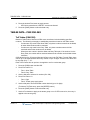
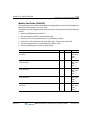
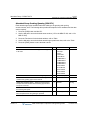
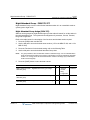
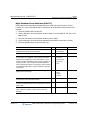
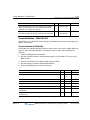
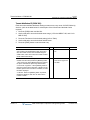
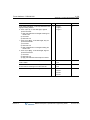
GK Setup Info (PGM 363)
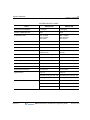
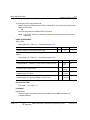
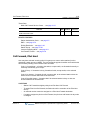
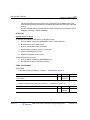
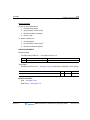
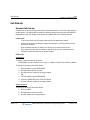
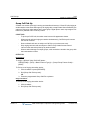
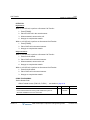
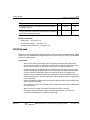
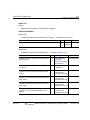
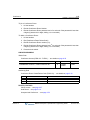
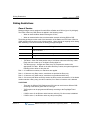
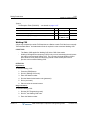
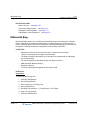
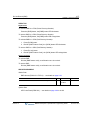
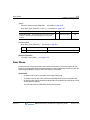
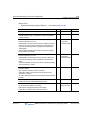
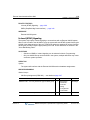
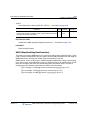
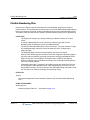
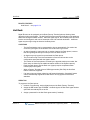
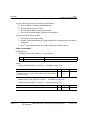
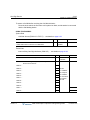
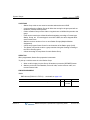
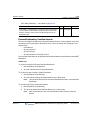
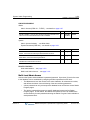
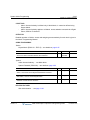
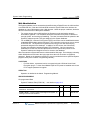
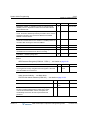
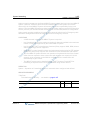
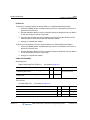
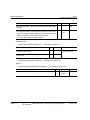
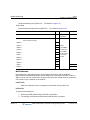
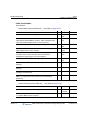
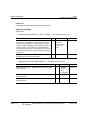
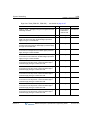
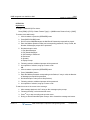
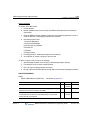
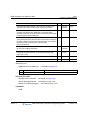
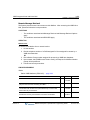
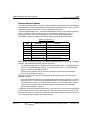
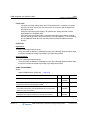
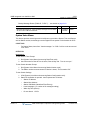
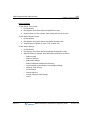
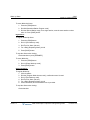
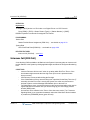
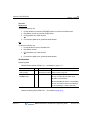
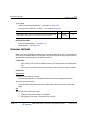
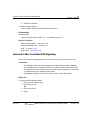
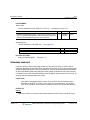
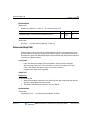
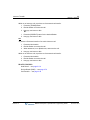
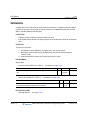
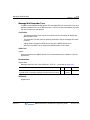
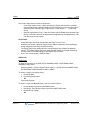
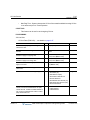
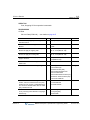
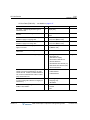
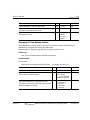
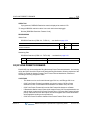
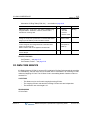
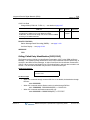
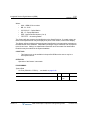
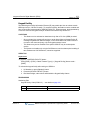
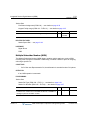
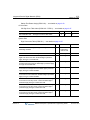
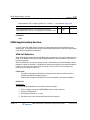
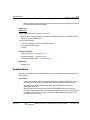
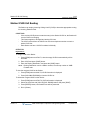
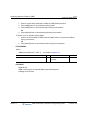
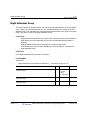
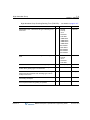
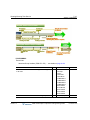
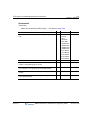
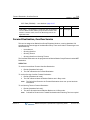
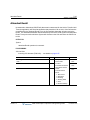
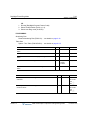
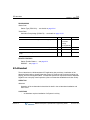
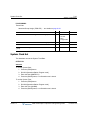
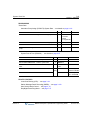
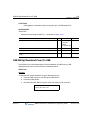
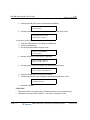
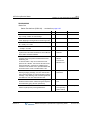
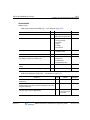
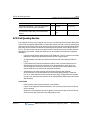
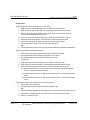
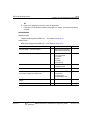
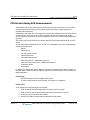
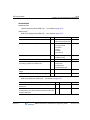
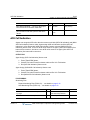
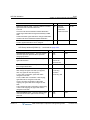
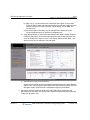
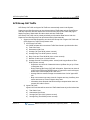
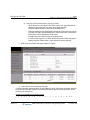
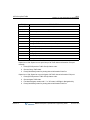
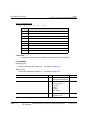
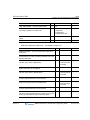
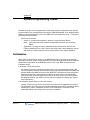
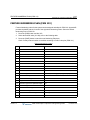
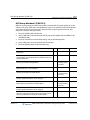
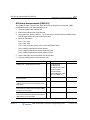
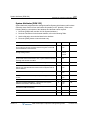
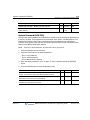
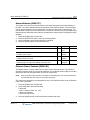
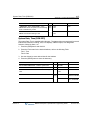
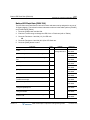
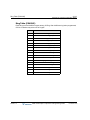
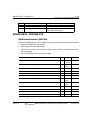
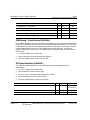
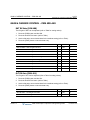
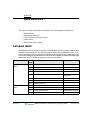
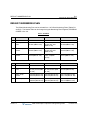
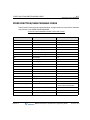
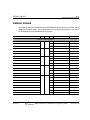
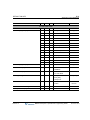
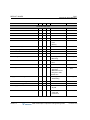
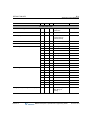
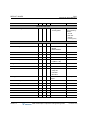
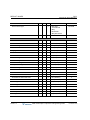
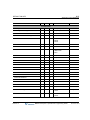
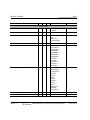
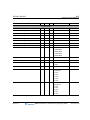
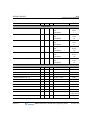
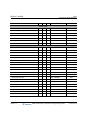
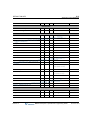
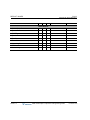
1. Press the [PGM] button and dial 363.
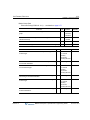
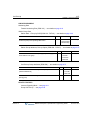
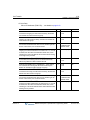
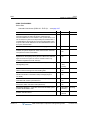
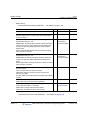
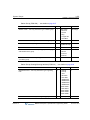
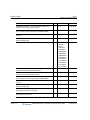
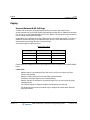
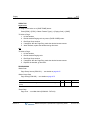
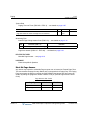
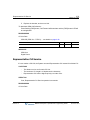
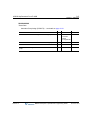
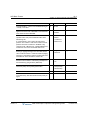
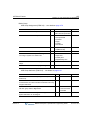
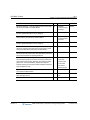
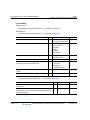
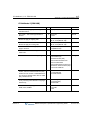
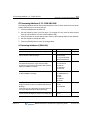
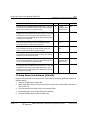
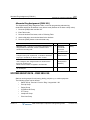
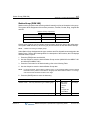
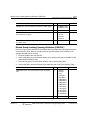
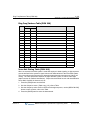
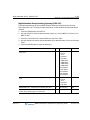
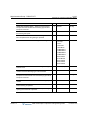
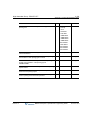
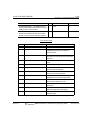
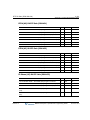
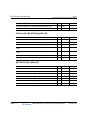
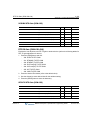
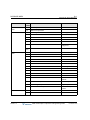
2. Press the desired Flex button, refer to the following Table.
3. Press the [SAVE] button to store the new data.
Release 1.0
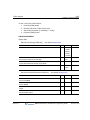
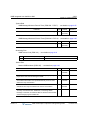
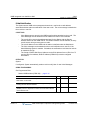
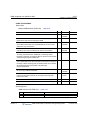
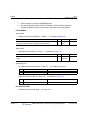
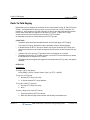
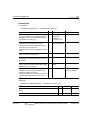
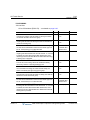
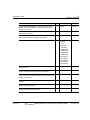
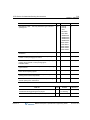
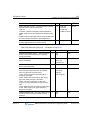
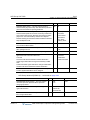
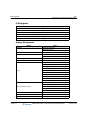
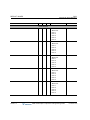
PGM 363
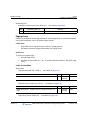
BTN
RANGE
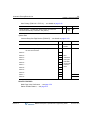
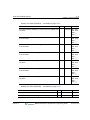
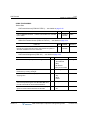
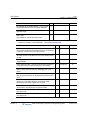
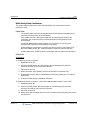
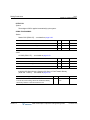
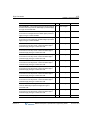
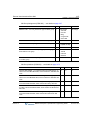
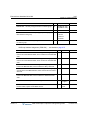
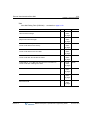
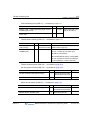
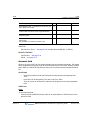
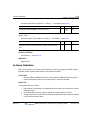
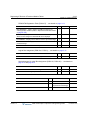
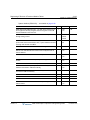
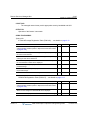
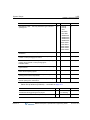
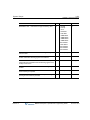
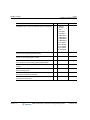
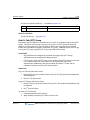
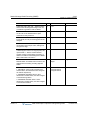
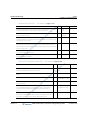
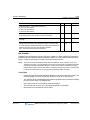
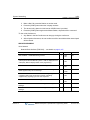
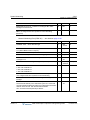
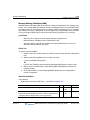
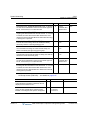
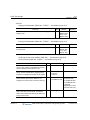
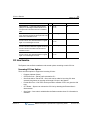
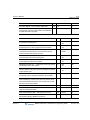
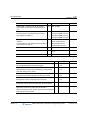
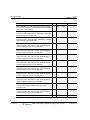
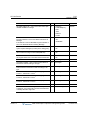
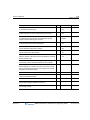
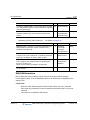
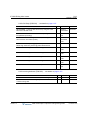
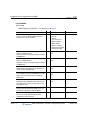
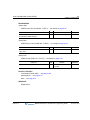
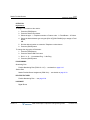
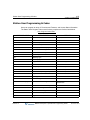
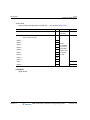
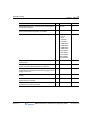
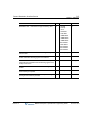
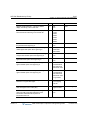
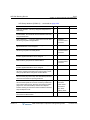
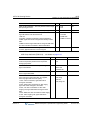
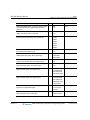
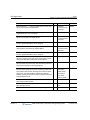
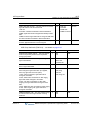
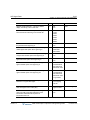
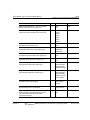
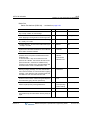
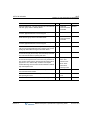
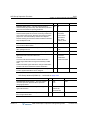
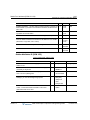
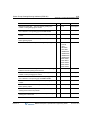
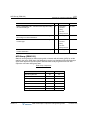
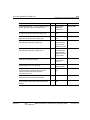
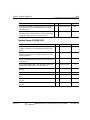
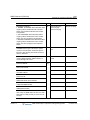
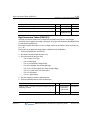
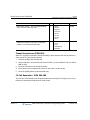
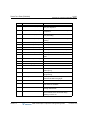
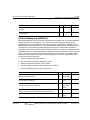
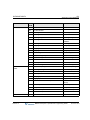
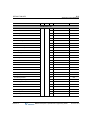
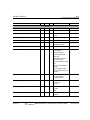
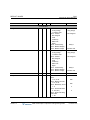
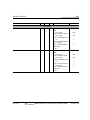
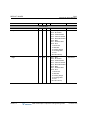
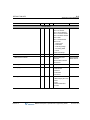
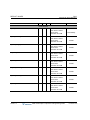
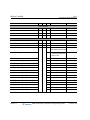
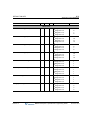
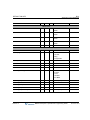
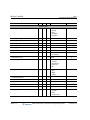
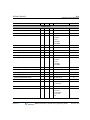
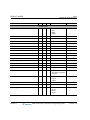
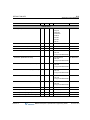
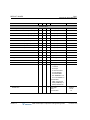
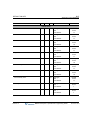
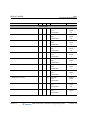
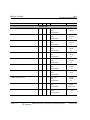
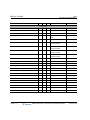
GK USAGE -- Determines if MPB will be used as a GateKeeper.
1
0:Off
1:On
Off
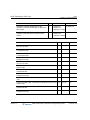
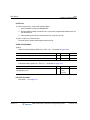
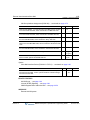
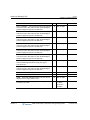
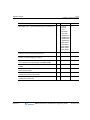
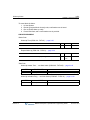
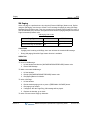
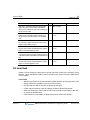
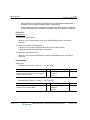
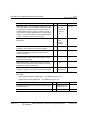
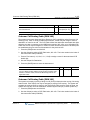
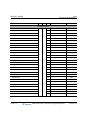
LIGHT RRQ USAGE -- The System can be set to use the simple
Registration Request (RRQ) message (ON) or the full RRQ
message (OFF).
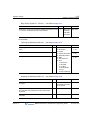
2
0:Off
1:On
Off
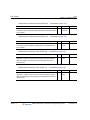
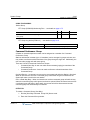
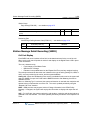
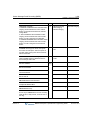
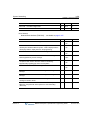
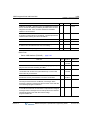
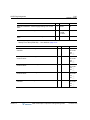
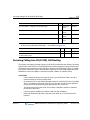
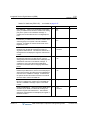
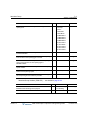
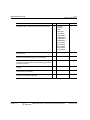
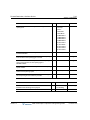
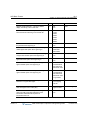
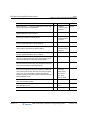
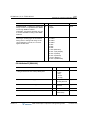
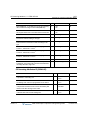
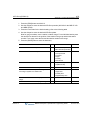
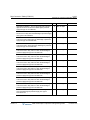
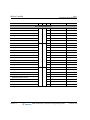
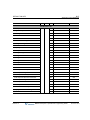
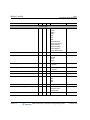
MULTI GK IP -- Multi-cast IP address for RAS Information of
Gatekeeper.
3
IP Address
0.0.0.0
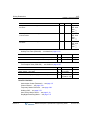
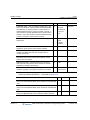
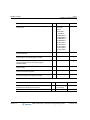
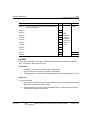
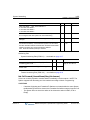
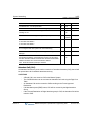
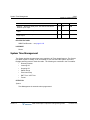
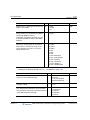
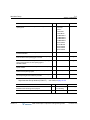
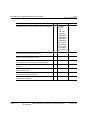
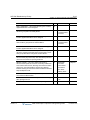
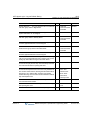
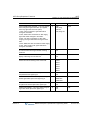
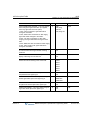
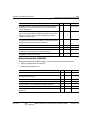
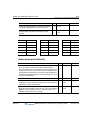
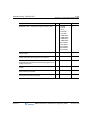
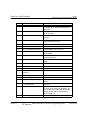
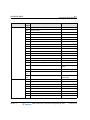
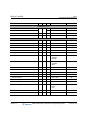
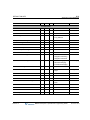
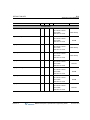
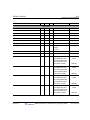
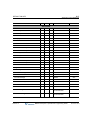
MULTI GK PORT -- Multi-cast IP Port for RAS Information of
Gatekeeper.
4
IP Port #
(0-999)
0
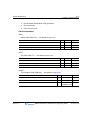
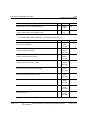
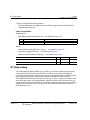
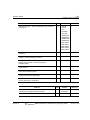
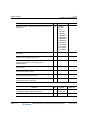
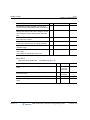
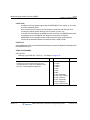
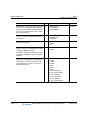
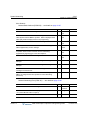
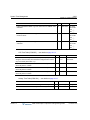
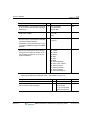
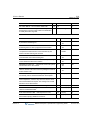
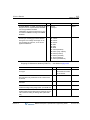
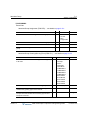
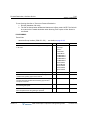
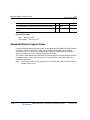
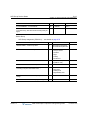
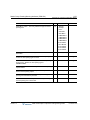
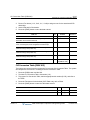
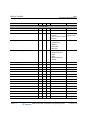
UNI GK IP -- Uni-cast IP address for RAS Information of
Gatekeeper.
5
IP Address
0.0.0.0
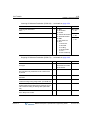
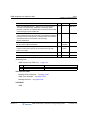
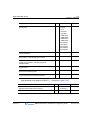
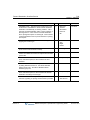
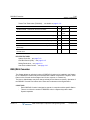
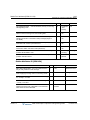
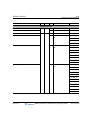
UNI GK PORT -- Uni-cast IP Port for RAS Information of
Gatekeeper.
6
IP Port #
(0-999)
1719
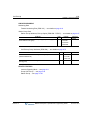
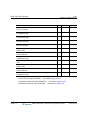
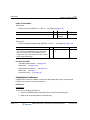
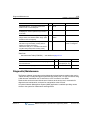
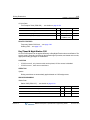
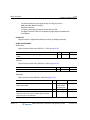
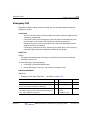
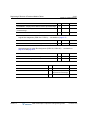
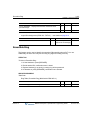
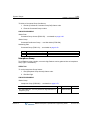
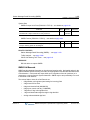
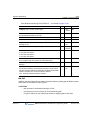
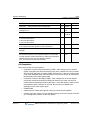
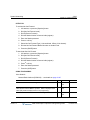
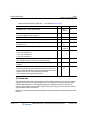
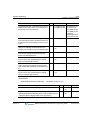
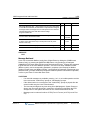
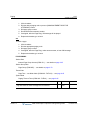
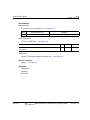
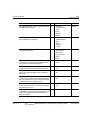
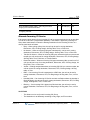
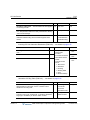
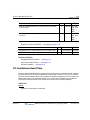
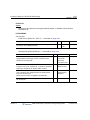
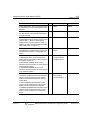
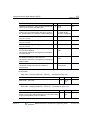
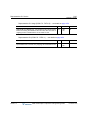
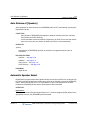
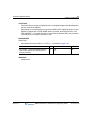
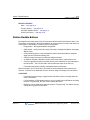
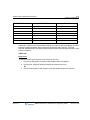
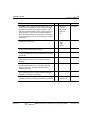
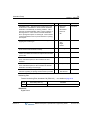
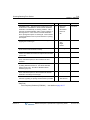
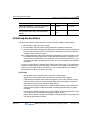
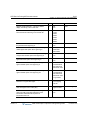
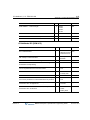
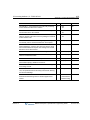
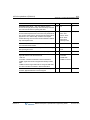
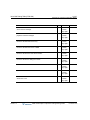
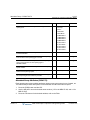
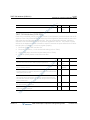
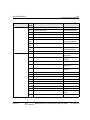
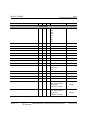
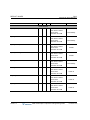
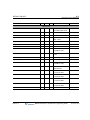
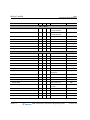
KEEP ALIVE TIME -- The System will cycle a polling message at
the culmination of the KEEP ALIVE TIME (sec.) to verify the
status of the connection.
7
1-1000
120
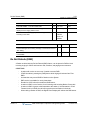
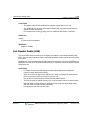
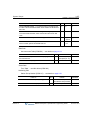
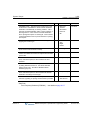
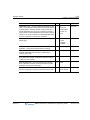
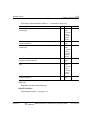
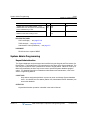
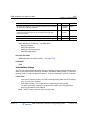
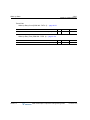
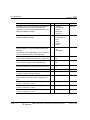
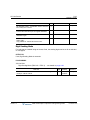
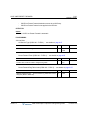
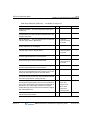
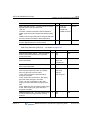
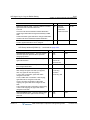
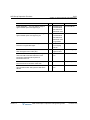
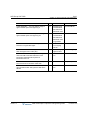
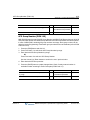
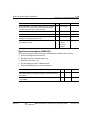
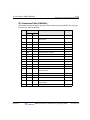
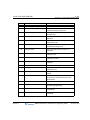
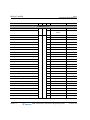
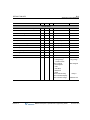
GATEWAY PREFIX -- The Numbering Plan for Calling Number in
RAS Setup.
8
Max 25 digits
-
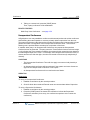
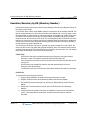
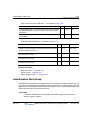
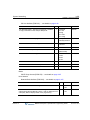
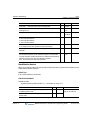
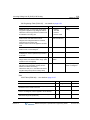
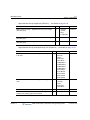
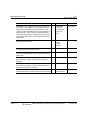
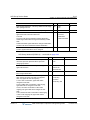
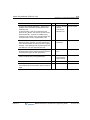
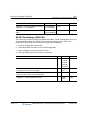
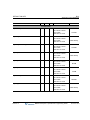
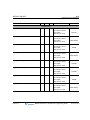
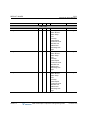
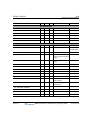
H.323 GATEWAY ID -- The GateKeeper ID (Keyset Admin=up to
24 digits can be checked or programmed).
9
Max 129 digits -
MBX IP Description / Operations & Programming Guide
DEFAULT
November 2010