1
Using Office Anywhere
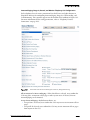
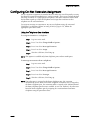
Configuring On-Net Extension Assignment
On-net extension assignment is intended for users who may travel frequently, acessing
the ShoreTel system from multiple sites “on the network.” These users can benefit from
not being tied down to a single physical telephone, and Office Anywhere allows them
the freedom to pick up a ShoreTel telephone and assign their extension to that
telephone via the voicemail menu.
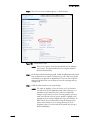
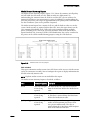
To assign or unassign an extension to any on-net telephone using the voicemail
Telephone User Interface (below) or using PCM (see page A-11), follow the
appropriate procedure below:
Using the Telephone User Interface
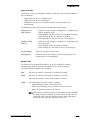
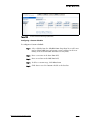
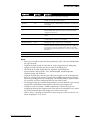
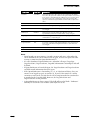
To assign an extension to a telephone:
NOTE
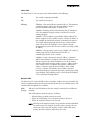
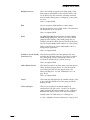
Step 1
Log in to voice mail.
Step 2
Press 7 to select Change Mailbox Options.
Step 3
Press 3 to select Re-assign Extension.
Step 4
Press 1 to select Assign.
Step 5
Wait for a dial tone, then hang up.
This option is available only from telephone ports and not trunk ports.
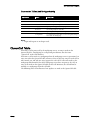
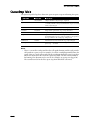
To unassign an extension from a telephone:
NOTE
A – 10
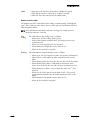
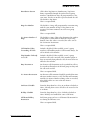
Step 1
Log in to voice mail.
Step 2
Press 7 to select Change Mailbox Options.
Step 3
Press 3 to select Re-assign Extension.
Step 4
Press 2 to select Unassign.
Step 5
Wait for a dial tone, then hang up.
If no other user is assigned to the home telephone port, the extension
automatically reverts back to the home telephone. If another user is assigned to
the home telephone port, the extension will be assigned to the SoftSwitch until
the home telephone port becomes available. A user can “kick out” the other user
from the home telephone port by assigning the extension from their home
telephone using the procedure above.
ShoreTel, Inc.