1
Maintenance
Services
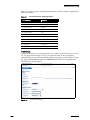
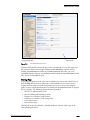
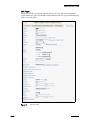
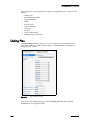
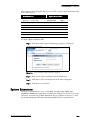
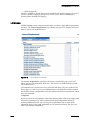
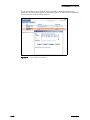
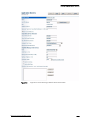
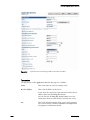
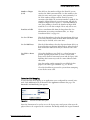
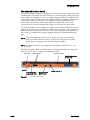
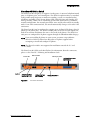
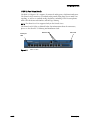
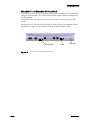
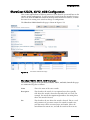
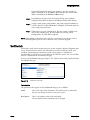
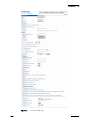
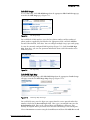
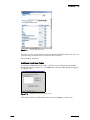
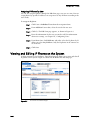
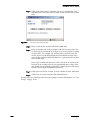
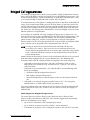
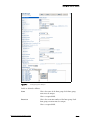
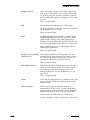
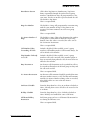
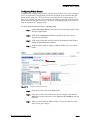
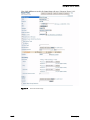
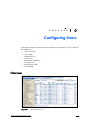
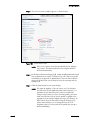
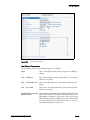
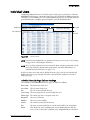
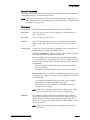
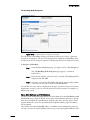
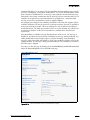
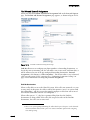
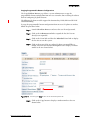
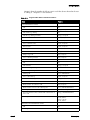
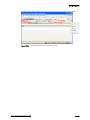
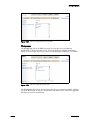
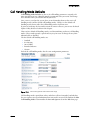
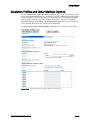
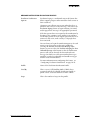
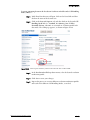
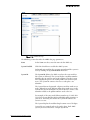
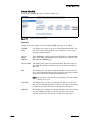
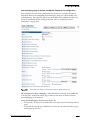
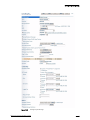
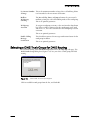
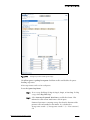
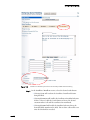
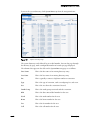
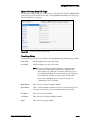
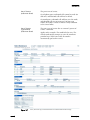
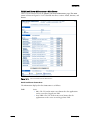
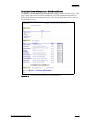
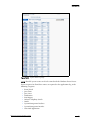
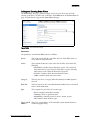
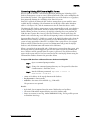
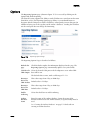
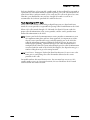
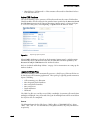
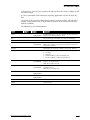
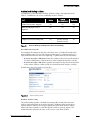
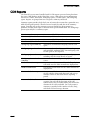
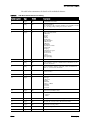
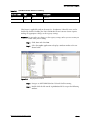
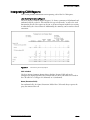
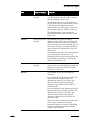
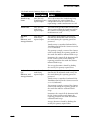
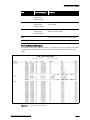
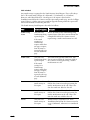
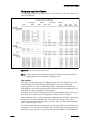
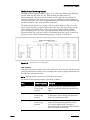
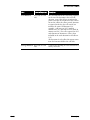
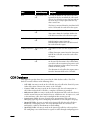
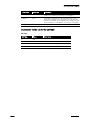
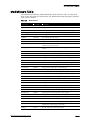
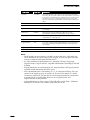
The Services maintenance page, shown in Figure 16-22, lists all the services that reside
on the server. It includes the name of the service, its description, and its operational
status (running, not running, or paused).
Figure 16-22
Services Page
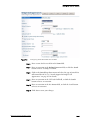
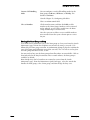
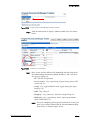
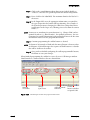
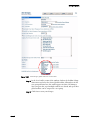
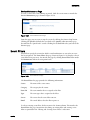
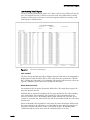
To refresh the page, click the refresh link. Clicking the Quick Look link takes you to
the Quick Look maintenance page, described in the “Quick Look” section.
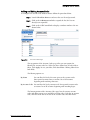
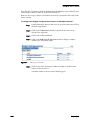
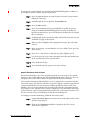
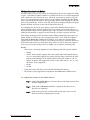
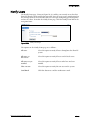
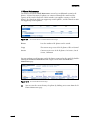
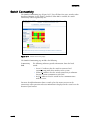
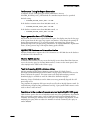
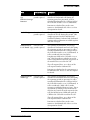
Green, upward-pointing arrows indicate that the service or application is running. Red,
downward-pointing arrows indicate that the service or application is not running or
paused.
ShoreTel 7.5 Administration Guide
16 – 25