1
Call Detail Record Reports
Media Stream Detail Report
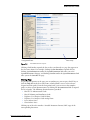
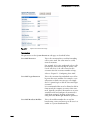
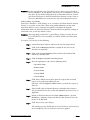
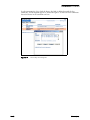
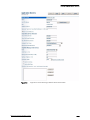
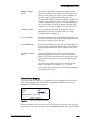
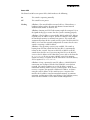
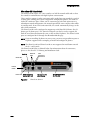
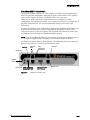
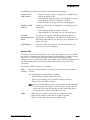
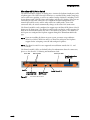
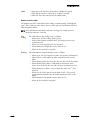
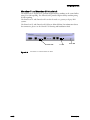
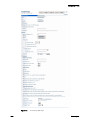
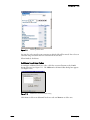
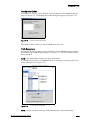
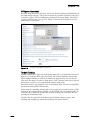
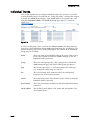
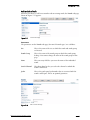
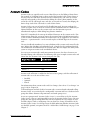
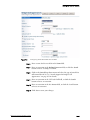
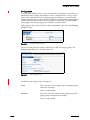
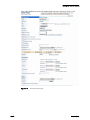
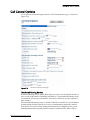
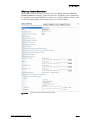
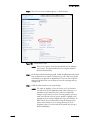
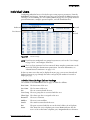
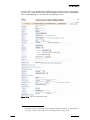
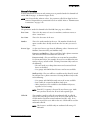
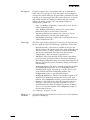
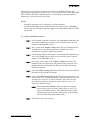
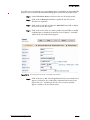
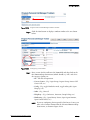
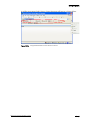
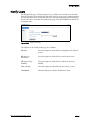
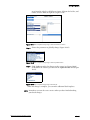
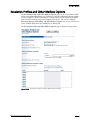
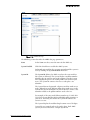
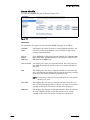
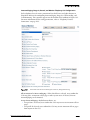
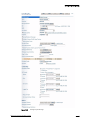
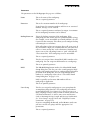
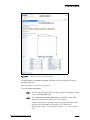
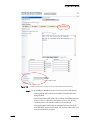
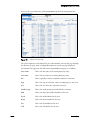
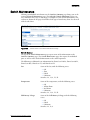
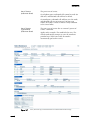
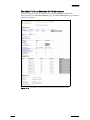
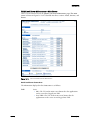
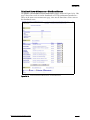
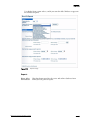
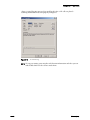
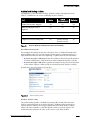
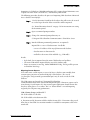
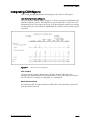
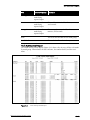
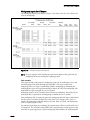
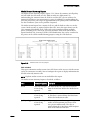
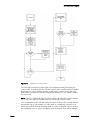
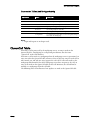
The Media Stream Detail Report (Figure C-14) shows details of each media stream
placed over the WAN. You can configure the report to display information for all calls
or for only intersite calls.
Figure C-14
Media Stream Detail Report
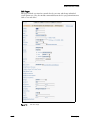
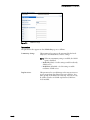
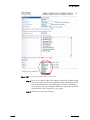
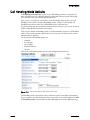
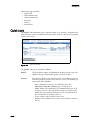
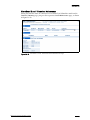
Call Included
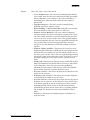
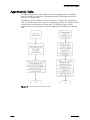
See the Media Stream Summary Report for information about selection. This report
calls out each media stream established between two sites.
NOTE
IP phone media streams are not included in this report.
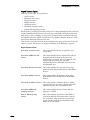
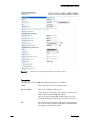
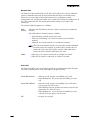
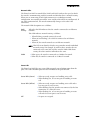
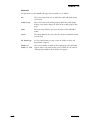
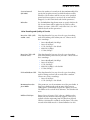
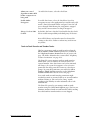
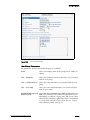
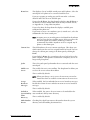
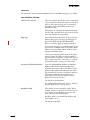
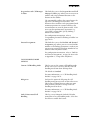
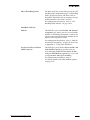
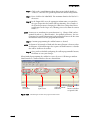
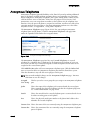
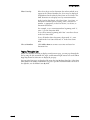
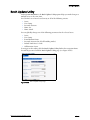
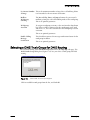
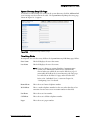
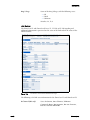
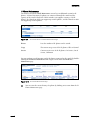
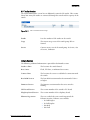
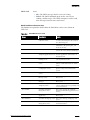
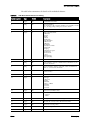
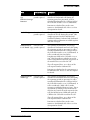
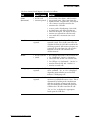
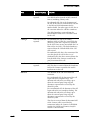
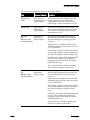
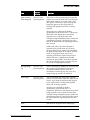
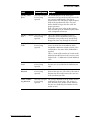
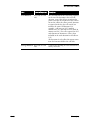
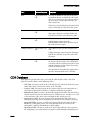
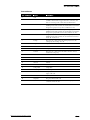
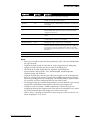
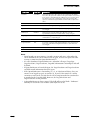
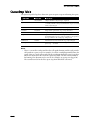
The Media Stream Detail Report is described as follows:
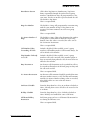
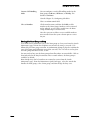
Presence/
Frequency
Description
Site A
Once for each
media stream.
The name of the site. This data is retrieved from the
ASiteName field in the MediaStream table.
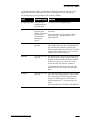
Site B
Once for each
media stream.
The name of the site that communicates to Site A.
This data is retrieved from the BSiteName field in the
MediaStream table.
Start Time
Once for each
media stream.
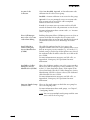
The time the media stream began. This data is
retrieved from the StartTime field in the
MediaStream table.
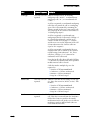
WAN
Once for each
media stream
“Yes” indicates the media stream accessed the WAN.
“No” indicates the media stream did not access the
WAN.
Field
C – 46
ShoreTel, Inc.