1
Configuring IP Phones
Assigning IP Phones by User
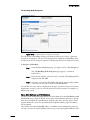
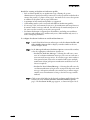
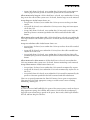
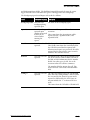
You can also assign IP phones through the Edit User page, one user at a time. You can
assign phones by specific IP addresses or assign users to Any IP Phone according to the
user’s needs.
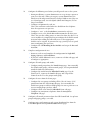
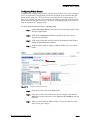
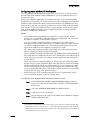
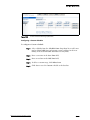
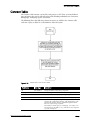
To assign an IP phone:
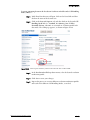
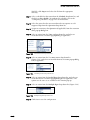
Step 1
Click Users > Individual Users from the navigation frame.
Step 2
From Add New User at Site, select the site for the new user.
Step 3
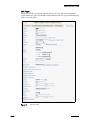
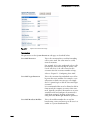
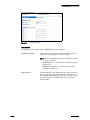
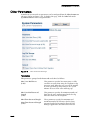
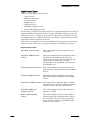
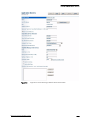
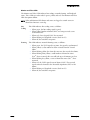
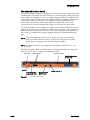
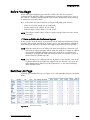
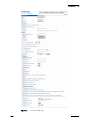
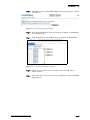
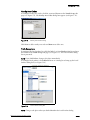
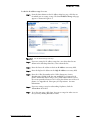
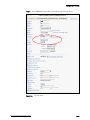
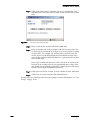
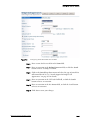
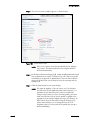
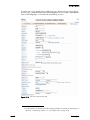
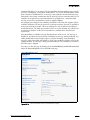
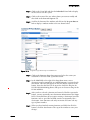
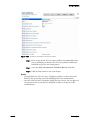
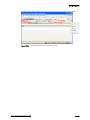
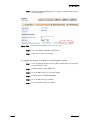
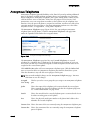
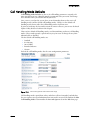
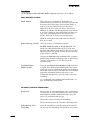
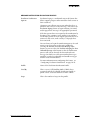
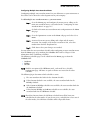
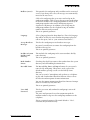
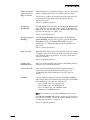
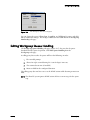
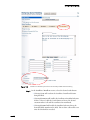
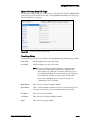
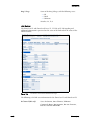
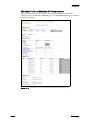
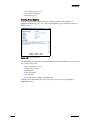
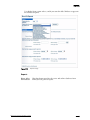
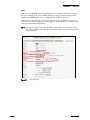
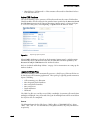
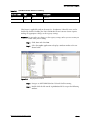
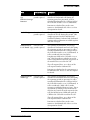
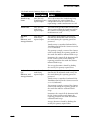
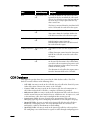
Click Go. The Edit User page appears, as shown in Figure 8-4.
Step 4
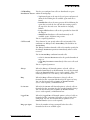
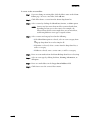
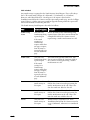
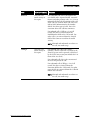
Enter the information for the user you wish to add. For information
about user settings, see Chapter 10, “Configuring Users.”
Step 5
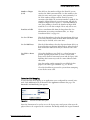
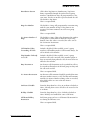
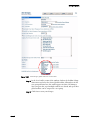
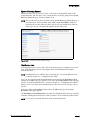
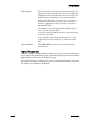
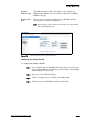
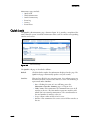
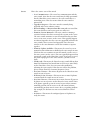
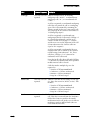
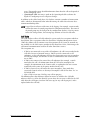
From Home Port, click IP Phones and either select the IP phone by IP
address or select Any IP Phone. Only the IP phones in the current site
are in the list.
Step 6
Click Save.
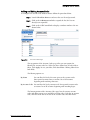
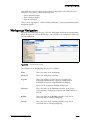
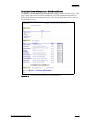
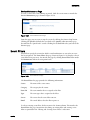
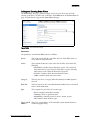
Viewing and Editing IP Phones on the System
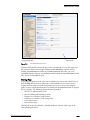
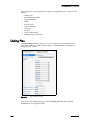
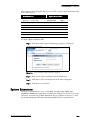
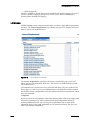
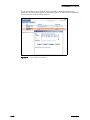
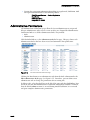
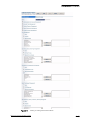
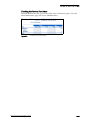
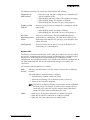
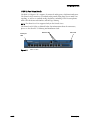
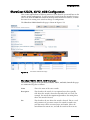
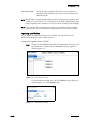
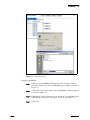
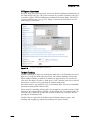
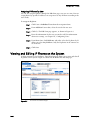
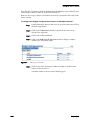
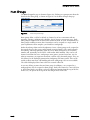
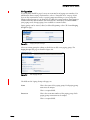
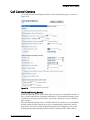
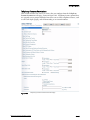
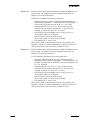
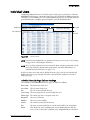
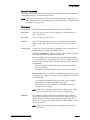
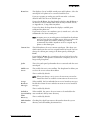
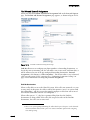
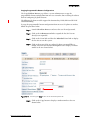
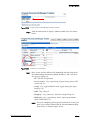
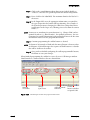
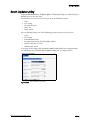
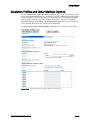
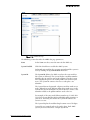
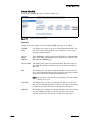
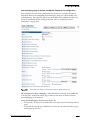
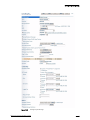
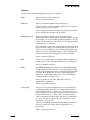
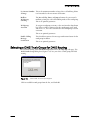
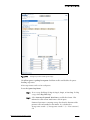
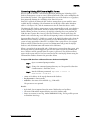
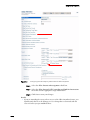
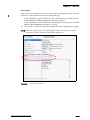
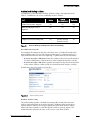
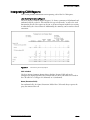
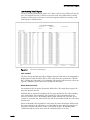
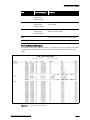
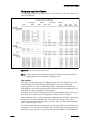
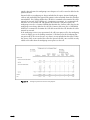
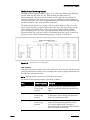
To help you manage the IP phones, ShoreWare Director allows you to view and edit all
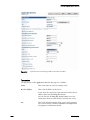
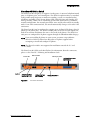
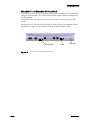
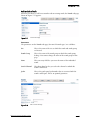
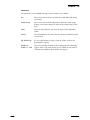
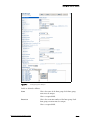
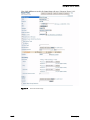
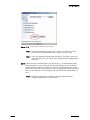
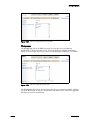
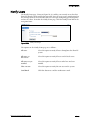
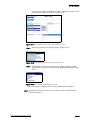
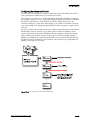
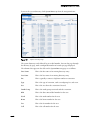
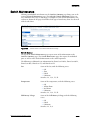
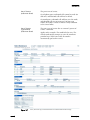
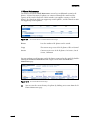
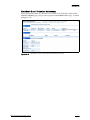
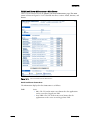
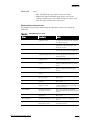
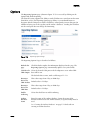
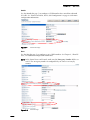
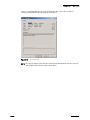
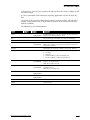
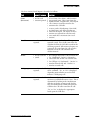
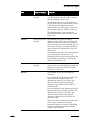
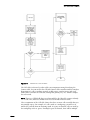
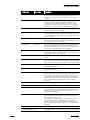
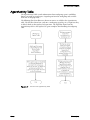
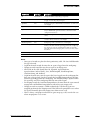
IP phones on the system. Figure 8-5 shows the IP Phones list and edit pages.
Figure 8-5
8–8
IP Phones List and Edit Pages
ShoreTel, Inc.