1
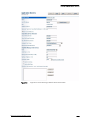
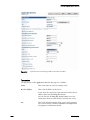
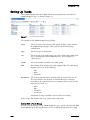
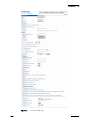
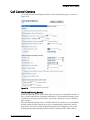
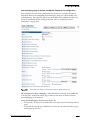
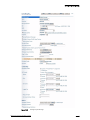
Configuring Application Servers
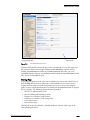
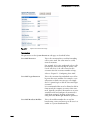
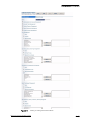
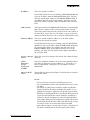
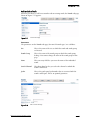
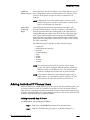
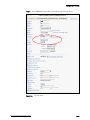
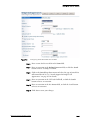
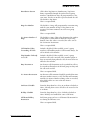
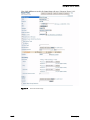
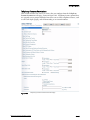
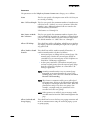
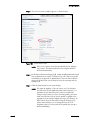
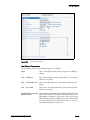
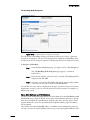
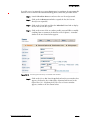
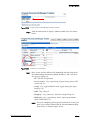
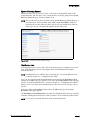
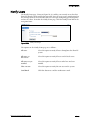
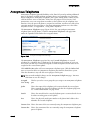
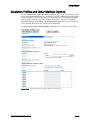
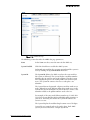
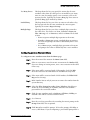
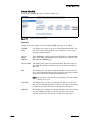
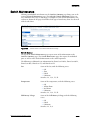
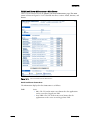
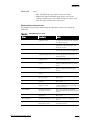
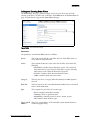
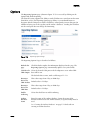
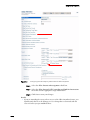
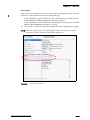
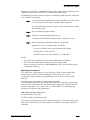
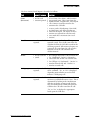
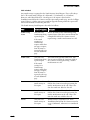
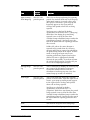
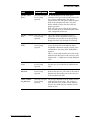
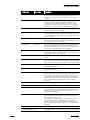
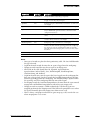
SoftSwitch Name
This is the name of the SoftSwitch on the server you are
editing. ShoreTel automatically creates a SoftSwitch for each
server on the system.
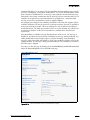
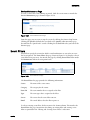
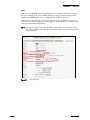
Maximum Trunks for
This is the maximum number of trunks that can be used in
Voice Mail Notification the event of a voice mail notification. If many escalation
(1 - 200)
profiles have been configured, it may be desirable to set this
to a relatively low number to prevent notifications from
overwhelming the system and making it impossible for
users to make an outbound call.
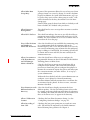
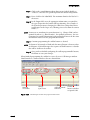
Allow Voice Mailboxes Select this checkbox to allow voice mailboxes on this server.
Clear this checkbox to prevent voice mailboxes to exist on
this server.
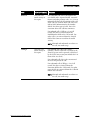
When the checkbox is disabled, voice mail configuration
fields are still available because the server may still act as a
backup VM server. However, SMDI is not available and the
drop-down menu is disabled.
If the server is being used as a VM server and mailboxes
have been configured on that server, Director does not allow
you to clear this checkbox.
By default, this checkbox is selected.
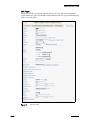
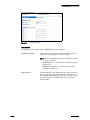
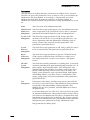
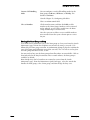
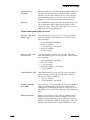
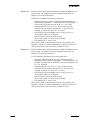
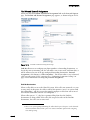
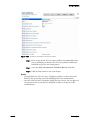
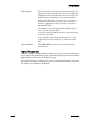
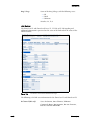
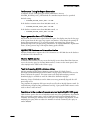
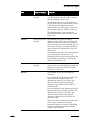
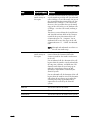
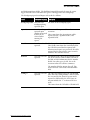
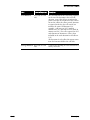
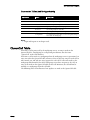
Voice Mail and Auto-Attendant
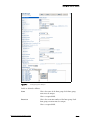
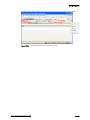
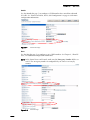
Voice Mail Extension
This extension is used by the voice mail server.
Voice Mail Login
Extension
This extension is used to log in to the voice mail server.
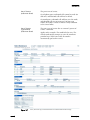
Auto-Attendant
Extension
This extension is used by the auto-attendant server.
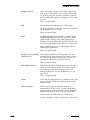
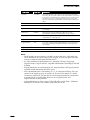
Assigned User Group
This is the assigned user group for the server. Because voice
mail places outbound calls, the server must have assigned
permissions.
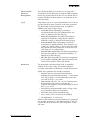
Default Auto-Attendant Each server can have a different default auto-attendant
Menu
menu. This is the menu reached when none is specified—
for instance, when a caller dials “9” to escape from voice
mail and return to the auto-attendant.
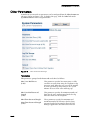
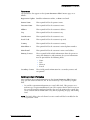
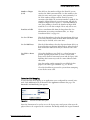
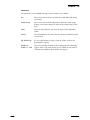
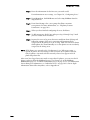
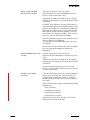
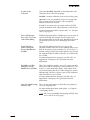
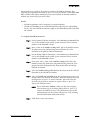
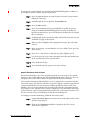
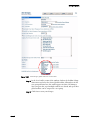
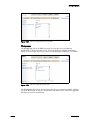
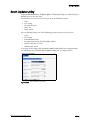
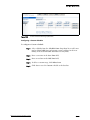
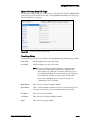
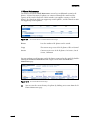
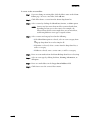
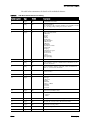
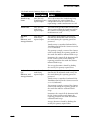
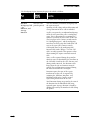
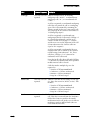
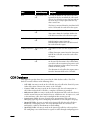
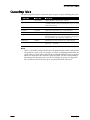
Simplified Message Desk Interface (SMDI) External Voice Mail
External Voice Mail
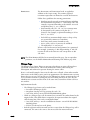
If this application server is to function as a PBX for a legacy
voice mail system, check this box.
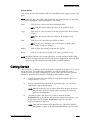
COM Port (1-10)
This is the COM port used by SMDI.
ShoreTel 7.5 Administration Guide
4–7