1
Configuring Users
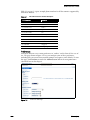
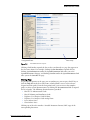
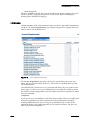
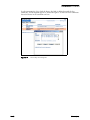
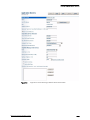
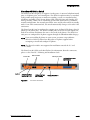
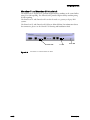
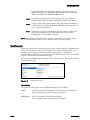
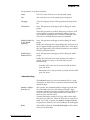
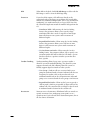
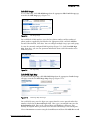
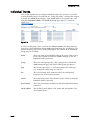
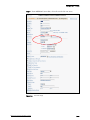
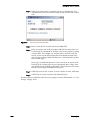
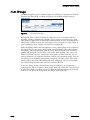
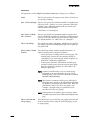
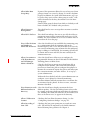
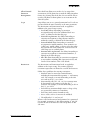
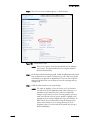
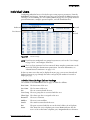
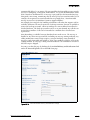
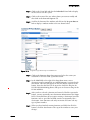
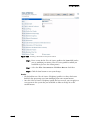
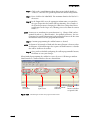
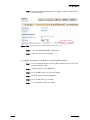
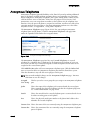
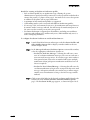
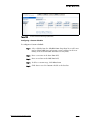
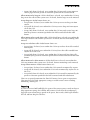
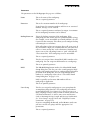
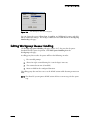
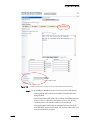
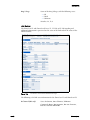
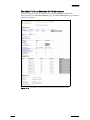
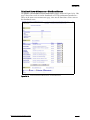
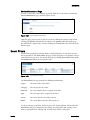
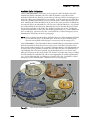
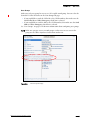
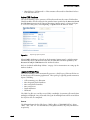
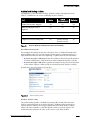
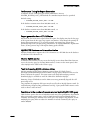
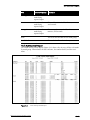
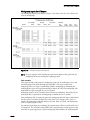
Figure 10-32
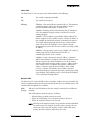
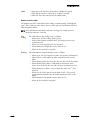
Edit User Page (Distribution Lists Tab)
Workgroups
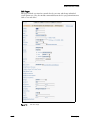
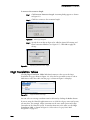
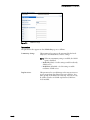
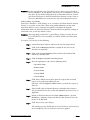
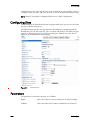
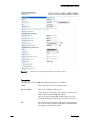
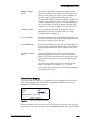
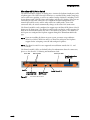
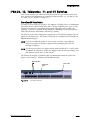
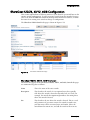
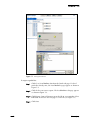
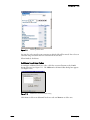
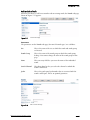
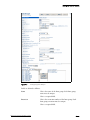
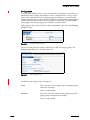
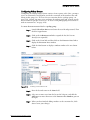
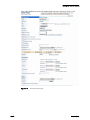
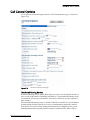
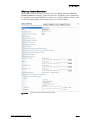
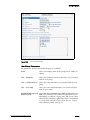
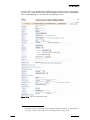
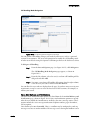
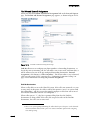
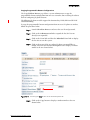
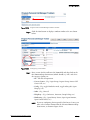
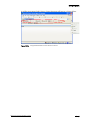
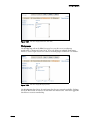
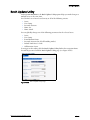
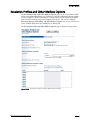
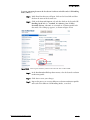
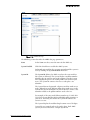
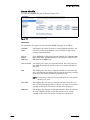
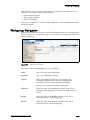
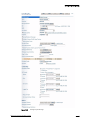
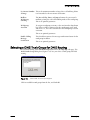
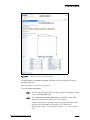
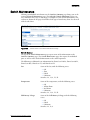
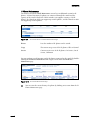
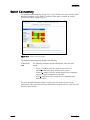
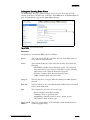
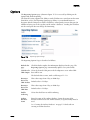
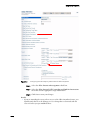
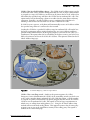
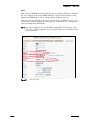
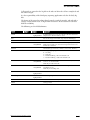
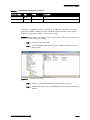
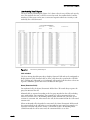
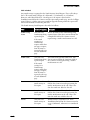
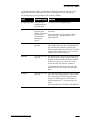
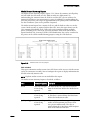
The Workgroups tab on the Edit User page lets you edit a user’s workgroup
membership, as shown in Figure 10-33. Users can belong to multiple workgroups;
however, a user’s login status is the same for all workgroups of which he is a member.
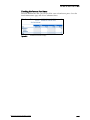
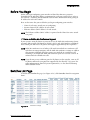
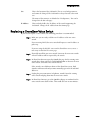
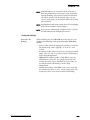
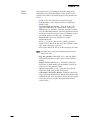
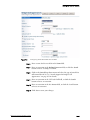
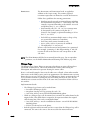
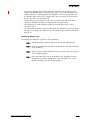
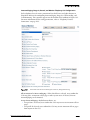
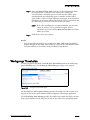
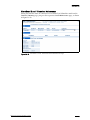
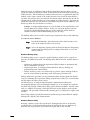
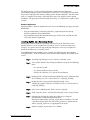
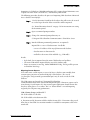
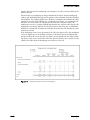
Figure 10-33
Edit User Page (Workgroups Tab)
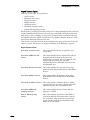
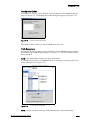
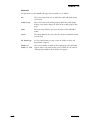
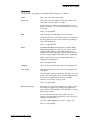
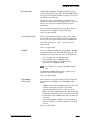
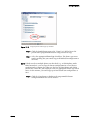
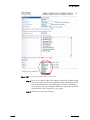
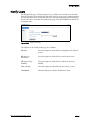
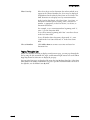
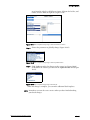
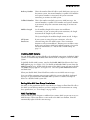
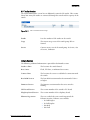
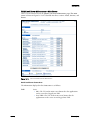
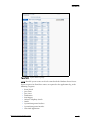
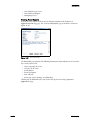
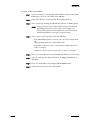
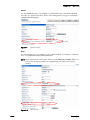
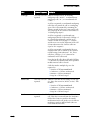
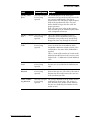
The Workgroups box shows the workgroup lists that are currently available. Clicking
the check boxes adds or removes the user from the indicated list. Click the Logged In
check box to activate membership.
10 – 66
ShoreTel, Inc.