1
Chapter 11: Creating a protocol: advanced topics
VWorks User Guide
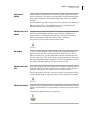
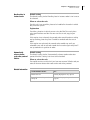
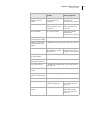
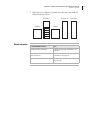
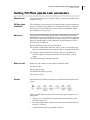
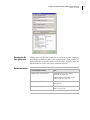
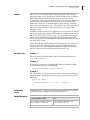
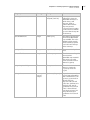
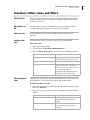
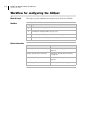
Data categories
Databases
Data interfaces
liquid classes
liquid library
liquid library editor
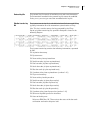
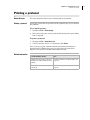
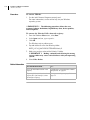
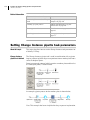
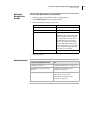
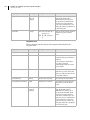
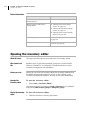
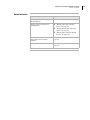
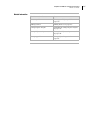
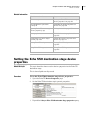
Data stored includes:
•
Device name
• Device type (such as Pipettor reagent
shelf)
• Parent device (such as VPrep1)
• Robot approach height
• Labware classes allowed to be
used on this device
•
Plate type
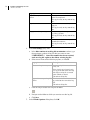
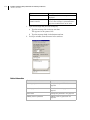
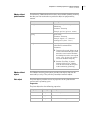
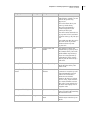
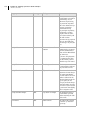
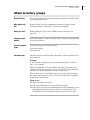
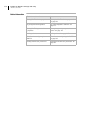
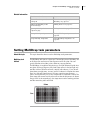
Data stored includes:
• Aspirate Parameters
• Dispense parameters
• Equation editor
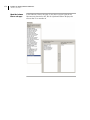
[To open: in the Device List
toolbar, double-click Liquids.]
liquid library editor
device manager
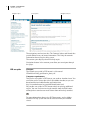
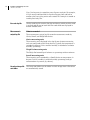
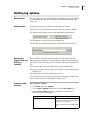
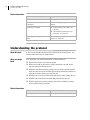
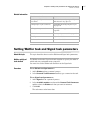
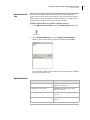
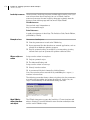
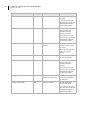
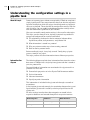
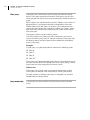
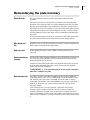
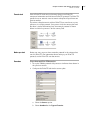
When a protocol is saved, the names of the three data categories that it
uses are saved and associated with it, so that you don’t have to select
them every time. During a run, these data categories are referenced from
the protocol they were associated with.
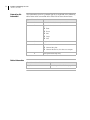
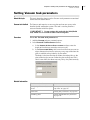
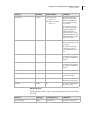
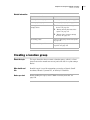
Data stored includes:
• Plate dimensions
• Gripper offsets
• Maximum robot speed
• General description of labware
• Assignment of labware class
(such as TipBoxes and TallPlates)
[To open: in the Device List toolbar,
double-click Labware.]
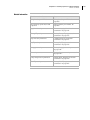
Liquid class
Plate to...
task parameters toolbar
labware editor
[To open: click the Device Manager tab.]
[To open: click a pipette task.]
Legend
Pipette Task
protocol file
Flow of data
291