1
Chapter 12: Using the VWorks inventory
VWorks User Guide
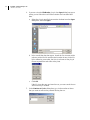
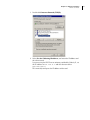
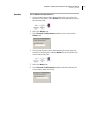
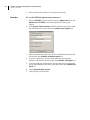
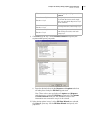
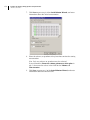
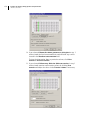
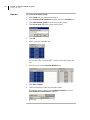
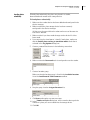
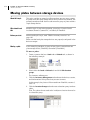
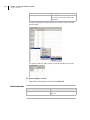
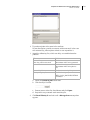
5. Return to the Inventory Management tab and note the device,
cassette and slot numbers for the slots that you want to move the
plates to.
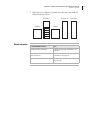
In this example, the plates will be moved to PlateHub2, cassette 1,
slots 1–4.
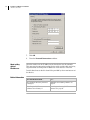
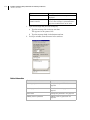
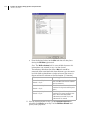
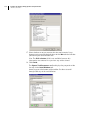
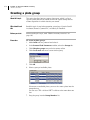
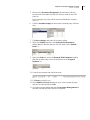
6. Click the Location Groups tab and create a location group for these
slots.
7. Click Save changes and close the inventory editor.
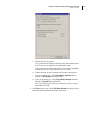
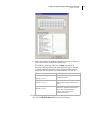
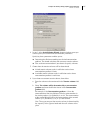
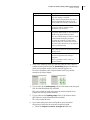
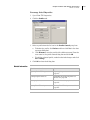
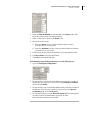
8. Select the Unload task and in the Protocol Task Parameters
toolbar drag the location group in the first device to the Unload
from list.
9. Select the Load task and in the Protocol Task Parameters toolbar
drag the location group in the second device to the Assigned
locations list.
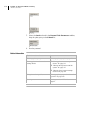
10. Compile the protocol and check for errors.
11. Click Start to start the run.
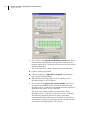
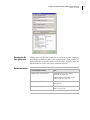
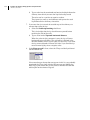
12. In the Number of Cycles dialog box, type in the number of plates
that you are moving and click OK.
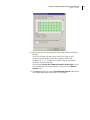
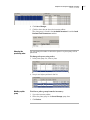
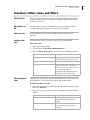
13. Open the inventory editor and click the Inventory Management tab
to make sure that the plates moved as expected.
325