1
Chapter 30: WellMate: setting up and using
VWorks User Guide
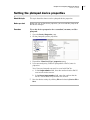
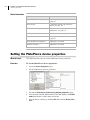
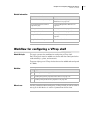
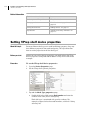
Creating a WellMate profile
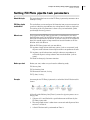
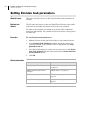
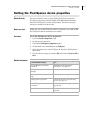
About this topic
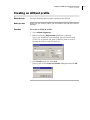
This topic describes how to create a profile for the WellMate in VWorks.
Before you start
Before you can create a profile, you need to add the device to the device
manager.
Procedure
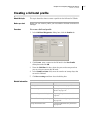
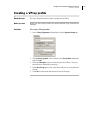
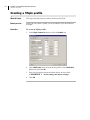
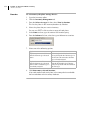
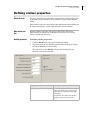
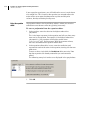
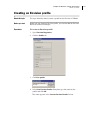
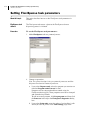
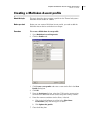
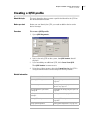
To create a WellMate profile:
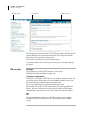
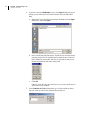
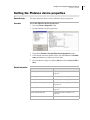
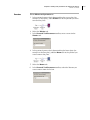
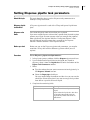
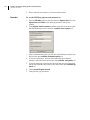
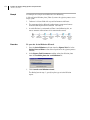
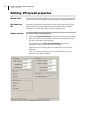
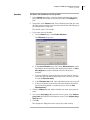
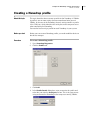
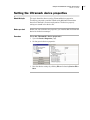
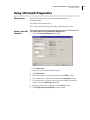
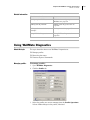
1. Open WellMate Diagnostics.
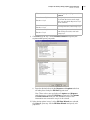
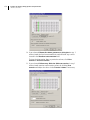
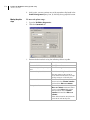
2. Click the Profile tab.
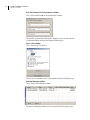
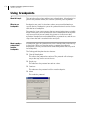
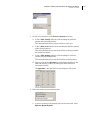
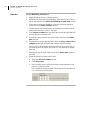
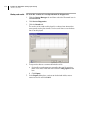
3. Click Create a new profile, enter a name for the device in the New
Profile dialog box and click OK.
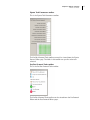
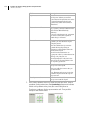
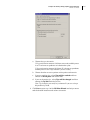
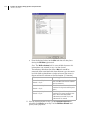
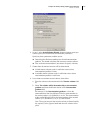
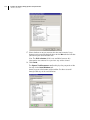
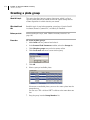
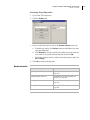
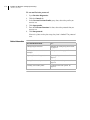
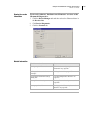
4. Set the Profile Options:
a. From the COM port list box, select the port that the WellMate
uses to communicate with the controlling computer.
b. Enter a value for the Pump speed, using the range shown as a
guide.
c. Enter a value for the Stage speed , using the range shown as a
guide.
d. Enter a volume in the Volume to prime on initialization field if
you want to prime the lines when the profile initializes.
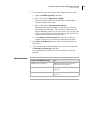
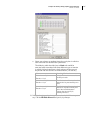
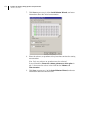
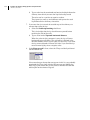
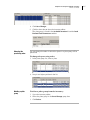
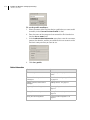
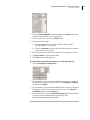
5. Click Update this profile.
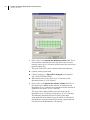
6. If you want to open communications to the WellMate and send the
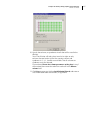
profile settings immediately, click Initialize device using profile.
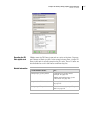
7. Click OK.
505