1
Chapter 12: Using the VWorks inventory
VWorks User Guide
Creating a plate group with a bar code input file
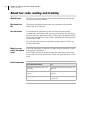
About this topic
This topic describes how to use a bar code input file to create a plate
group. This is the most efficient way to create plate group if you
previously used a bar code input file to label a collection of plates.
which are now stored in a plate storage device.
Who should read
this
Read this topic if your lab automation system has a Liconic StoreX
incubator, Heraeus Cytomat PLC, or Velocity11 PlateHub.
Before you start
Before reading this topic, read “VWorks inventory overview” on
page 306.
Procedure
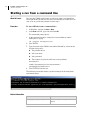
!! IMPORTANT !! All plates with bar codes listed in the selected
bar code input file series must already be in the storage device.
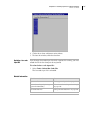
To create a plate group with a bar code input file:
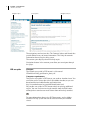
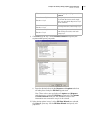
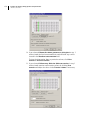
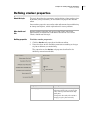
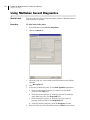
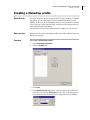
1. Open the inventory editor.
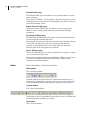
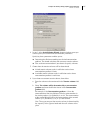
2. Click the Groups tab.
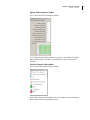
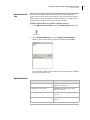
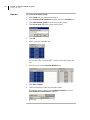
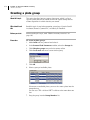
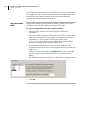
3. Click the Browse button and navigate to the .bar file that you want
to use.
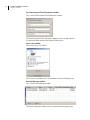
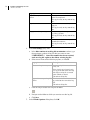
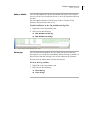
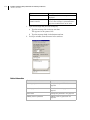
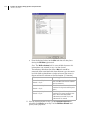
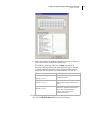
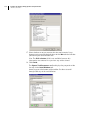
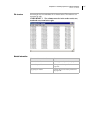
4. From the Available Bar code groups list box, select the group that
you want to use.
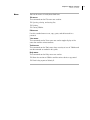
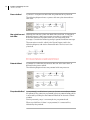
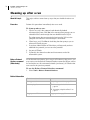
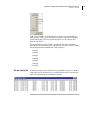
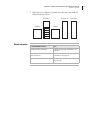
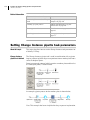
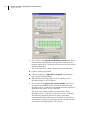
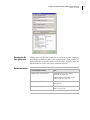
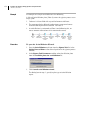
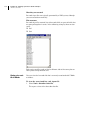
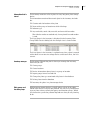
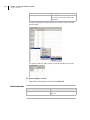
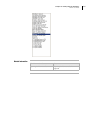
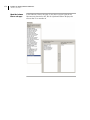
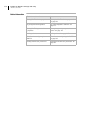
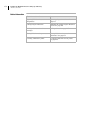
In the following example of a bar code input file, the options would
be Set1 and Set2.
329