1
420
Chapter 20: FlexiSpense: setting up and using
VWorks User Guide
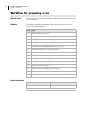
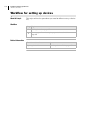
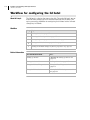
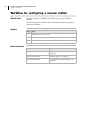
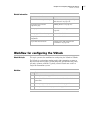
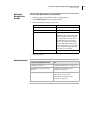
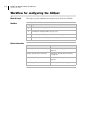
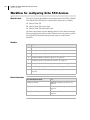
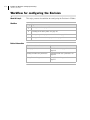
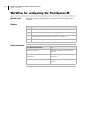
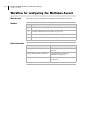
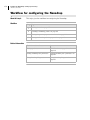
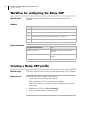
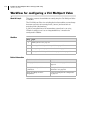
Workflow for configuring the FlexiSpense
About this topic
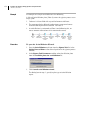
This topic gives the workflow for configuring the FlexiSpense.
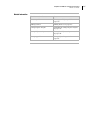
Workflow
Step
Topic
1.
“Adding devices” on page 107
2.
“Setting the generic properties for a device” on page 112
3.
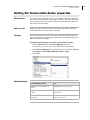
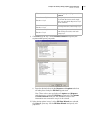
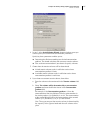
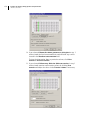
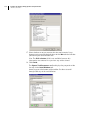
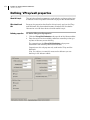
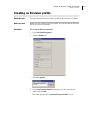
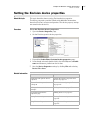
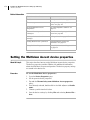
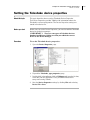
“Setting the FlexiSpense device properties” on page 421
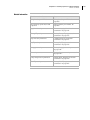
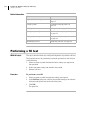
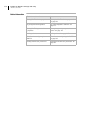
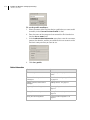
Related information
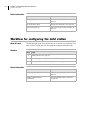
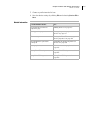
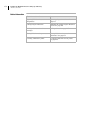
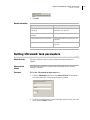
For information about...
See...
Setting up devices
“Workflow for setting up devices” on
page 106
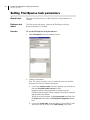
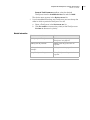
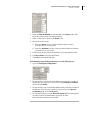
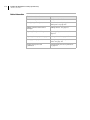
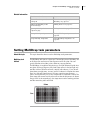
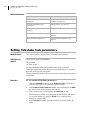
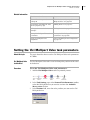
Setting FlexiSpense task
parameters
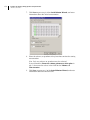
“Setting FlexiSpense task parameters”
on page 422
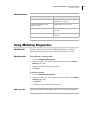
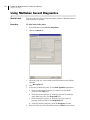
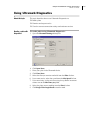
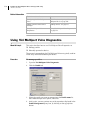
Using FlexiSpense Diagnostics
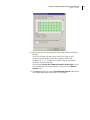
“Using FlexiSpense Diagnostics” on
page 424