1
346
Chapter 13: Setting labware definitions
VWorks User Guide
Copying a labware entry
About this topic
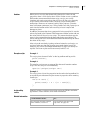
To save time when creating a new entry that is similar to an existing one,
you can copy an existing labware entry. This topic describes how to
copy a labware entry.
Before you start
You must have an Administrator or Technician user account to perform
this procedure.
Procedure
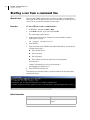
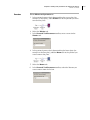
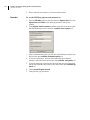
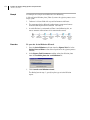
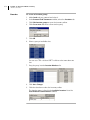
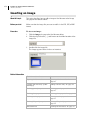
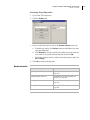
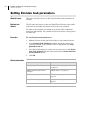
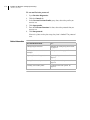
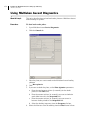
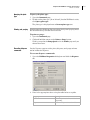
To copy a labware entry:
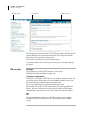
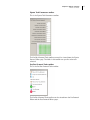
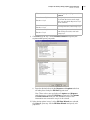
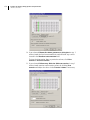
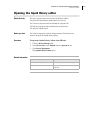
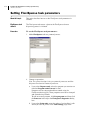
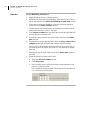
1. Open the labware editor.
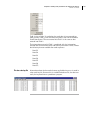
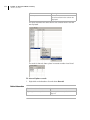
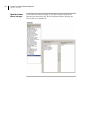
2. In the labware selection box on the left of the window, select a
labware entry.
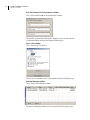
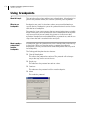
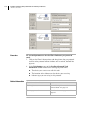
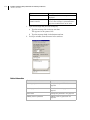
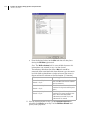
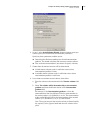
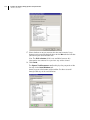
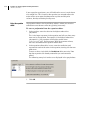
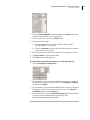
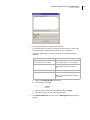
3. Click Save changes as.
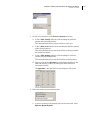
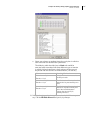
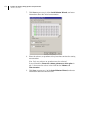
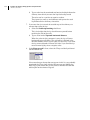
4. In the Save Labware Entry As dialog box, type a name for the new
entry that is different from the selected one, and click OK.
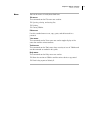
The copied entry appears in the labware selection box.
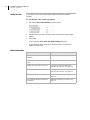
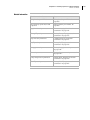
Related information
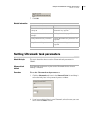
For information about...
See...
Opening the labware editor
“Opening the labware editor” on
page 341