1
UM-194 7 - SystemC simulation
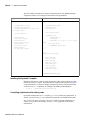
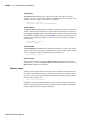
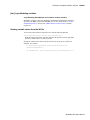
Restrictions on compiling with HP aCC
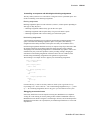
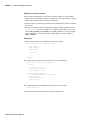
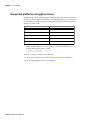
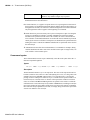
ModelSim uses the aCC -AA option by default when compiling C++ files on HP-UX. It
does this so cout will function correctly in the systemc.so file. The -AA option tells aCC to
use ANSI-compliant <iostream> rather than cfront-style <iostream.h>. Thus, all C++based objects in a program must be compiled with -AA. This means you must use
<iostream> and "using" clauses in your code. Also, you cannot use the -AP option, which
is incompatible with -AA.
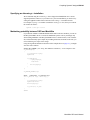
Switching platforms and compilation
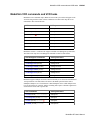
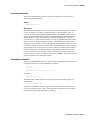
Compiled SystemC libraries are platform dependent. If you move between platforms, you
must remove all SystemC files from the working library and then recompile your SystemC
source files. To remove SystemC files from the working directory, use the vdel (CR-315)
command with the -allsystemc argument.
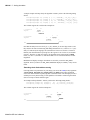
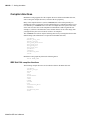
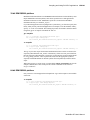
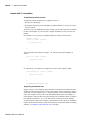
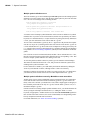
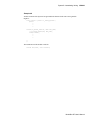
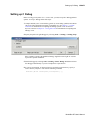
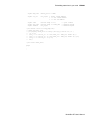
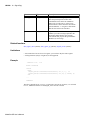
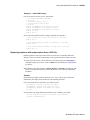
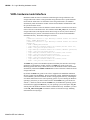
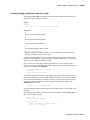
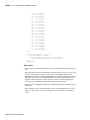
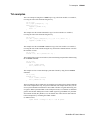
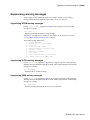
If you attempt to load a design that was compiled on a different platform, an error such as
the following occurs:
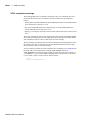
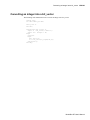
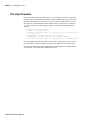
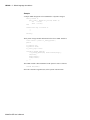
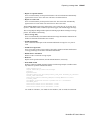
# vsim work.test_ringbuf
# Loading work/systemc.so
# ** Error: (vsim-3197) Load of "work/systemc.so" failed:
work/systemc.so: ELF file data encoding not little-endian.
# ** Error: (vsim-3676) Could not load shared library
work/systemc.so for SystemC module 'test_ringbuf'.
# Error loading design
You can type verror 3197 at the vsim command prompt and get details about what caused
the error and how to fix it.
ModelSim SE User’s Manual