1
UM-300 10 - Graphic interface
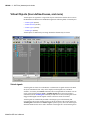
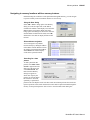
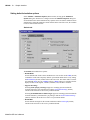
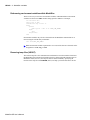
Setting time markers in the List window
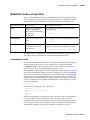
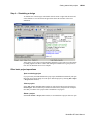
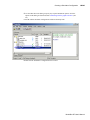
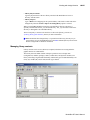
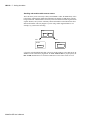
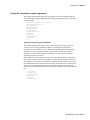
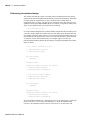
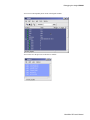
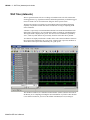
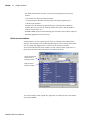
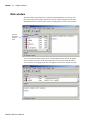
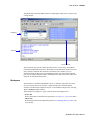
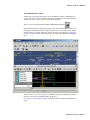
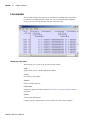
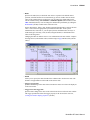
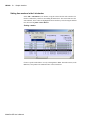
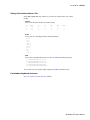
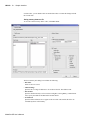
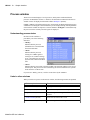
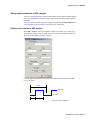
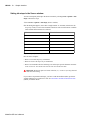
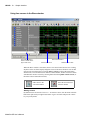
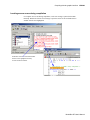
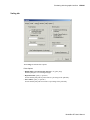
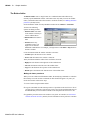
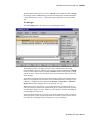
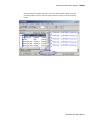
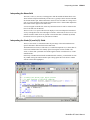
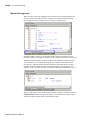
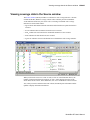
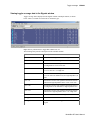
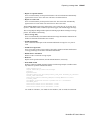
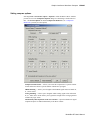
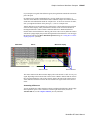
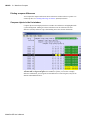
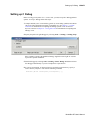
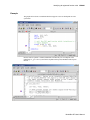
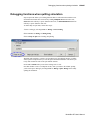
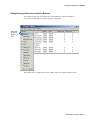
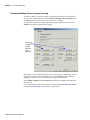
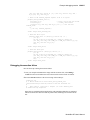
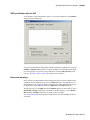
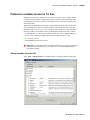
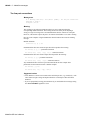
Select Edit > Add Marker (List window) to tag the selected list line with a marker. The
marker is indicated by a thin box surrounding the marked line. The selected line uses the
same indicator, but its values are highlighted. Delete markers by first selecting the marked
line, then selecting Edit > Delete Marker.
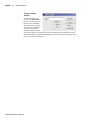
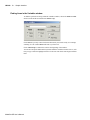
Finding a marker
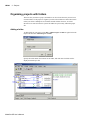
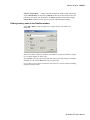
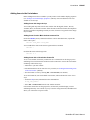
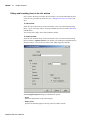
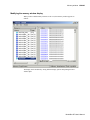
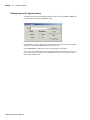
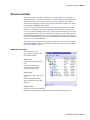
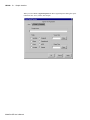
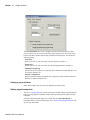
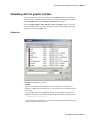
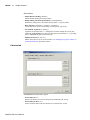
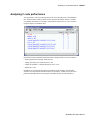
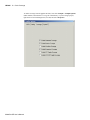
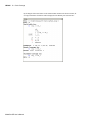
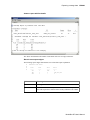
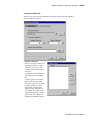
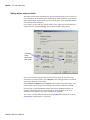
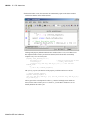
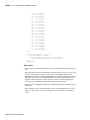
Choose a specific marked line to view by selecting View > Goto. The marker name (on the
Goto list) corresponds to the simulation time of the selected line.
ModelSim SE User’s Manual