1
UM-560 18 - Value Change Dump (VCD) Files
Creating a VCD file
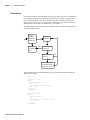
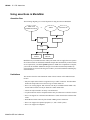
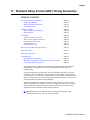
There are two flows in ModelSim for creating a VCD file. One flow produces a four-state
VCD file with variable changes in 0, 1, x, and z with no strength information; the other
produces an extended VCD file with variable changes in all states and strength information
and port driver data.
Both flows will also capture port driver changes unless filtered out with optional
command-line arguments.
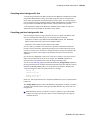
Flow for four-state VCD file
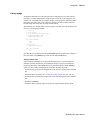
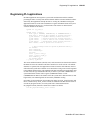
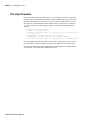
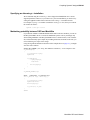
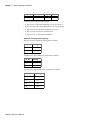
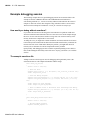
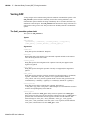
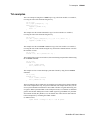
First, compile and load the design:
%
%
%
%
cd ~/modeltech/examples
vlib work
vlog counter.v tcounter.v
vsim test_counter
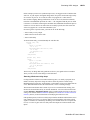
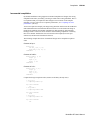
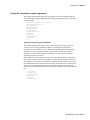
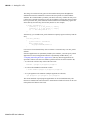
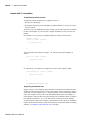
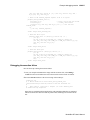
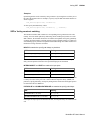
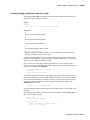
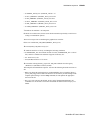
Next, with the design loaded, specify the VCD file name with the vcd file command (CR294) and add items to the file with the vcd add command (CR-284):
VSIM
VSIM
VSIM
VSIM
1>
2>
3>
4>
vcd file myvcdfile.vcd
vcd add /test_counter/dut/*
run
quit -f
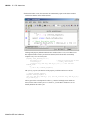
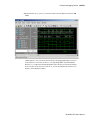
There will now be a VCD file in the working directory.
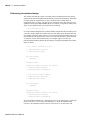
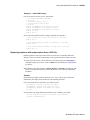
Flow for extended VCD file
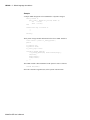
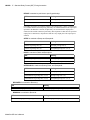
First, compile and load the design:
%
%
%
%
cd ~/modeltech/examples
vlib work
vlog counter.v tcounter.v
vsim test_counter
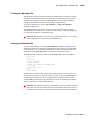
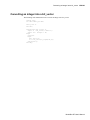
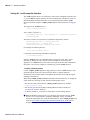
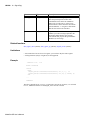
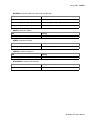
Next, with the design loaded, specify the VCD file name and items to add with the vcd
dumpports command (CR-287):
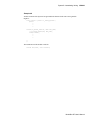
VSIM 1> vcd dumpports -file myvcdfile.vcd /test_counter/dut/*
VSIM 3> run
VSIM 4> quit -f
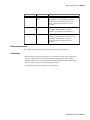
There will now be an extended VCD file in the working directory.
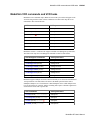
Case sensitivity
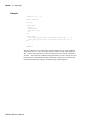
VHDL is not case sensitive so ModelSim converts all signal names to lower case when it
produces a VCD file. Conversely, Verilog designs are case sensitive so ModelSim
maintains case when it produces a VCD file.
ModelSim SE User’s Manual