1
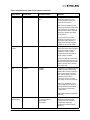
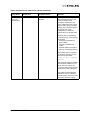
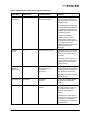
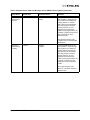
Context Allocation Failures
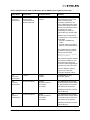
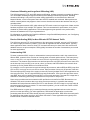
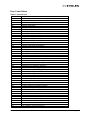
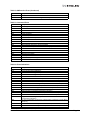
There are a number of event codes for which the interpretation contains the phrase "context allocation
failure" - these types of events are referring to the internal memory constructs of the Emulex Storport
Miniport driver and as such are intended for Emulex design engineer's information. If a customer
encounters such an event, they should contact Emulex support for analysis and determination if that
particular event may be an indicator of a failed adapter or of some problem with interaction between the
adapter, the Emulex Storport Miniport driver, the host operating system and the host memory.
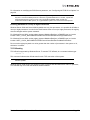
Note: Context allocation failures are rare.
NIC Error/Event Logs
Viewing the NIC/TOE Error Log
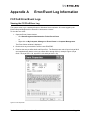
For Windows Server operating systems, the OneConnect network driver generates error codes in the
system event log. These error codes can be viewed by using the Event Viewer application.
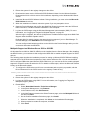
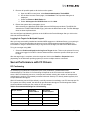
To view the error codes:
1. Click the Start tab on the bottom of the screen.
2. Click Run.
3. Type eventvwr and click OK.
4. Click Windows Log.
5. Click System.
6. Click the be2net error under System Events to show the event details.
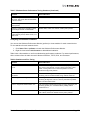
The following is an example of a Windows Server 2003 error (be2ndis6x) you would see in the system
event log:
Emulex Drivers for Windows User Manual
Page 101