1
Using CNC-Calc Help
28
7. Using CNC-Calc Help
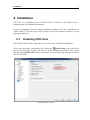
This section describes how to use the help system in CIMCO products.
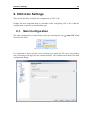
A standard Windows Help file is available through the drop-down Help menu by clicking
CNC-Calc help.
Help menu.
7.1. Using Help In Dialogs
CIMCO CNC-Calc v7 contains multiple dialogs that provide drop-down lists, check
boxes, text fields and buttons for specific configurations.
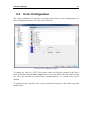
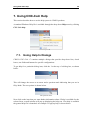
To get help for a particular dialog item, click the ? at the top of a dialog box, as shown
below.
Click the question mark.
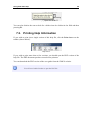
This will change the cursor to an arrow and a question mark indicating that you are in
Help Mode. The new pointer is shown below.
The question cursor.
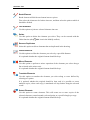
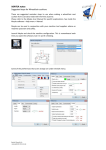
Now click on the item that you want further information about. If help is available for the
selected item, a small window will pop up displaying the help text. If no help is available
the general help file is launched. An example of a pop-up help is shown below.