1
Page 99
25.
Reports
The Reports option on the main title of the Workbench allows for standard reports to be
generated.
25.1 Function Catalogue Details Report
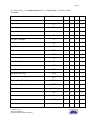
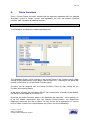
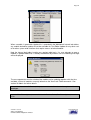
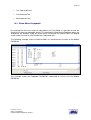
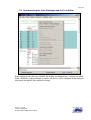
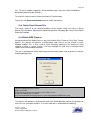
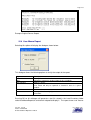
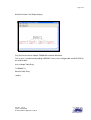
This report is used to provide a hard copy of the Function Catalogue details; it will produce
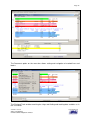
the following dialogue Box.
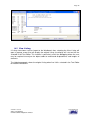
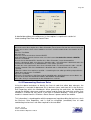
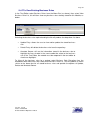
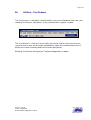
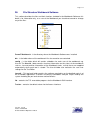
The user can choose to what level of detail the report is to produce by selecting any of the
Function Types.
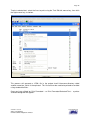
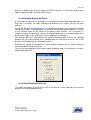
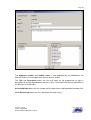
The User can produce the report for all the modules in the project or just for selected
modules.
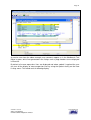
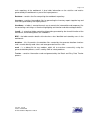
Modules are selected using left Click or with Shift left Click to select a block or Control left
click to select additional individual modules.
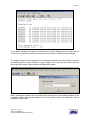
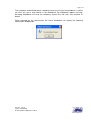
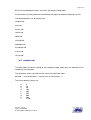
The report will generate a text file in the Level1\inventory\ called FunctionReport01.txt and
will launch notepad (or the associated text file viewer) to display the report.
Version: Issued
Status: Confidential
© 2008 Software Migrations Limited
User Guide 138