1
Page 48
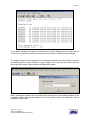
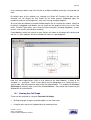
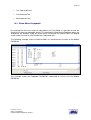
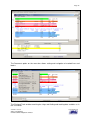
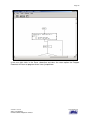
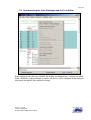
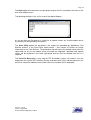
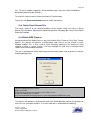
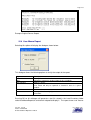
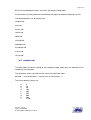
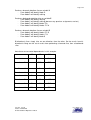
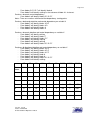
To print selected text, select the lines to print using the Text Edit left mouse key, then click
the right mouse key, as below:
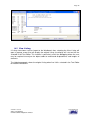
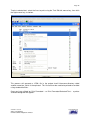
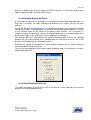
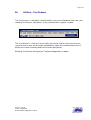
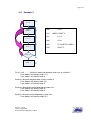
This process will generate a HTML file in the project level1/Username directory called
module-name.htm, which is then printed. This file can then be used to be printed or emailed
using standard facilities.
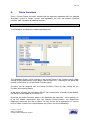
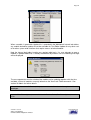
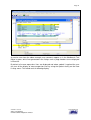
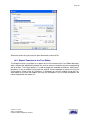
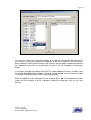
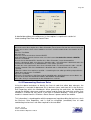
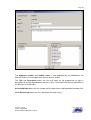
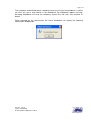
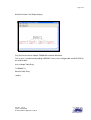
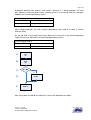
Once you have clicked on Print Formatted… or Print Formatted Selected Text… a printer
selection dialog box will appear:
Version: Issued
Status: Confidential
© 2008 Software Migrations Limited
User Guide 138