1
Page 108
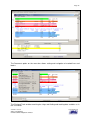
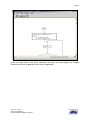
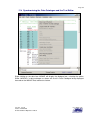
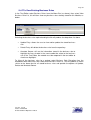
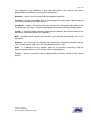
The user can specifically limit the search to certain columns for each line search by entering
the start/end columns to search within.
If the user has specified a filename to search opposed to a folder, the Search File Options
All or Data Only are available. If the file being searched is the output from a previous
search, the user can select Data Only to only search the original data, i.e. ignoring the file
name and line number information. Note when this is selected the Search Columns
information if entered will apply to the original data. If All is chosen the entire line contents
will be search and the columns information would apply to the whole line.
The Exclude String and Exclude File are similar to the Search String and Search File as
above; the Exclude is used to exclude specific matches from the results. The scan process
will first perform the search operations to create the matched items file, the exclude
operation then scans this file and removes any items that meet the exclude criteria.
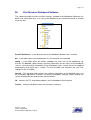
Report Format either Normal or Short (see Report Examples later in this section)
The Short Format should be used when the user may want to perform subsequent
searches on the output file to refine the results or to create a subproject from, so that the
original location of the data can be identified i.e. Module name and line number.
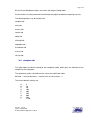
The case options are either match the case of the string or ignore the case for purposes of
matching.
The Match options Exact or Any. For an exact match, the characters before and after the
matched string must not be alphanumeric (i.e. a-z, A-Z or 0-9).
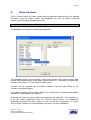
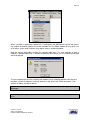
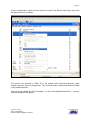
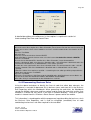
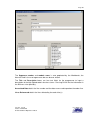
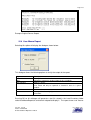
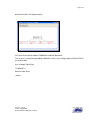
Dialogue Examples
Search Folder
Version: Issued
Status: Confidential
© 2008 Software Migrations Limited
User Guide 138