1
Page 49
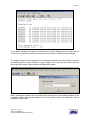
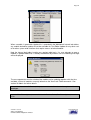
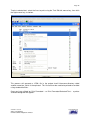
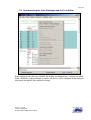
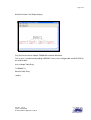
Select the printer that you want the print directed to, and click OK.
14.9 Export Function in the Text Editor
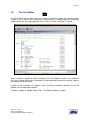
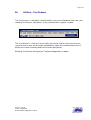
The Export function is available as an option on the File function of the Text Editor Menu bar,
when selected the Workbench prompts the user to select the location where the exported file
will be written. The Export process is used to merge the recorded annotations and FermaT
comments in the assembler listing with the original source imported as part of the Full Life
Cycle process. When using this function it is mandatory to save the module using the File |
Save option or to close the module and save the annotations, any unsaved annotations will
not be exported to the export file.
Version: Issued
Status: Confidential
© 2008 Software Migrations Limited
User Guide 138