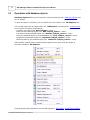
1
261
SQL Manager 2008 for InterBase/Firebird User's Manual
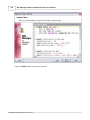
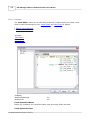
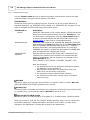
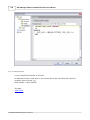
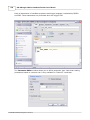
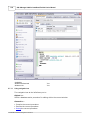
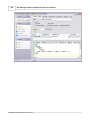
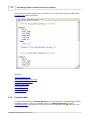
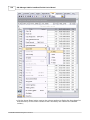
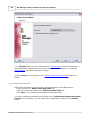
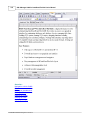
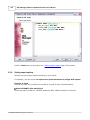
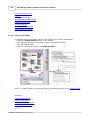
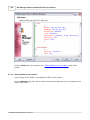
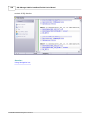
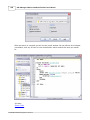
Hint: To paste input parameters of a procedure quickly, use the Ctrl+Shift+P shortcut
after the procedure name.
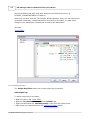
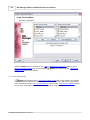
Hint: To use a keyboard template, type the template name and press the Ctrl+J
shortcut: the text associated with the template will be inserted automatically.
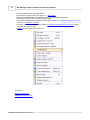
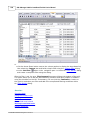
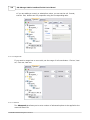
If necessary, you can print the SQL text of your query using the corresponding item of
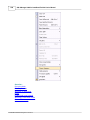
the context menu.
See also:
Using Navigation bar
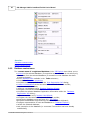
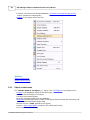
Using the context menu
Viewing query plan
Using object links
© 2008 EMS Database Management Solutions