1
443
SQL Manager 2008 for InterBase/Firebird User's Manual
·
·
·
·
·
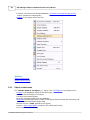
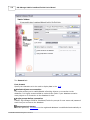
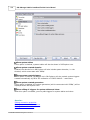
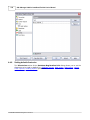
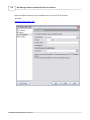
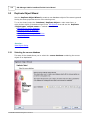
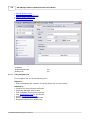
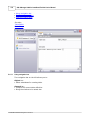
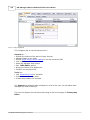
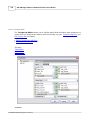
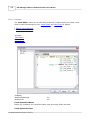
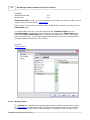
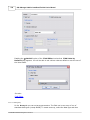
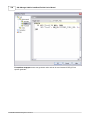
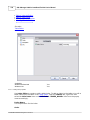
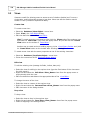
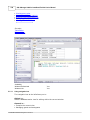
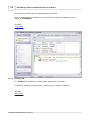
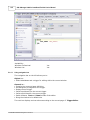
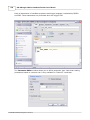
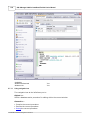
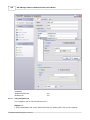
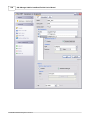
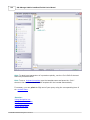
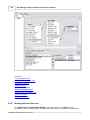
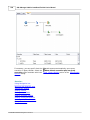
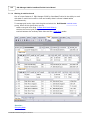
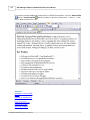
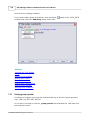
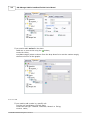
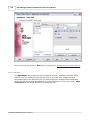
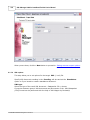
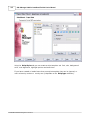
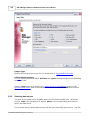
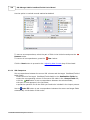
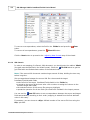
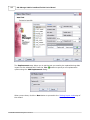
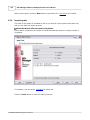
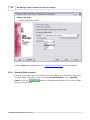
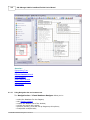
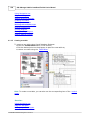
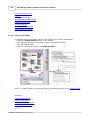
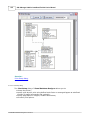
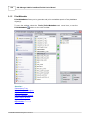
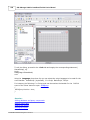
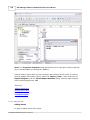
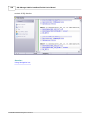
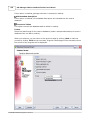
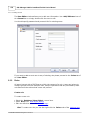
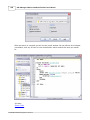
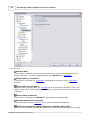
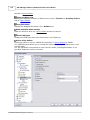
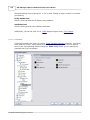
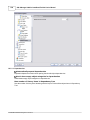
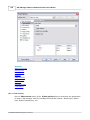
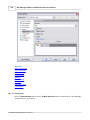
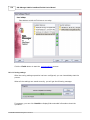
proceed to the Page1 tab of Report Designer;
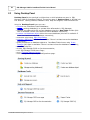
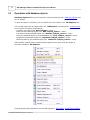
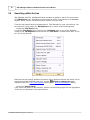
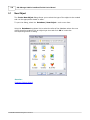
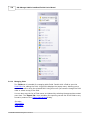
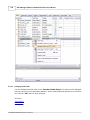
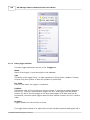
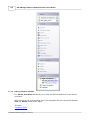
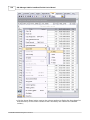
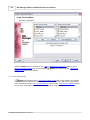
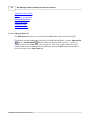
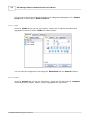
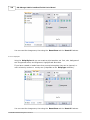
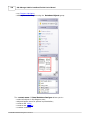
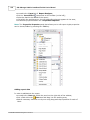
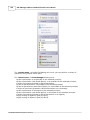
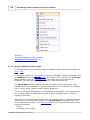
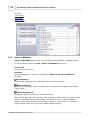
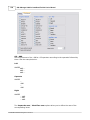
pick the Insert Band
component on the toolbar (on the left);
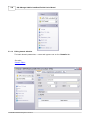
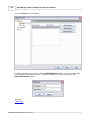
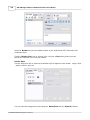
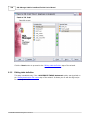
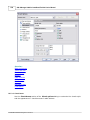
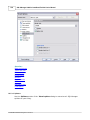
select the band to be added to the report;
click within the working area - the corresponding element appears in the area;
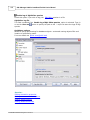
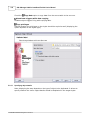
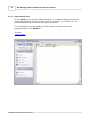
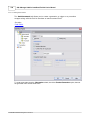
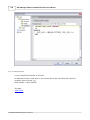
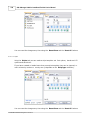
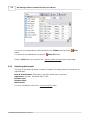
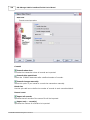
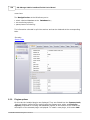
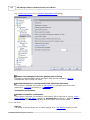
set element properties within the Properties Inspector.
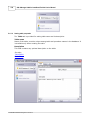
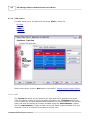
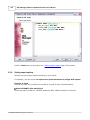
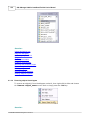
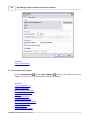
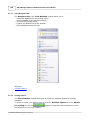
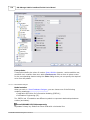
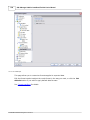
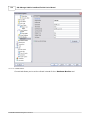
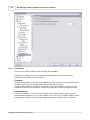
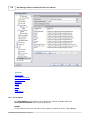
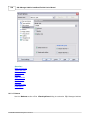
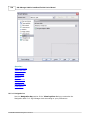
Note: The Properties Inspector panel that allows you to edit report object properties
can be shown/hidden by pressing the F11 key.
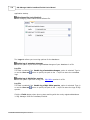
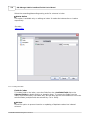
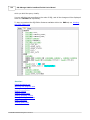
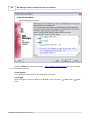
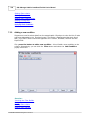
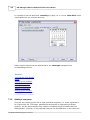
Adding report data
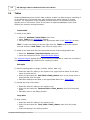
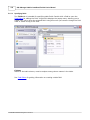
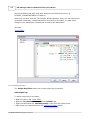
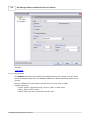
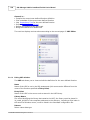
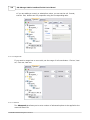
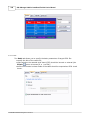
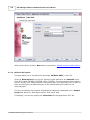
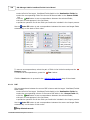
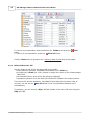
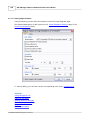
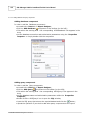
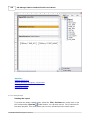
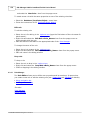
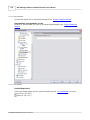
In order to add data to the report:
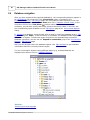
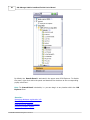
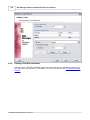
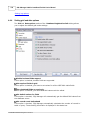
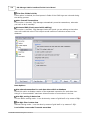
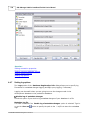
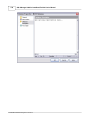
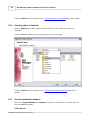
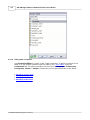
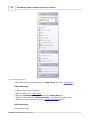
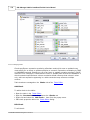
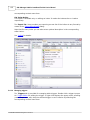
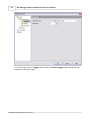
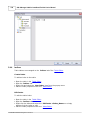
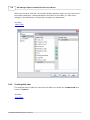
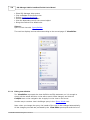
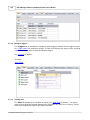
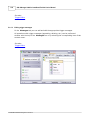
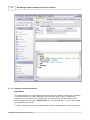
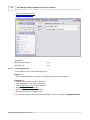
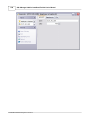
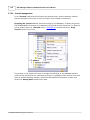
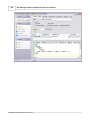
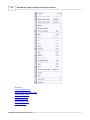
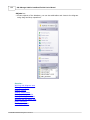
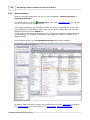
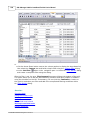
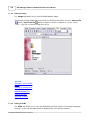
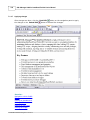
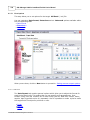
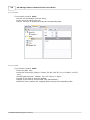
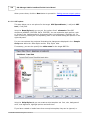
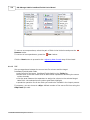
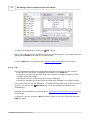
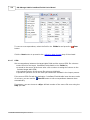
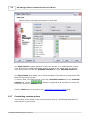
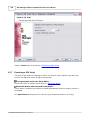
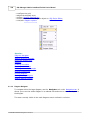
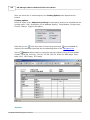
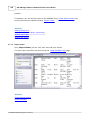
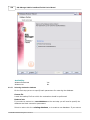
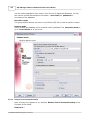
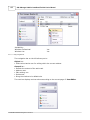
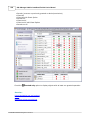
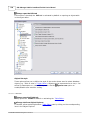
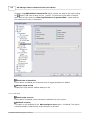
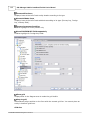
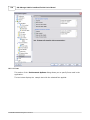
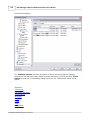
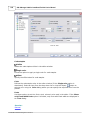
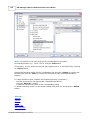
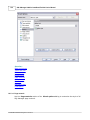
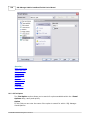
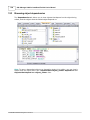
· proceed to the Data tab within the panel on the right side of the window;
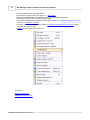
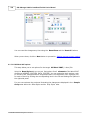
· pick a field within the
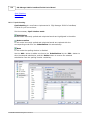
Data tree and drag it to the working area;
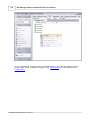
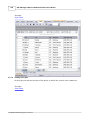
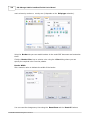
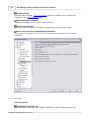
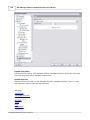
· add all necessary elements one by one using drag-and-drop operation for each of
them.
© 2008 EMS Database Management Solutions