1
306
SQL Manager 2008 for InterBase/Firebird User's Manual
See also:
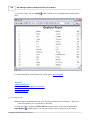
Grid View
7.1.2
Form View
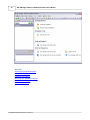
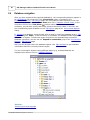
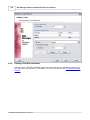
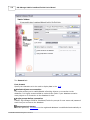
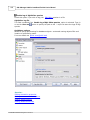
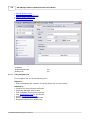
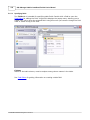
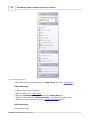
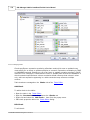
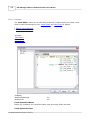
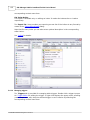
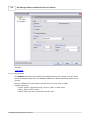
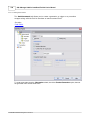
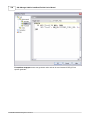
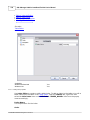
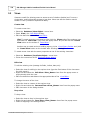
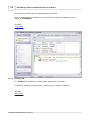
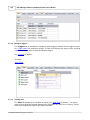
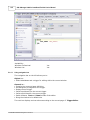
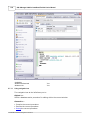
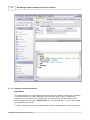
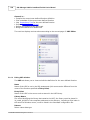
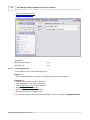
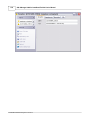
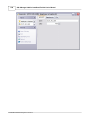
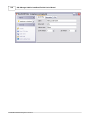
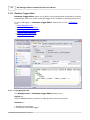
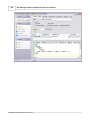
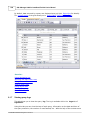
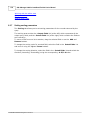
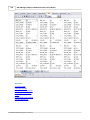
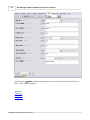
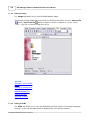
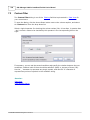
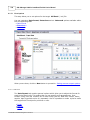
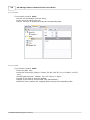
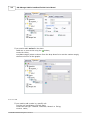
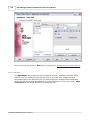
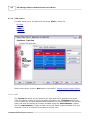
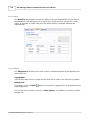
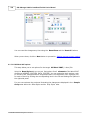
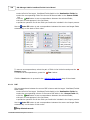
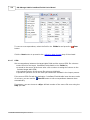
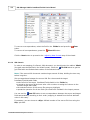
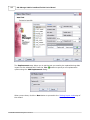
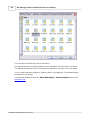
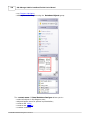
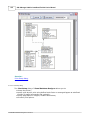
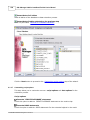
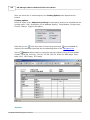
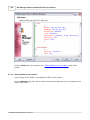
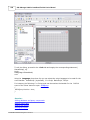
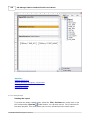
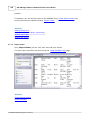
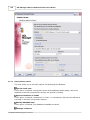
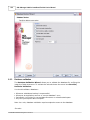
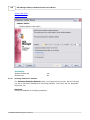
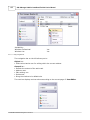
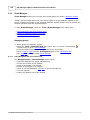
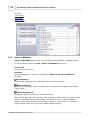
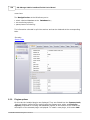
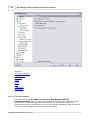
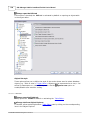
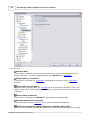
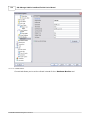
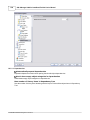
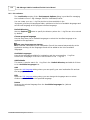
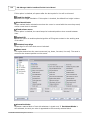
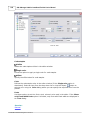
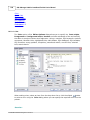
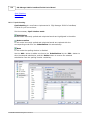
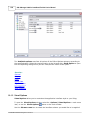
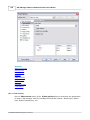
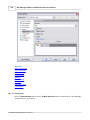
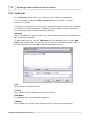
The Form View tab allows you to view data as a form. To activate this type of data view,
select the Form View tab on the View mode panel at the bottom of the Results area of
the window.
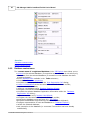
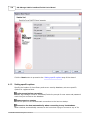
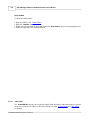
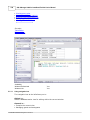
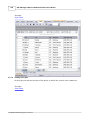
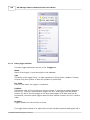
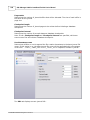
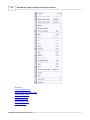
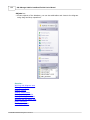
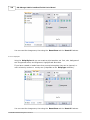
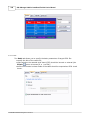
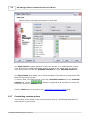
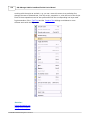
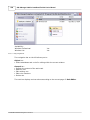
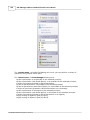
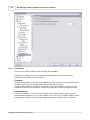
The form displays the current record: field names on the left and the corresponding
values on the right. If the fields are available for editing, you can edit the record directly
on this form. The navigation pane at the top of the form allows you to browse the data
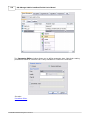
quickly, to insert, update and delete records, and to set a filter for the records using the
Filter Builder dialog.
© 2008 EMS Database Management Solutions