1
331
8.1
SQL Manager 2008 for InterBase/Firebird User's Manual
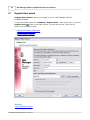
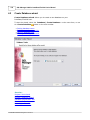
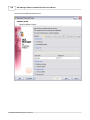
Export Data Wizard
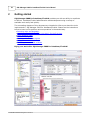
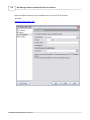
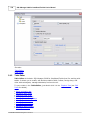
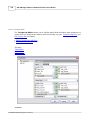
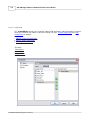
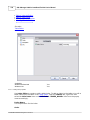
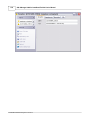
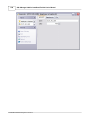
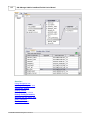
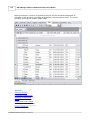
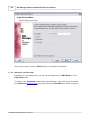
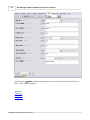
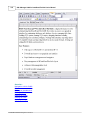
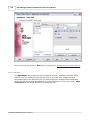
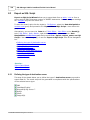
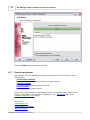
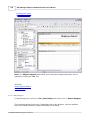
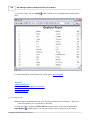
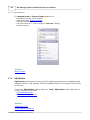
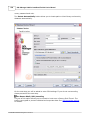
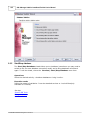
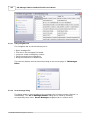
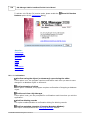
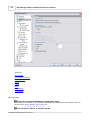
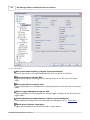
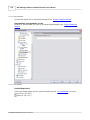
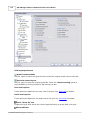
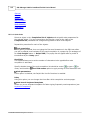
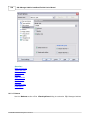
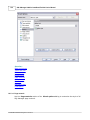
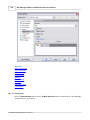
Export Data Wizard allows you to export data from a table / view or from a query
result to any of supported formats (MS Excel, MS Access, MS Word, RTF, HTML, PDF, TXT
, CSV, XML, DBF, MS Excel 2007, MS Word 2007, etc.). You can save your settings as a
template any time for future use.
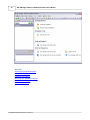
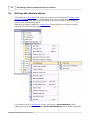
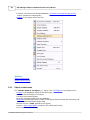
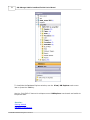
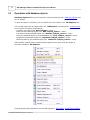
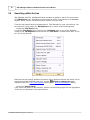
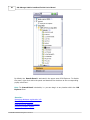
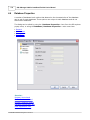
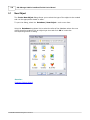
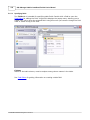
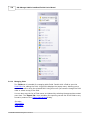
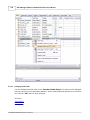
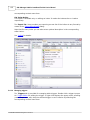
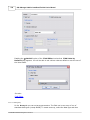
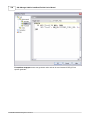
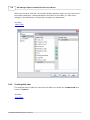
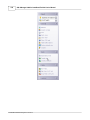
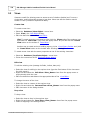
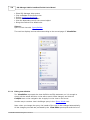
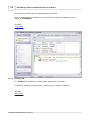
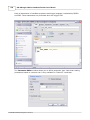
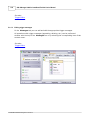
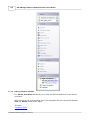
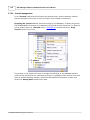
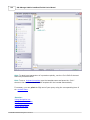
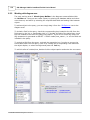
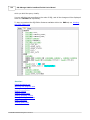
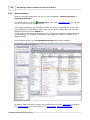
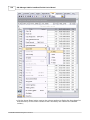
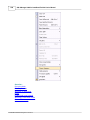
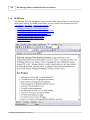
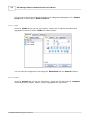
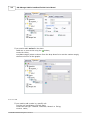
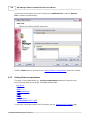
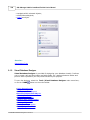
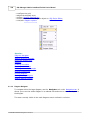
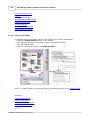
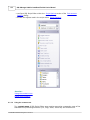
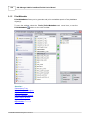
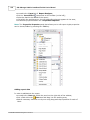
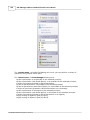
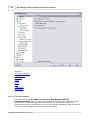
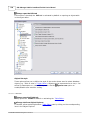
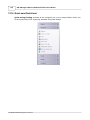
To start the wizard, right-click the object in DB Explorer, select the Data Manipulation
context menu group and proceed to the Export Data... item within this group.
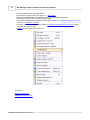
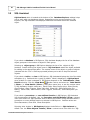
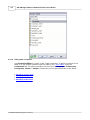
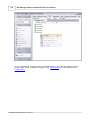
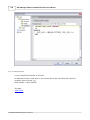
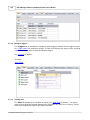
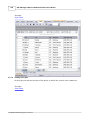
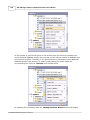
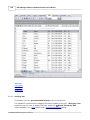
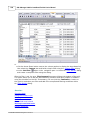
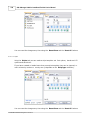
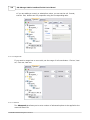
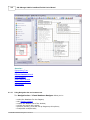
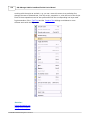
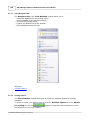
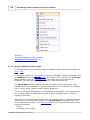
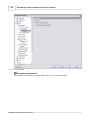
Alternatively, you can open the Data tab of Table Editor / View Editor or the Result(s)
tab of SQL Editor / Query Builder, right-click the grid there, then select the Data
Manipulation context menu group and proceed to the Export Data of
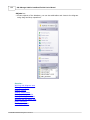
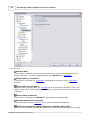
<object_name>... item within this group, or use the Export Data item of the
Navigation bar.
·
·
·
·
·
·
·
·
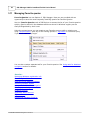
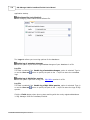
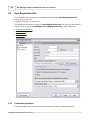
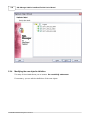
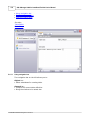
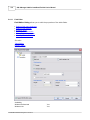
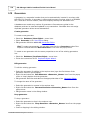
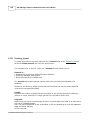
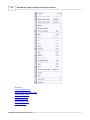
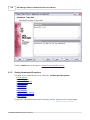
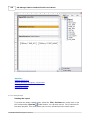
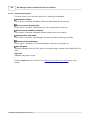
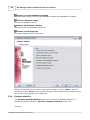
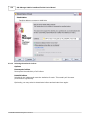
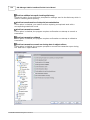
Setting name and format for the destination file
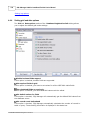
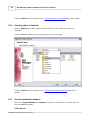
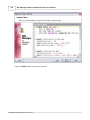
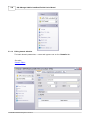
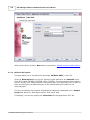
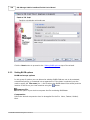
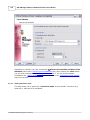
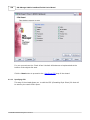
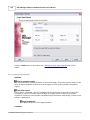
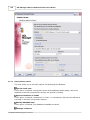
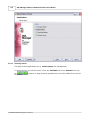
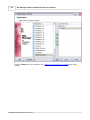
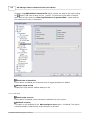
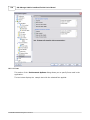
Selecting fields for export
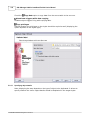
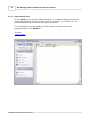
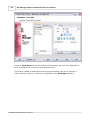
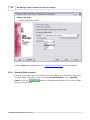
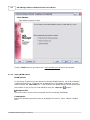
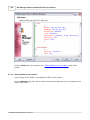
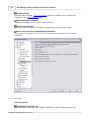
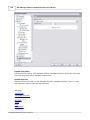
Adjusting formats applied to exported data
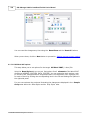
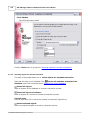
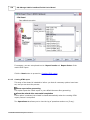
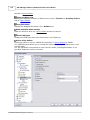
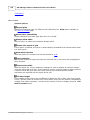
Setting header and footer text for the destination file
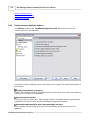
Setting format-specific options
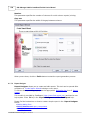
Setting common export options
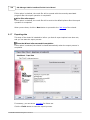
Exporting data
Using templates
See also:
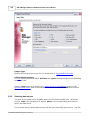
Import Data Wizard
Export as SQL Script
8.1.1
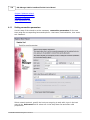
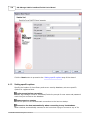
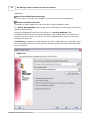
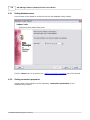
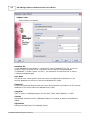
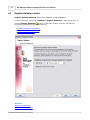
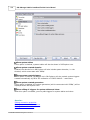
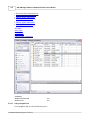
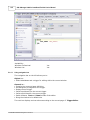
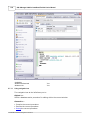
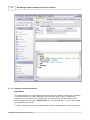
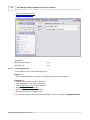
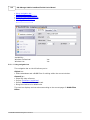
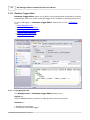
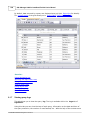
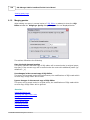
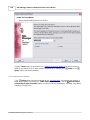
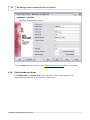
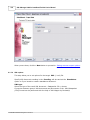
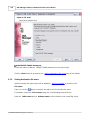
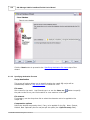
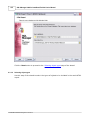
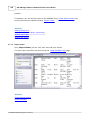
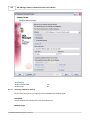
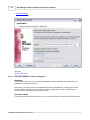
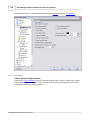
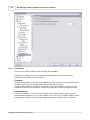
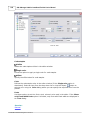
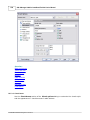
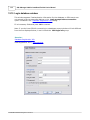
Setting destination file name and format
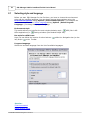
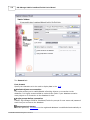
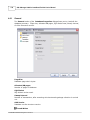
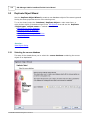
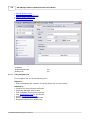
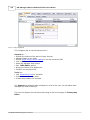
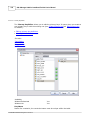
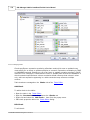
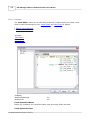
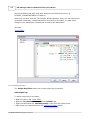
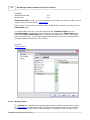
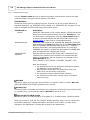
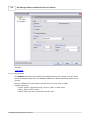
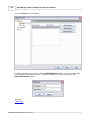
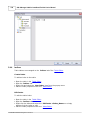
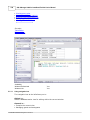
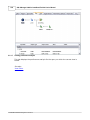
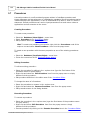
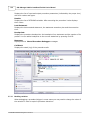
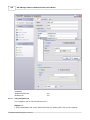
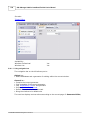
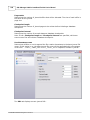
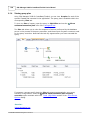
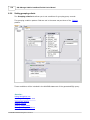
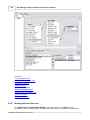
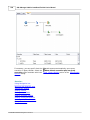
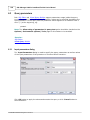
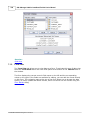
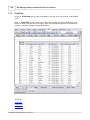
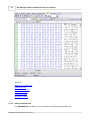
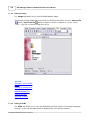
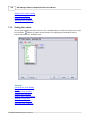
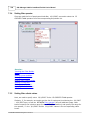
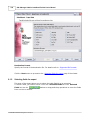
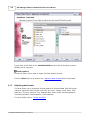
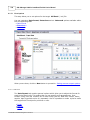
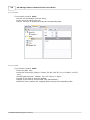
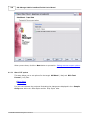
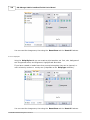
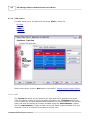
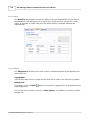
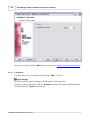
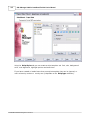
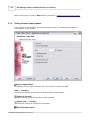
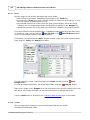
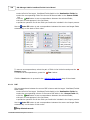
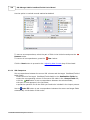
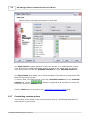
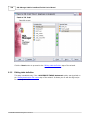
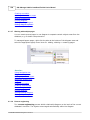
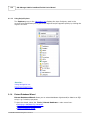
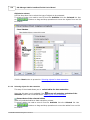
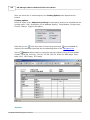
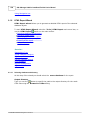
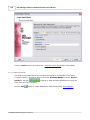
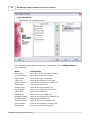
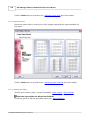
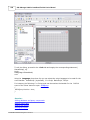
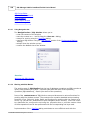
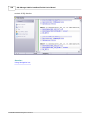
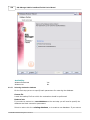
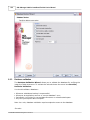
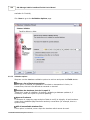
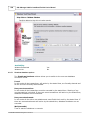
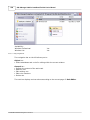
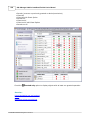
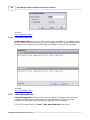
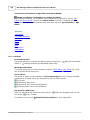
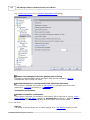
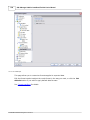
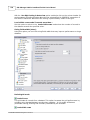
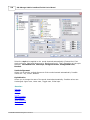
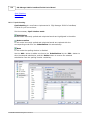
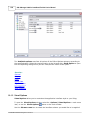
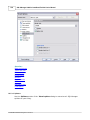
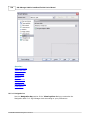
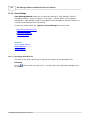
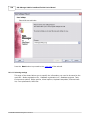
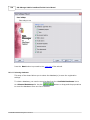
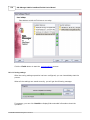
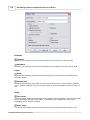
This step of the wizard allows you to select the destination file format you need to export
data into.
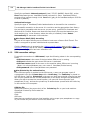
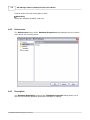
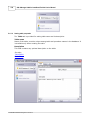
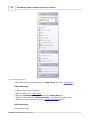
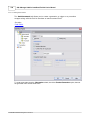
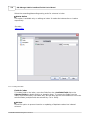
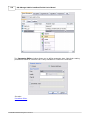
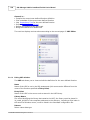
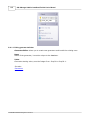
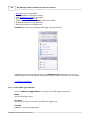
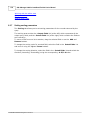
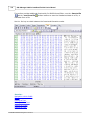
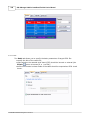
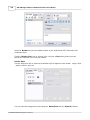
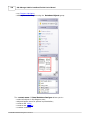
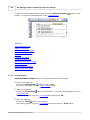
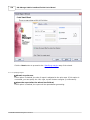
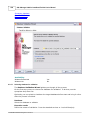
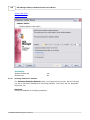
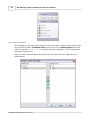
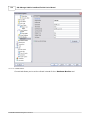
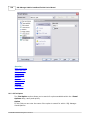
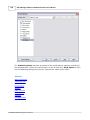
Destination file name
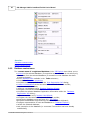
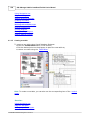
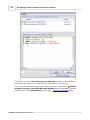
Type in or use the
button to specify the path to the file using the Save as... dialog.
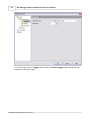
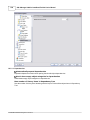
The file name extension changes automatically according to the selected Destination
format.
© 2008 EMS Database Management Solutions