1
543
SQL Manager 2008 for InterBase/Firebird User's Manual
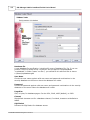
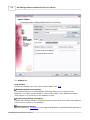
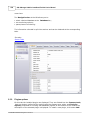
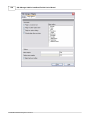
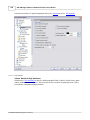
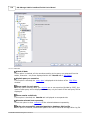
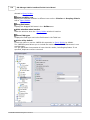
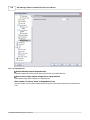
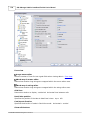
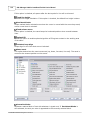
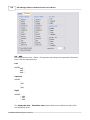
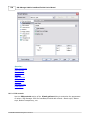
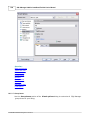
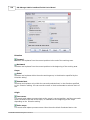
Disables any selection when editing.
Draw current line focus
Draws the focus rectangle around the current line when the editor has focus.
Hide selection (no focus)
Hides the selection when the editor loses focus.
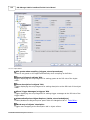
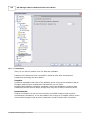
Greedy selection
Selects an extra column/line in column/line selection modes.
Keep selection mode
Enables selection for caret movement commands (like in BRIEF).
Select search result
Determines whether the search result should be selected.
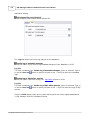
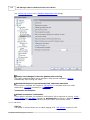
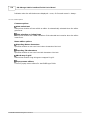
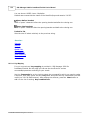
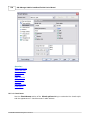
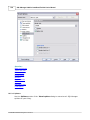
Smart paste
When this option is enabled, the editor gets both Unicode and ANSI content from the
clipboard, converts them using the selected character set and selects the best text to be
pasted. This allows getting correct text copied from both ANSI and Unicode applications
disregarding the currently selected keyboard language.
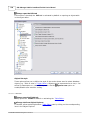
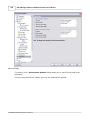
Disable all code features
This option disables code completion, code folding, highlight and all options that are set
on the Quick Code page. For options that are set on the Color page, the defaults will be
applied.
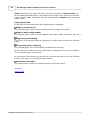
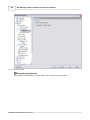
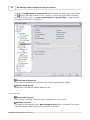
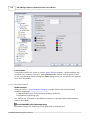
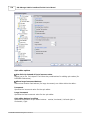
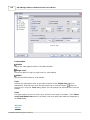
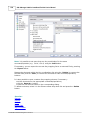
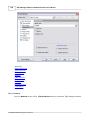
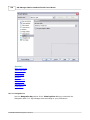
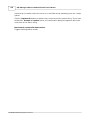
Collapse level
Specifies the level of text ranges that will be affected by the "Collapse all" command.
Undo limit
Defines the maximum number of changes possible to be undone.
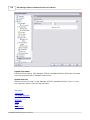
Tab mode
Specifies the way the TAB key is processed. Possible values are: Use tab character
(inserts a tab character); Insert spaces (inserts space characters); Dialog behaviour
(when the edit control is in a dialog, the focus is switched to the next control); Smart tab
(tabs to the first non-white space character in the preceding line).
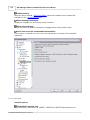
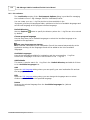
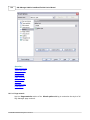
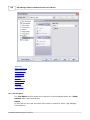
Tab stops
Defines the tab length used when editing a text.
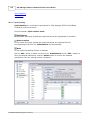
Comment symbols
Defines the symbols which will be used to comment code fragments.
Block indent
Specify the number of spaces to indent a marked block.
See also:
© 2008 EMS Database Management Solutions