1
INTEG Process Group, Inc
Utility Web Screen
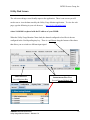
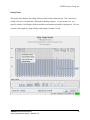
The web screen brings a user friendly aspect to the application. There is one screen you will
need to use to view the data stored by the Utility Usage Monitor application. To view the web
page, type the following in your web browser:
http://10.0.0.188/utility.html
where 10.0.0.188 is replaced with the IP address of your JNIOR.
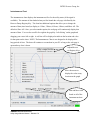
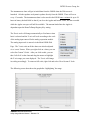
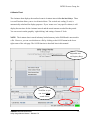
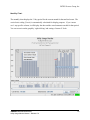
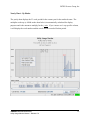
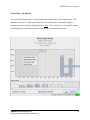
When the Utility Usage Monitor Charts load, the channel configured to load first is the one
configured in the Used Input Registry key. There is a pull down along the bottom of the charts
that allows you to switch to a different input signal.
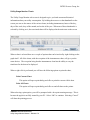
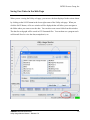
Unit Label Text
Instantaneous Flow Text
Set via Registry Key
Set via External Module Tab
JNIOR
A Network I/O Resource
Utility Usage Monitor Manual – Release 5.0
12