Download Audio Reference Manual
Transcript
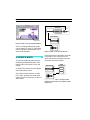
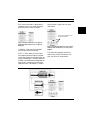
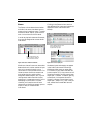
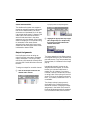
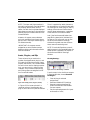
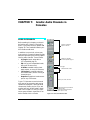
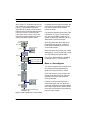
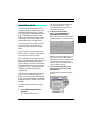
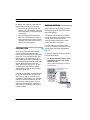
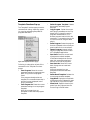
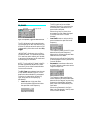
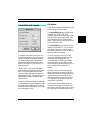
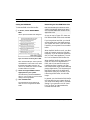
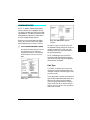
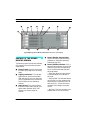
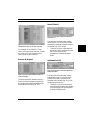
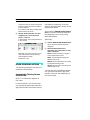
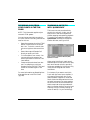
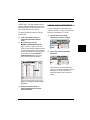
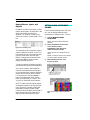
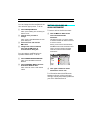
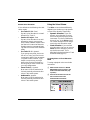
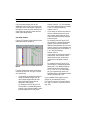
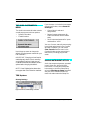
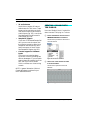
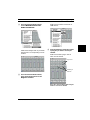
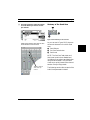
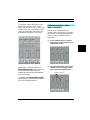
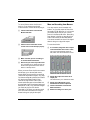
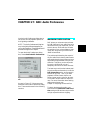
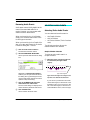
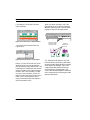
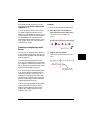
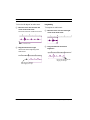
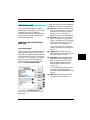
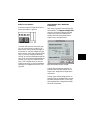
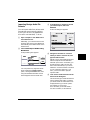
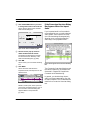
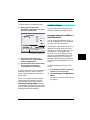
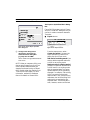
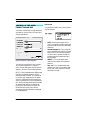
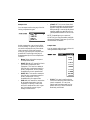
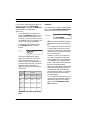
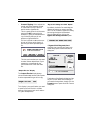
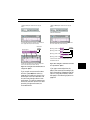
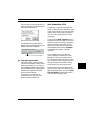
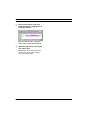
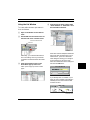
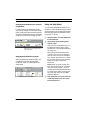
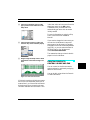
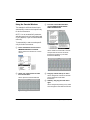
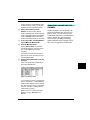
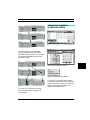
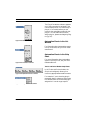
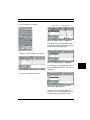
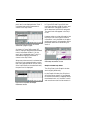
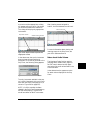
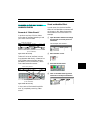
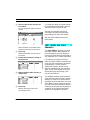
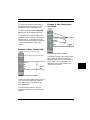
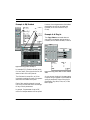
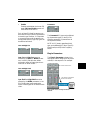
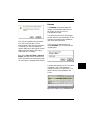
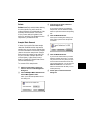
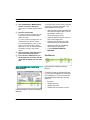
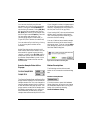
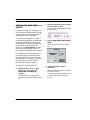
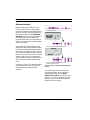
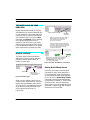
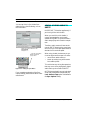
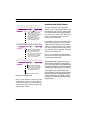
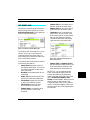
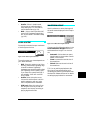
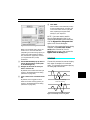
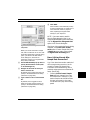
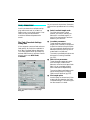
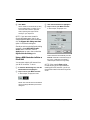
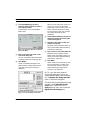
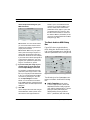
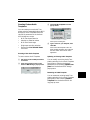
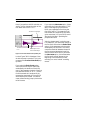
CHAPTER 15: DAE: Audio Instruments Poly Mode Off Stereo Busses If an Audio Instrument’s Poly column is not checked, the poly mode is disabled for that Audio Instrument. TDM busses can now be specified as “stereo” in the Audio Instruments & Routings Window. Whether a bus is stereo determines how audio channels are routed to it, and how the bus is recorded. With poly mode disabled, an Audio Instrument can play only a single audio event, no matter how many audio events are assigned to the Audio Instrument. Figure 15.7: Making a bus “stereo” Using the Stereo Column Stereo Audio Channels The Stereo column determines whether an Audio Instrument, hardware input or output, or bus is stereo or mono. To make an audio channel “stereo,” place a check mark in the column for that channel. In order to play back stereo audio events, they must be assigned to a stereo Audio Instrument. Whether a channel is mono or stereo also determines how it can be used as an input source in a console channel, or as a record source in the Record Monitor. For instance, stereo Audio Instruments can only use stereo plug-ins, and should be assigned to stereo outputs; also, if you’re routing stereo audio channels to a bus, make sure it is a stereo bus; and, if you’re attempting to record with Link Pairs checked, you’ll need to record from a stereo source (Audio Instrument, output, or bus) to a stereo Audio Instrument. For instance, if you have a stereo Audio Instrument and want it sent to a bus, you should make sure that the destination is a stereo bus. You can, however, mix and match stereo and mono signals when routing to busses. In doing so, the following rules apply: • • When sending a stereo console channel to a mono bus, only the left channel is sent. When sending a mono console channel to a stereo bus, the signal is sent to both the left and right channels of the bus. You cannot, however, mix and match stereo and mono signals when recording. If you attempt to record from a stereo bus to a mono Audio Instrument, or from a mono bus to a stereo Audio Instrument, you will be prompted to make the necessary changes. Vision & Studio Vision Pro — Audio Reference Manual 139