1
DynaSCAPE Design
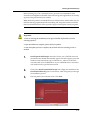
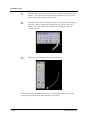
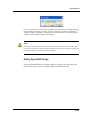
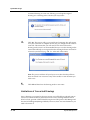
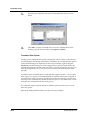
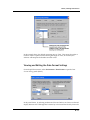
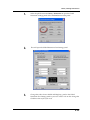
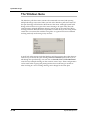
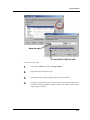
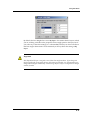
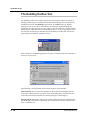
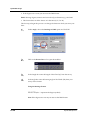
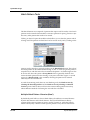
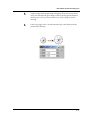
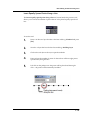
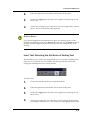
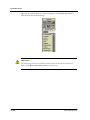
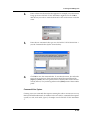
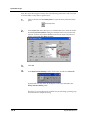
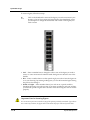
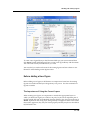
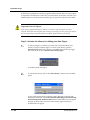
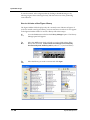
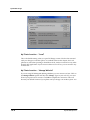
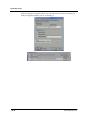
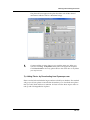
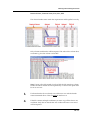
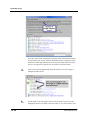
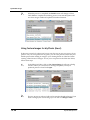
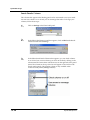
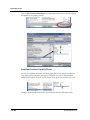
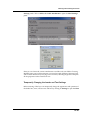
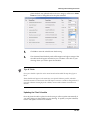
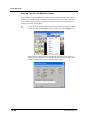
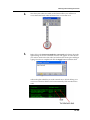
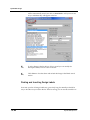
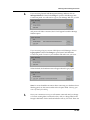
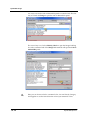
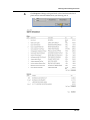
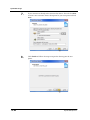
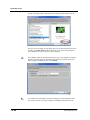
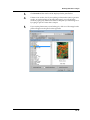
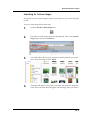
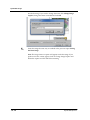
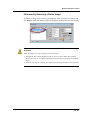
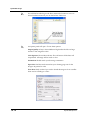
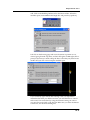
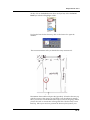
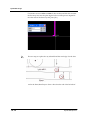
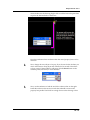
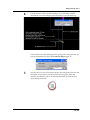
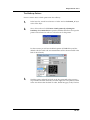
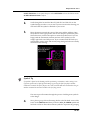
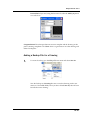
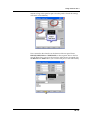
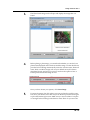
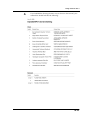
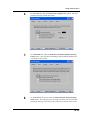
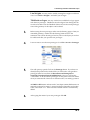
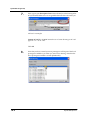
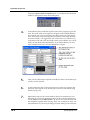
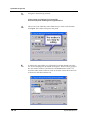
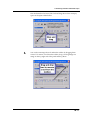
the list and check off the plants you wish to have in your plant list.
Maximizing the panel will allow you to see more plants at one time.
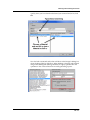
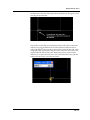
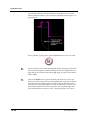
Remember, the shorter the list in your database the easier it will be to
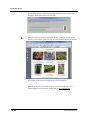
manage and find plants you are looking for. Each botanical name is a link
to the image and cultural information online. After your plants have been
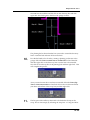
selected click Finish. If you have forgotten any plants you can always
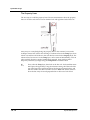
search for them at dynascape.com and add them one by one as outlined in
the first method.
12.14
DynaSCAPE Software