1
Getting Started
3.
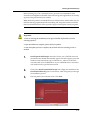
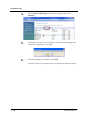
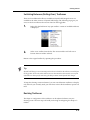
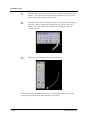
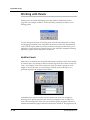
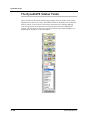
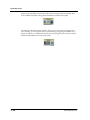
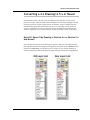
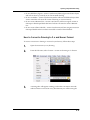
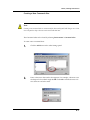
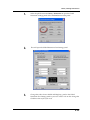
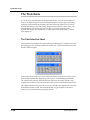
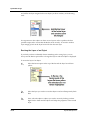
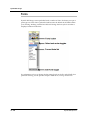
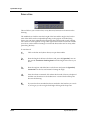
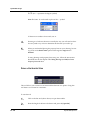
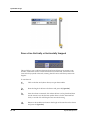
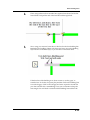
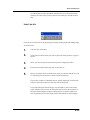
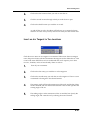
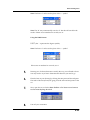
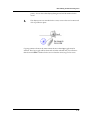
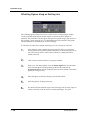
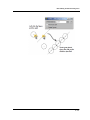
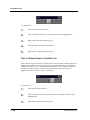
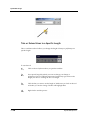
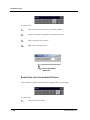
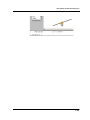
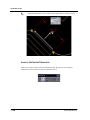
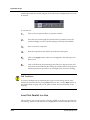
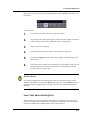
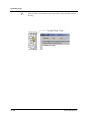
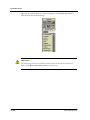
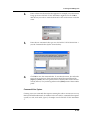
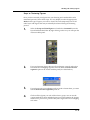
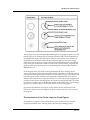
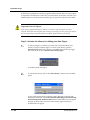
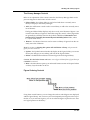
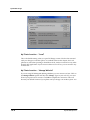
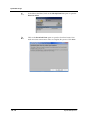
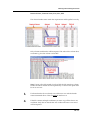
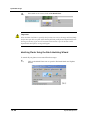
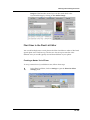
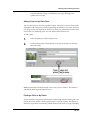
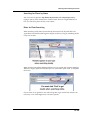
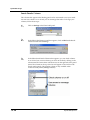
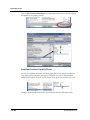
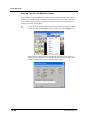
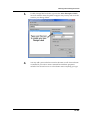
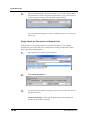
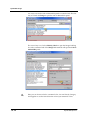
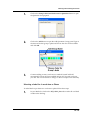
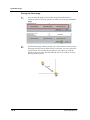
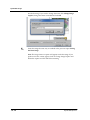
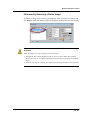
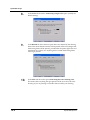
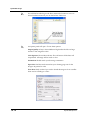
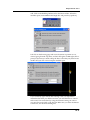
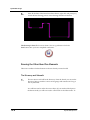
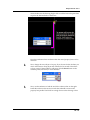
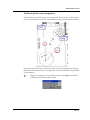
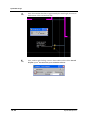
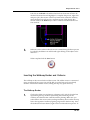
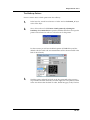
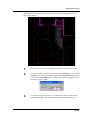
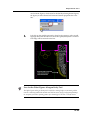
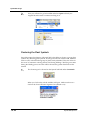
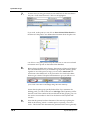
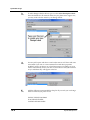
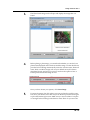
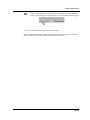
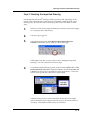
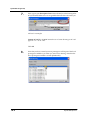
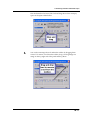
As you scroll down the list, notice that Tool Tips pop up to describe the
function of each nested command button.
4.
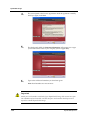
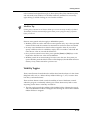
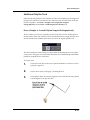
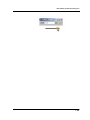
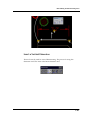
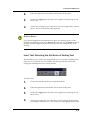
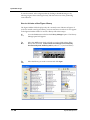
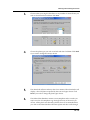
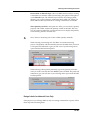
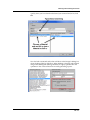
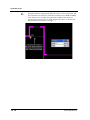
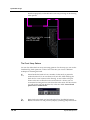
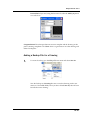
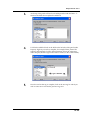
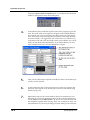
Release the mouse button when you find the command you would like to
use.
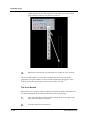
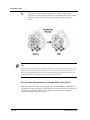
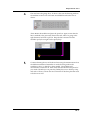
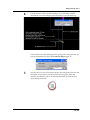
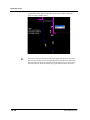
5.
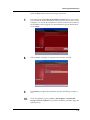
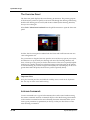
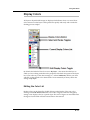
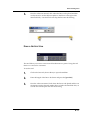
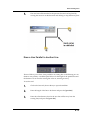
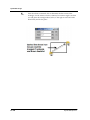
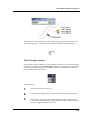
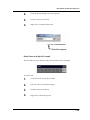
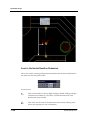
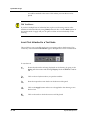
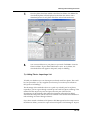
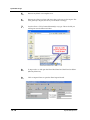
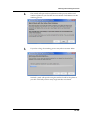
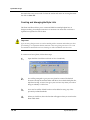
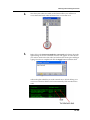
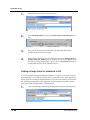
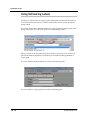
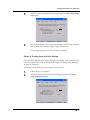
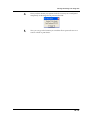
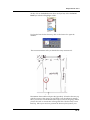
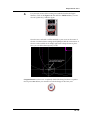
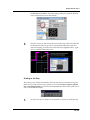
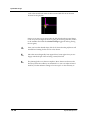
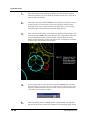
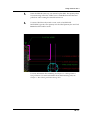
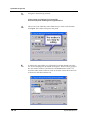
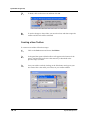
The list of nested tools collapses and the tool button you selected replaces
the one on top one as the visible tool. This tool will also now be the active
tool.
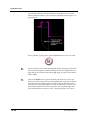
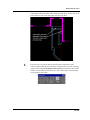
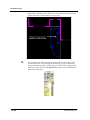
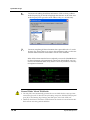
6.
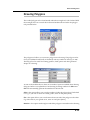
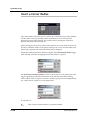
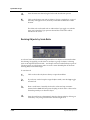
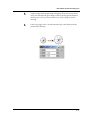
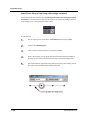
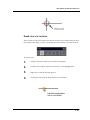
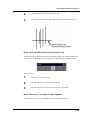
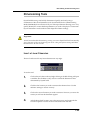
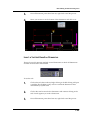
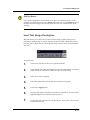
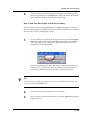
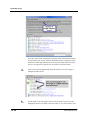
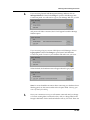
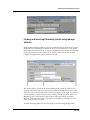
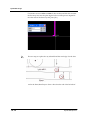
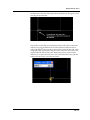
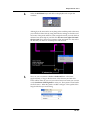
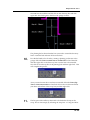
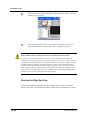
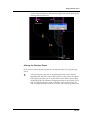
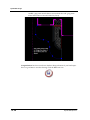
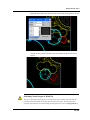
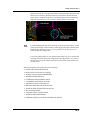
To end or exit the command, press [Esc] or [Enter]. The tool will no longer
be active but will still appear on top. This button will remain on top of the
nested group until the host toolbox is closed and reopened or until you
repeat the above procedure and change the top button on the group.
2.13