1
Using the Tables
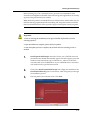
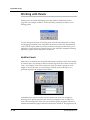
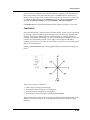
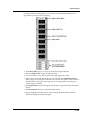
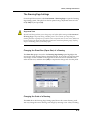
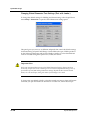
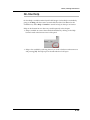
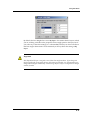
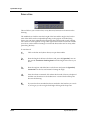
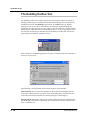
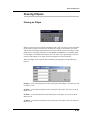
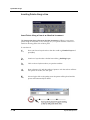
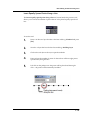
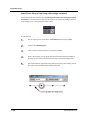
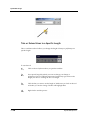
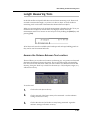
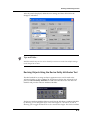
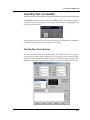
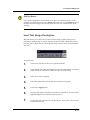
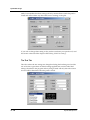
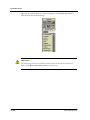
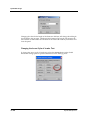
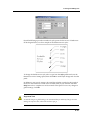
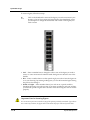
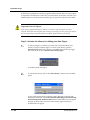
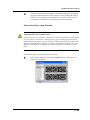
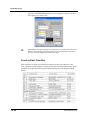
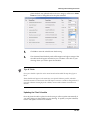
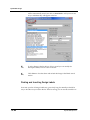
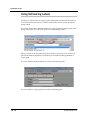
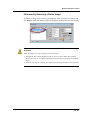
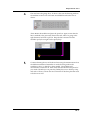
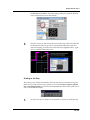
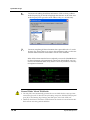
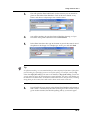
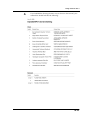
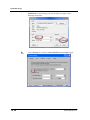
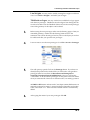
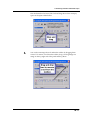
By default, the Line Weights list is set to By Layer—this means that the layer in which
you are working with take on the properties of line weight preset in the layers list. If
you select any of the other settings (i.e.: select 2:0 1/2”) all lines you draw will take on
that line weight characteristic. We recommend you always leave this setting on By
Layer.
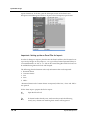
Important
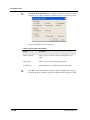
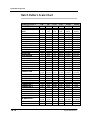
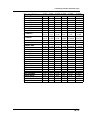
Each DynaSCAPE layer is assigned to one of these line weight numbers. If you change the
weight significantly it may effect the layer more than you intended. It is recommended not to
change the line weights dramatically. Instead assign objects or layers to a different line weight
number if needed.
5.9