1
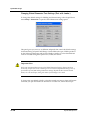
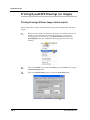
Printing and Saving as an Image File
4.
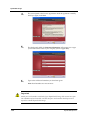
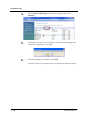
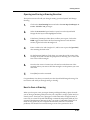
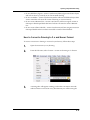
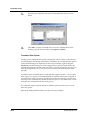
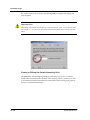
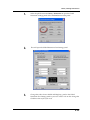
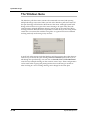
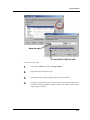
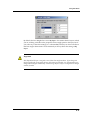
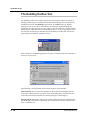
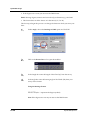
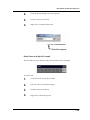
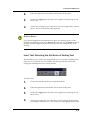
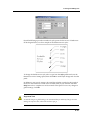
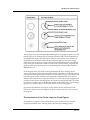
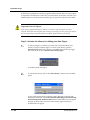
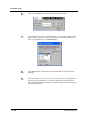
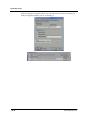
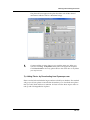
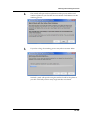
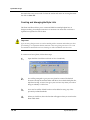
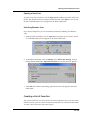
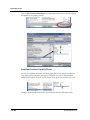
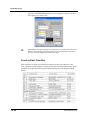
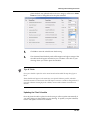
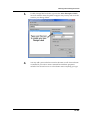
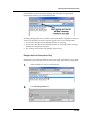
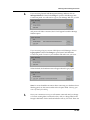
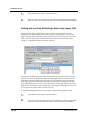
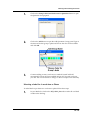
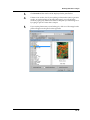
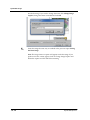
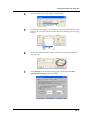
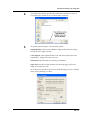
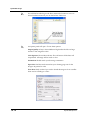
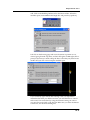
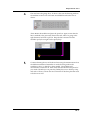
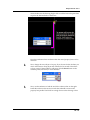
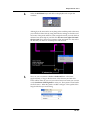
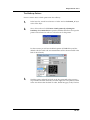
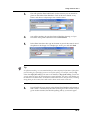
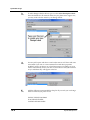
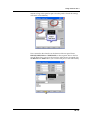
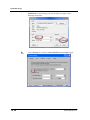
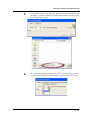
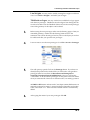
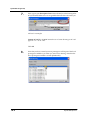
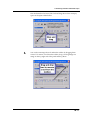
Select the printer you wish to print to from the list
5.
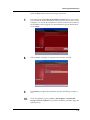
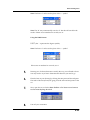
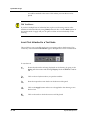
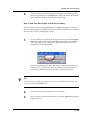
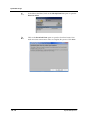
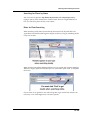
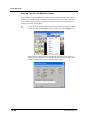
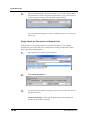
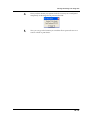
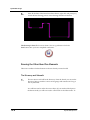
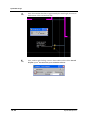
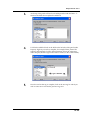
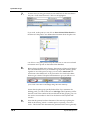
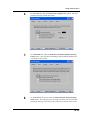
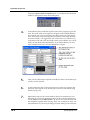
Choose the correct paper size. In order for your drawing be printed to the
proper scale, you must choose the same size as the drawing you are trying
to print.
6.
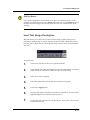
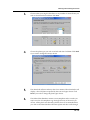
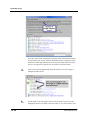
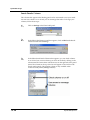
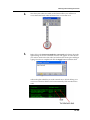
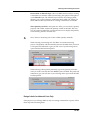
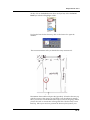
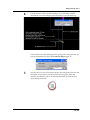
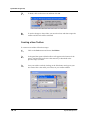
Choose the orientation of the paper to match your drawing’s orientation
and click OK.
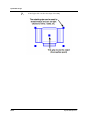
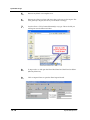
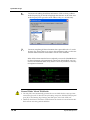
7.
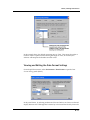
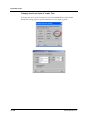
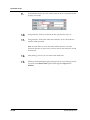
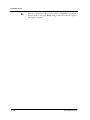
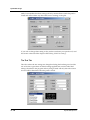
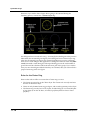
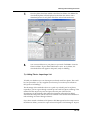
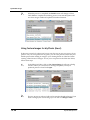
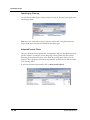
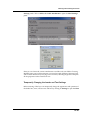
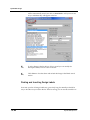
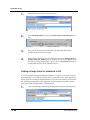
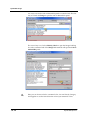
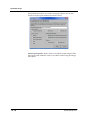
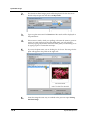
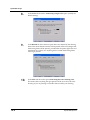
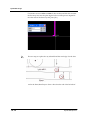
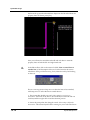
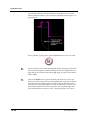
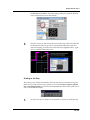
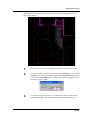
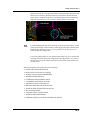
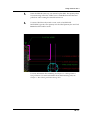
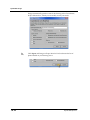
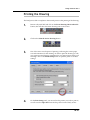
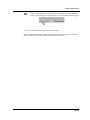
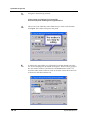
In the Settings tab of the Print Drawing panel, make sure the Center
printable area on paper option is selected.
14.3