1
Chapter 5: Forcefield commands
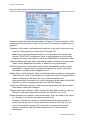
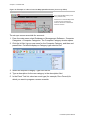
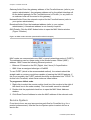
To import a bitmap file:
1. In the Id field select the device where Forcefield will search for .bmp files.
To create a storage location on the client computer, refer to the “Setting up an
export/import folder on a Windows computer” section in the Forcefield
External Interfaces Manual.
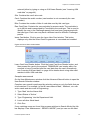
2. After selecting the device, click Run. Forcefield displays a File Selector
window.
3. On the File Selector, select the required .bmp file, and then click Import.
Forcefield displays the Map Database window.
4. Enter the required map number and ID. The .bmp file name will correspond to
the map number in the database, e.g. the background file ‘45.bmp’
corresponds to map 45. Forcefield stores the .bmp file and displays the File
Selector window to import additional .bmp files, if required.
5. When finished importing .bmp files, click Cancel on the File Selector window
to close the window.
Import LAP Icon
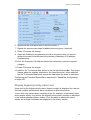
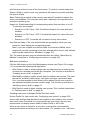
Use the Import LAP Icon option to import symbols for use on Forcefield maps.
Refer to “Edit Map” on page 99 for details about how to add a LAP icon to a map.
In order to be available for graphics display, imported LAP icons must be stored
in the default directory /usr/ares/graphics/symbols/.
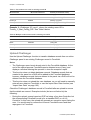
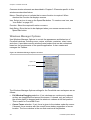
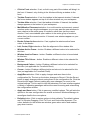
Common window elements are described in Section 3. Elements specific to this
window are described below.
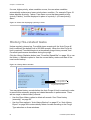
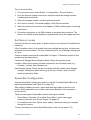
To import a LAP icon:
1. In the Id field select the device where Forcefield will search for .bmp files (52
x 52 pixels or smaller).
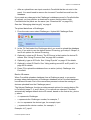
To create a storage location on the client computer, refer to the “Setting up an
export/import folder on a Windows computer” section in Forcefield External
Interfaces Manual.
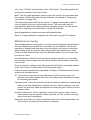
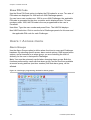
2. After selecting the device, click Run. Forcefield displays a File Selector
window.
3. On the File Selector, select the required .bmp file, and then click Import.
4. Forcefield stores the .bmp file and displays the File Selector window to import
additional .bmp files, if required.
5. When finished importing .bmp files, click Cancel on the File Selector window
to close the window.
102
Forcefield Operators Manual