1
Chapter 5: Forcefield commands
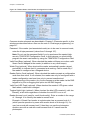
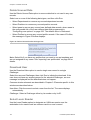
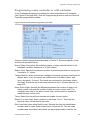
Delete History Archive
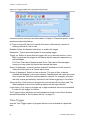
Use the Delete History Archive option to remove a history archive that has
previously been created when a history backup has been performed.
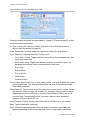
Common window elements are described in Chapter 3. Elements specific to this
window are described below.
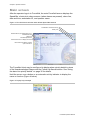
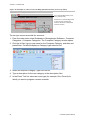
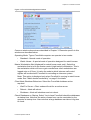
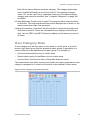
From. Select the device where the archive is stored. The archives contained on
the device will be listed along with the date the archive was made. Select the
one you wish to delete.
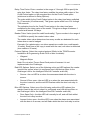
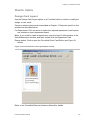
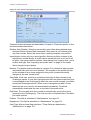
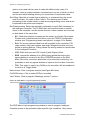
Export History
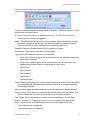
Use the Export History option to export history data from Forcefield in CSV
format.
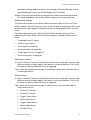
Common window elements are described in Chapter 3. Elements specific to this
window are described below.
Note: This command performs the same function as running a History report, but
provides no filtering: all records in the selected range will be exported.
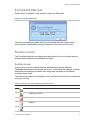
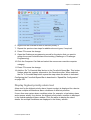
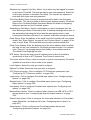
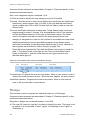
From. Specify the day, month, and year that defines the beginning of the interval
that you want to back up. The interval begins on the specified date at the time
00:00:00.
To. Specify the day, month, and year that defines the end of the interval that you
want to back up. The interval ends on the specified date at the time 23:59:59.
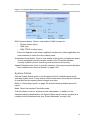
Export to. Select the required storage device onto which the history records will
be exported.
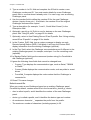
In Format. Select, as required:
•
CSV – Raw: All data in the specified records ‘as is’, with date and time
data not in human-readable format.
•
CSV – Formatted: A selection of data, with date and time data converted
to human-readable format.
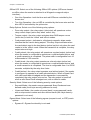
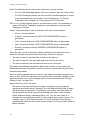
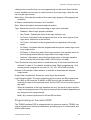
Export History Archive
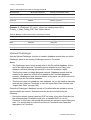
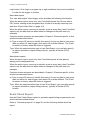
Use the Export History Archive option to create a CSV file from a history archive
that has previously been created when a history backup has been performed.
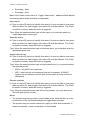
Common window elements are described in Chapter 3. Elements specific to this
window are described below.
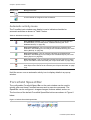
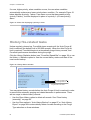
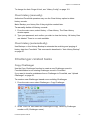
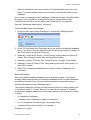
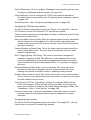
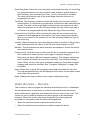
From. Select the device where the archive is stored. The archives contained on
the device will be listed. Forcefield will display the date the archive was made.
Select the one you wish to delete.
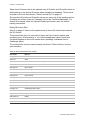
To. Select the required storage device onto which the history records will be
exported.
92
Forcefield Operators Manual