1
MetaFluor User’s Guide
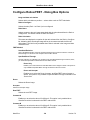
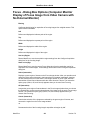
Configure Acquisition - Dialog Box Options (Video
Camera)
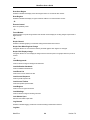
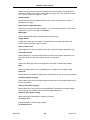
Wavelength to Configure
Specifies the wavelength image that you are configuring for acquisition. Each wavelength image can have
separate acquisition settings.
Wavelength Name
Enables you to assign a custom name to each wavelength that you will use.
Use Selected Wavelength as Name
Accepts the "Wavelength X" entry as the name to use for the wavelength image name. This name
will also be used by such commands as Configure Experiment and Image Display Controls.
Custom Defined
Specifies an alternate name for the corresponding wavelength image. This name will also be used
by such commands as Configure Experiment and Image Display Controls.
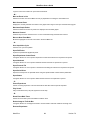
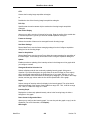
Illumination Device
Selects the Illumination Device to use for the specified wavelength image. The Illumination device is defined
in the Configure Illumination dialog box. Use the Configure Illumination dialog box to specify the
wavelength, intensity, and shutter settings for each wavelength.
Z Position (Set Z Position for this Wavelength to)
Specifies the Z position setting to be associated with the current wavelength. Use this setting if spectral
characteristics of the optics dictate the use of a different focal plane for the selected wavelength, and/or
when using automated filter cube changers when non-par-focal.
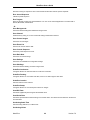
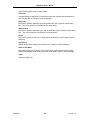
Camera Acquisition Region
Specifies the location and dimensions of the acquisition region.
Left
Specifies the leftmost point of the acquisition region.
Top
Specifies the topmost point of the acquisition region.
Width
Specifies the width of the acquisition region.
Height
Specifies the height of the acquisition region.
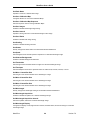
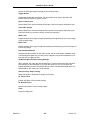
Select Region
Allows you to specify the region used for acquisition.
Use Entire Image
Defines the acquisition region as the entire image. Note: If you have already acquired reference
(background subtraction or shading correction) images and then change the size of the acquisition
region, MetaFluor will detect mismatches between the sizes of the reference and data images. Any
mismatched reference images will be discarded, and a message box will be displayed that informs
you of this.
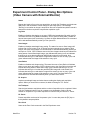
Frames to Average
Specifies the number of frames to be averaged for each image during acquisition.
MetaFluor
111
Version 7.0