1
MetaFluor User’s Guide
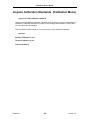
Open Sequence Status (Windows Menu)
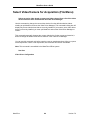
Opens the Sequence Status window.
Use this command to display the Sequence Status window. This window displays the current
experimental clock time, acquisition cycle number, and last journal run. This counter is
particularly useful for keeping track of journal sequencing.
Note: This command is unavailable in the MetaFluor Offline system.
See Also:
Close Sequence Status
Sequence Journals
Zero Clock
MetaFluor
448
Version 7.0