1
MetaFluor User’s Guide
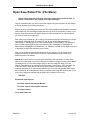
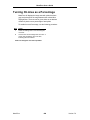
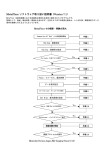
Turning On Area as a Percentage
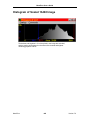
MetaFluor will display the image area with pixels that have
gray levels that fall in the range between the red and blue
Highlight Bars. The area can be given either as an absolute
number of pixels or as a percentage of total pixels.
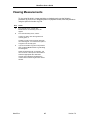
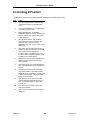
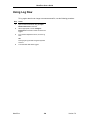
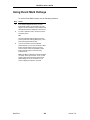
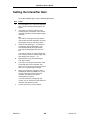
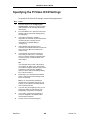
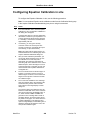
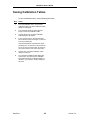
To enable Area as Percentage, use the following procedure:
Step
Action
1
Select the Settings menu from the Histogram
menu bar.
2
Choose Area as Percentage from the menu. A
check mark will appear next to the item,
indicating that it is enabled.
Return to Histogram Tool and Topic Menu
MetaFluor
628
Version 7.0