1
MetaFluor User’s Guide
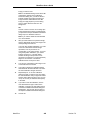
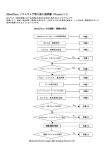
Deleting a Region
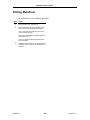
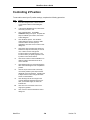
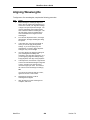
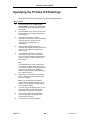
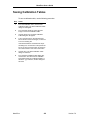
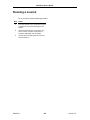
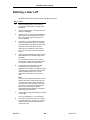
To delete a region, use the following procedure:
Step
Action
1
Place the pointer inside the desired region.
2
Press the right mouse button and choose
Delete Region from the pop-up context menu
that appears.
OR
Hold down the [SHIFT] key and press the right
mouse button.
3
The region will be deleted.
MetaFluor
544
Version 7.0