1
MetaFluor User’s Guide
Convert PI MultiViewer Images (Utilities Menu)
Converts "split-screen" images from a single-wavelength experiment, such as
those acquired with a Princeton Instruments MultiViewer, into separate singleframe images that can be stored as a dual-wavelength experiment.
Drop-in: PIMVIEW
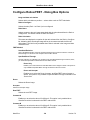
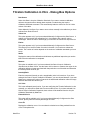
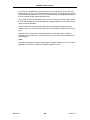
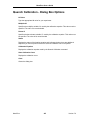
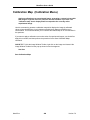
Use this command to create single-frame images from paired "split-screen" images, such as
those captured with the PI MultiViewer. Convert PI MultiViewer Images functions as a
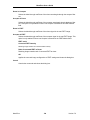
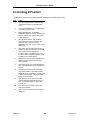
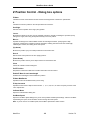
"wizard," presenting a series of four dialog boxes that walk you through the processes of
selecting source images, defining the location of the split between the paired half-frame
images, aligning the two images with each other, and executing the conversion. An
experiment information (*.inf) file will be created automatically, using the name that you
specify. The converted images can then be "played back" and analyzed as with any dualwavelength experiment whose images were acquired with a conventional camera.
The Convert PI MultiViewer Images drop-in command is available only when there is no
experiment currently open. If you are currently running an experiment or playing one back, you
will need to close the experiment first before using this command.
See Also:
Installing Drop-ins Using the Meta Imaging Series Administrator
MetaFluor
331
Version 7.0